Quick & easy video trimmer
With quso.ai's clip maker, turn long videos into short ones using simple cut and trim actions, even if you've never edited before.
Trim Your VideoTrusted by 4M+ users

Why use quso.ai’s video trimmer?

Clip videos fast
Cut, edit and share in a few clicks.

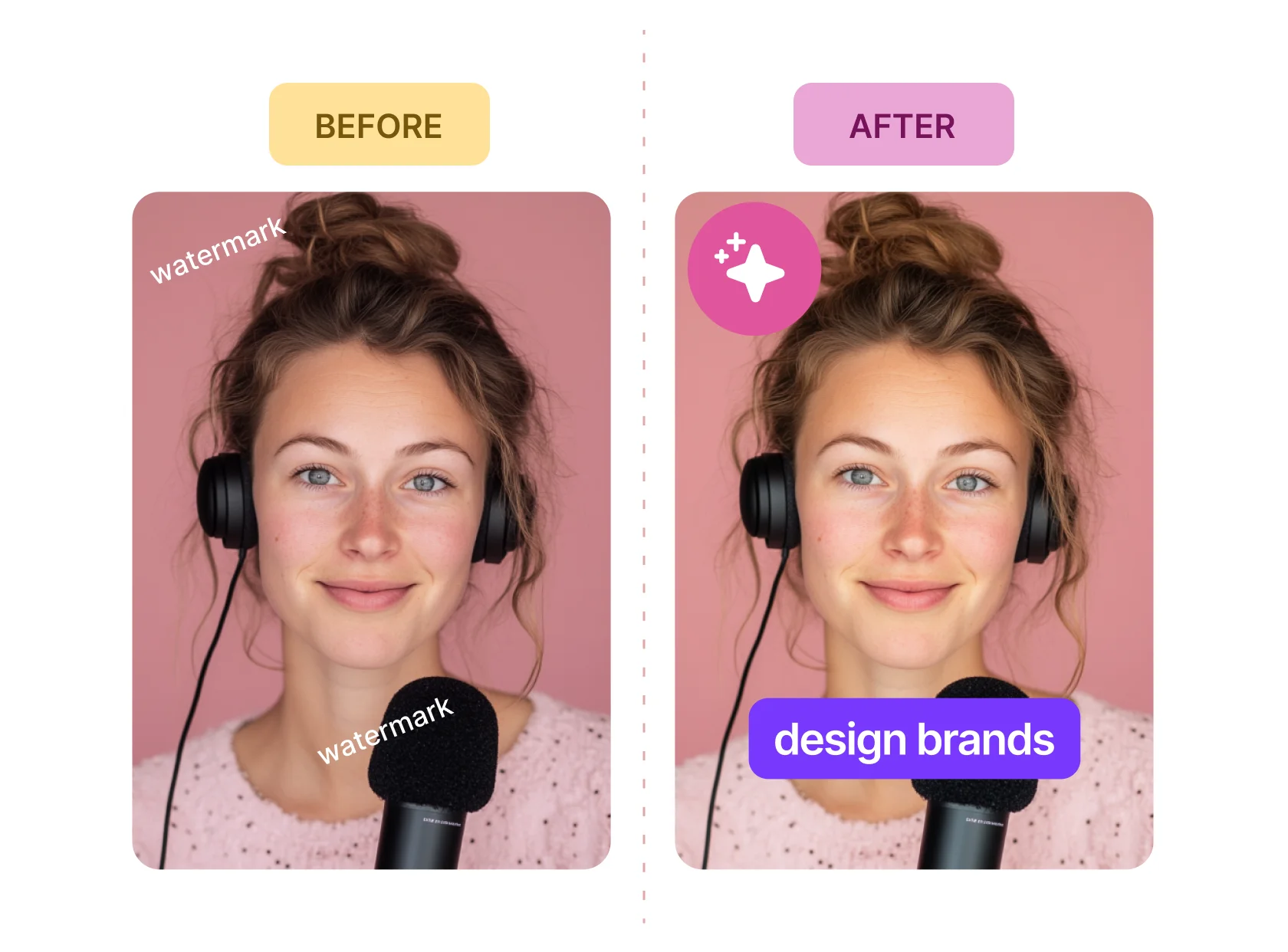
No watermark
Download without a watermark, in full video resolution with premium plans.

Easy to import
Upload from device, URL Drive, Dropbox and Box.
Save time with CutMagic
AI effortlessly identifies transitions between different scenes, streamlining the editing process and significantly reducing the effort required to sift through hours of footage.
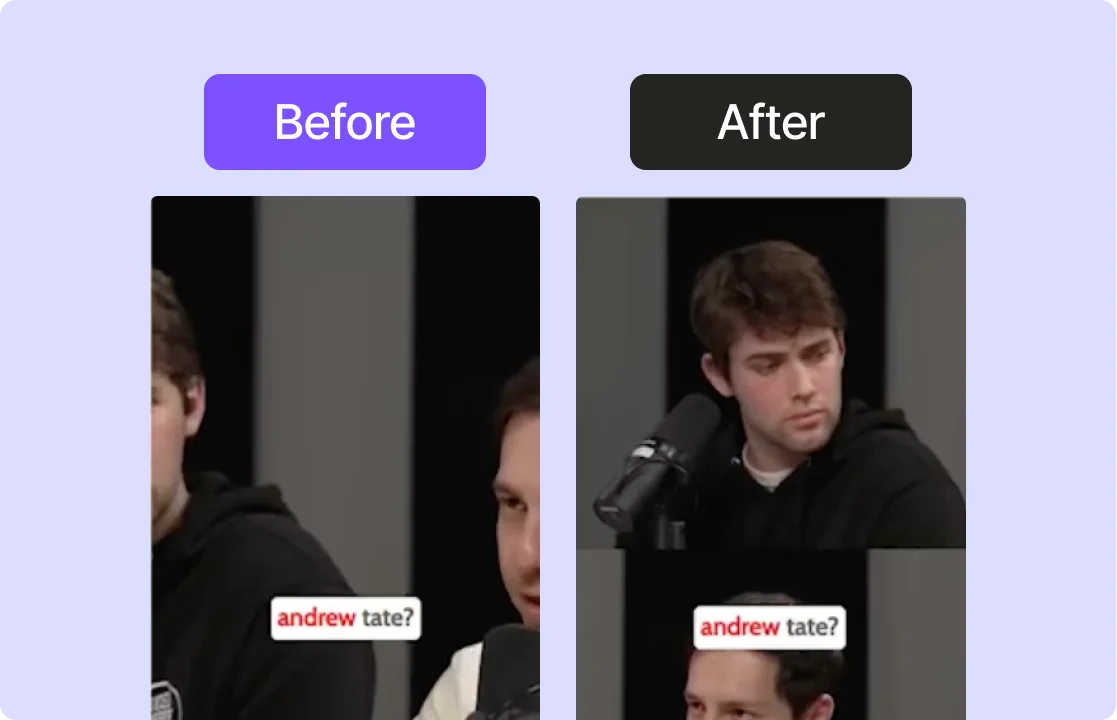
Viral video templates
Make videos with free templates from our extensive library or customize the designs as per your branding and use case.

Go multi-platform
Tailor your videos to fit various platforms and screen sizes. Whether it's for Tiktok, Facebook, Instagram, LinkedIn, Twitter or Youtube Shorts, achieve the ideal dimensions.

How To Trim Your Video Using AI Video Editor
- Upload Your Video
Drag & drop your MP4, MOV, or MKV file into the tool to begin trimming your video.
- Select the Trim Points
Use the timeline to mark the start and end points of the section you want to trim. Simply drag the handles to select the portion of the video to keep or remove.
- Preview Your Trimmed Video
Preview the trimmed section to make sure it’s exactly how you want it. Adjust the trim points if necessary for precision.
- Export the Trimmed Video
Download the final version as an MP4, or share it directly to your preferred social media or video platform.
Frequently Asked Questions
How to trim video online?+
What type of video files can I upload to quso.ai?+
Can I undo a trim if I have made an error?+
Do I need technical skills to use quso.ai's web editor?+
Which is the best video trimmer tool?+
Quick & easy video trimmer
Trim Your Video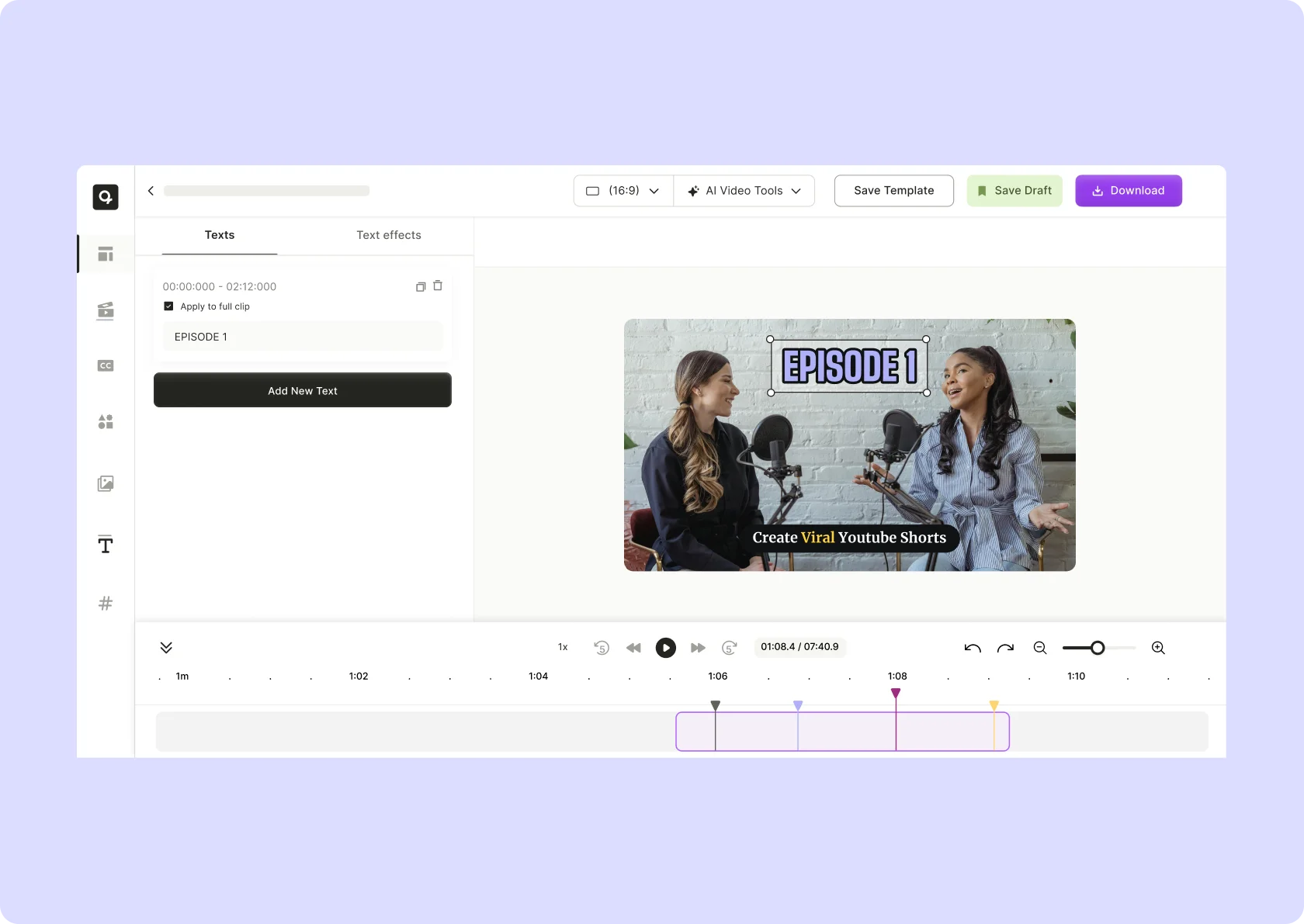




quso.ai Research
The Short Form Video Performance Report
We measured 508,000 posts from 1,900 creators across 80 countries to separate what actually changes reach from what only sounds like it does.