Custom Clip - Tailormade Video Content
Instantly create custom clips from timestamps or transcripts—no editing experience needed. Generate clips that hit exactly how you want, when you want, on every single platform.
Create custom clip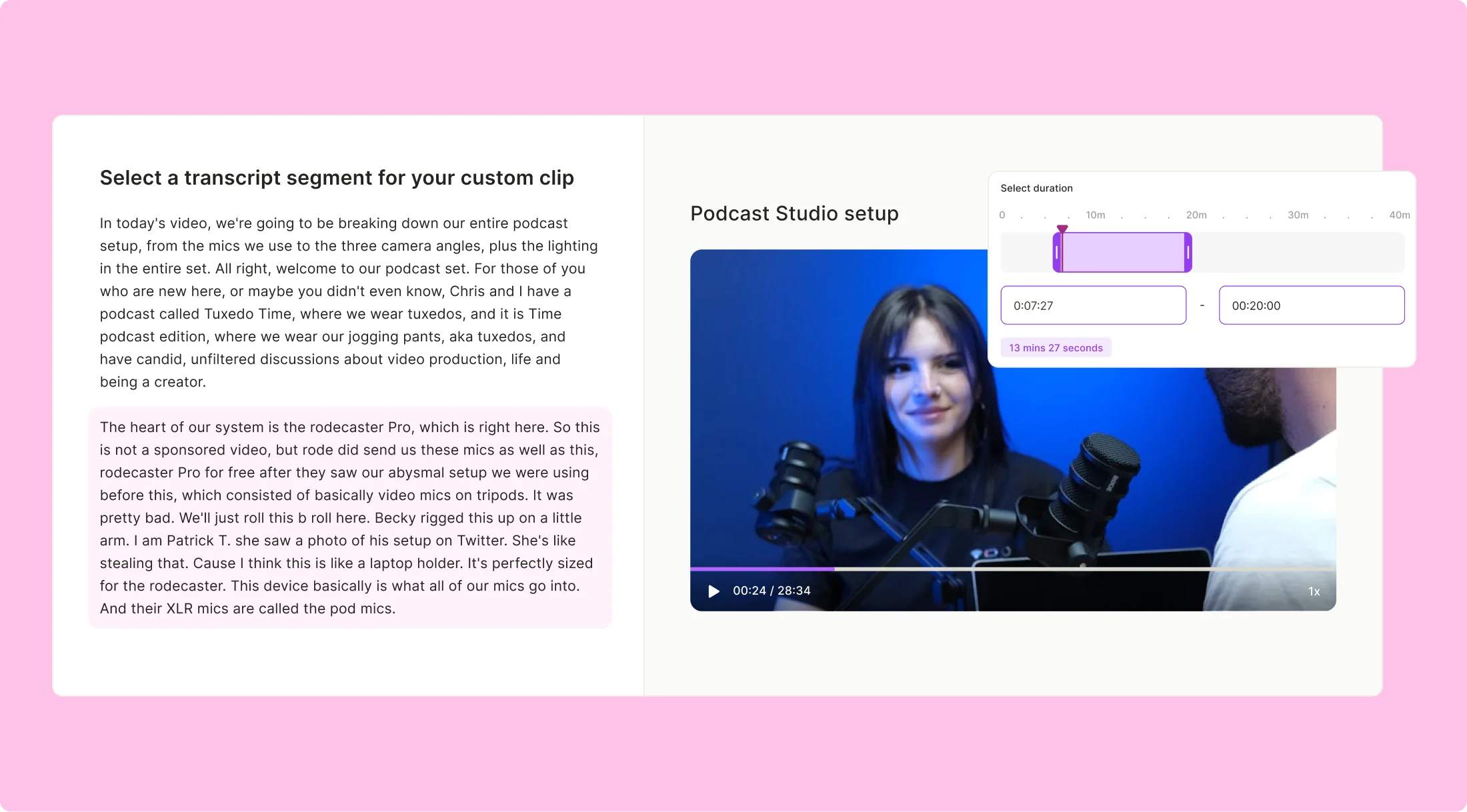
Take full creative control with custom clips by quso.ai

Know What Your Viewers Want
Add subtitles in English, Spanish, French, or German with a single click. Boost engagement and save time while making your videos scroll-stopping and accessible. Want to tweak fonts, colors, or even throw in emojis? Go for it—quso.ai’s got your branding covered

Auto-captioned clips
With quso.ai, you can automatically add subtitles in English, Spanish, French or German to your videos with a single click, saving time and boosting viewer engagement on social media. You can edit subtitles in real-time in a couple clicks, adjusting fonts, colors, and even auto adding emojis to clearly convey emotions and maintain brand identity.

Flexibility to experiment
Test, tweak, and try again. Create custom video lengths—15-second bites or 2-minute gems—and see what hooks your audience best. A/B testing is a breeze, helping you find the perfect version for max views, likes, and shares.
Create custom clips that resonates with your audience using quso.ai
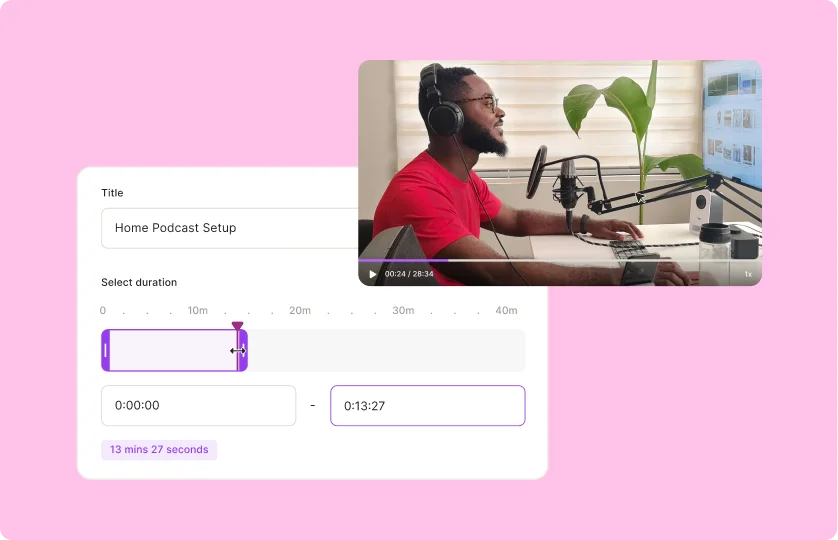
Create from timestamp
To cut based on start and end time from the source video and avoid having to do the math, specify the start and end time as the input option. Preview the clip to ensure it has been cut to the desired length. This approach simplifies the process of creating precise video clips.
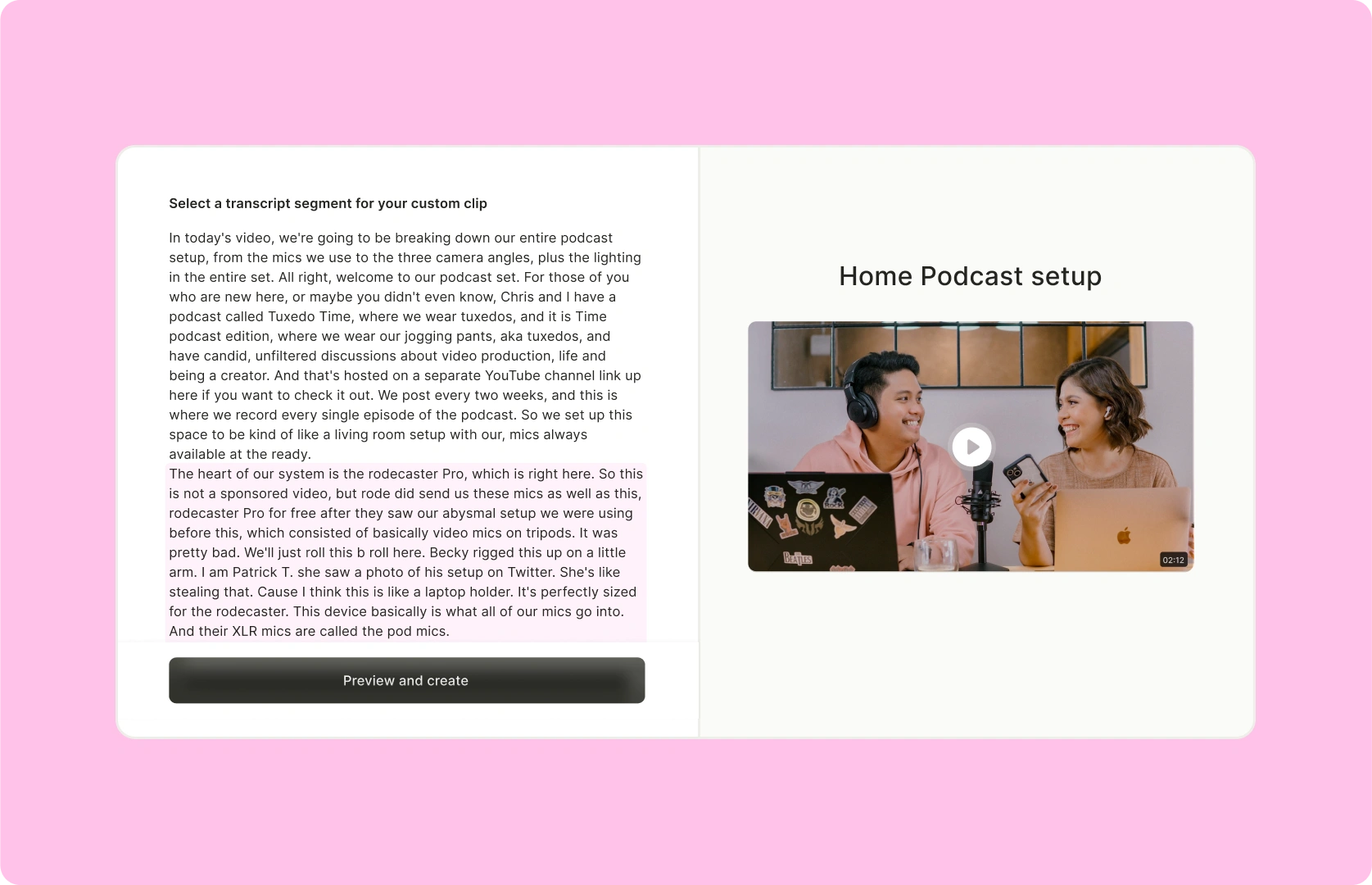
Create from transcript
If you're looking to create a custom clip at a specific timestamp, quso.ai makes it incredibly easy. Simply drag from the first word to the last word of where you want your clip to end. You'll immediately see how the clip is generated on the right-hand side. This seamless process ensures you can create personalized clips instantly.
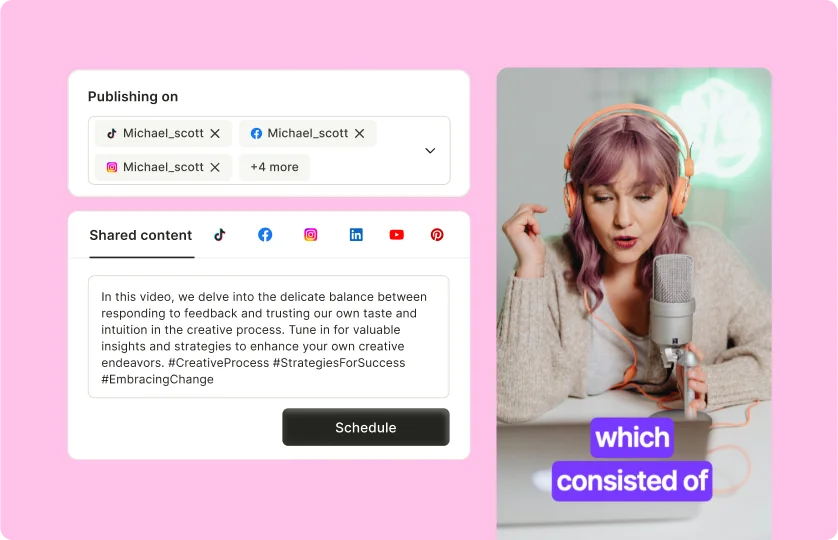
Multi-platform support
Your custom clip will be social-ready for any aspect ratio you want instantly, including landscape (16:9) for Youtube and Spotify, portrait (9:16) for Shorts, Reels and TikTok, portrait split (9:16) for when two speakers are in the frame, or square (1:1) for LinkedIn, X and Instagram.
Frequently Asked Questions
How do I get a clip from a video?+
What is clipping a video?+
How to get short custom video clips?+
Can I preview my custom clips before finalizing them?+
Is it possible to edit the start and end times of a clip after it's created?+
Custom Clip - Tailormade Video Content
Create custom clipquso.ai Research
The Short Form Video Performance Report
We measured 508,000 posts from 1,900 creators across 80 countries to separate what actually changes reach from what only sounds like it does.