Schedule Instagram Posts and Reels in Minutes
<p id="">Save time and streamline your social media strategy by planning and automating your Instagram content in just a few clicks. Organize posts and reels in advance, align them with optimal posting times, and maintain a consistent presence—all without the daily hassle.</p>
Get Started For Free
Instant Content Ideas

Easy Post Scheduling

Predict Engagement

Performance Tracking
How To Schedule Instagram Posts With quso.ai
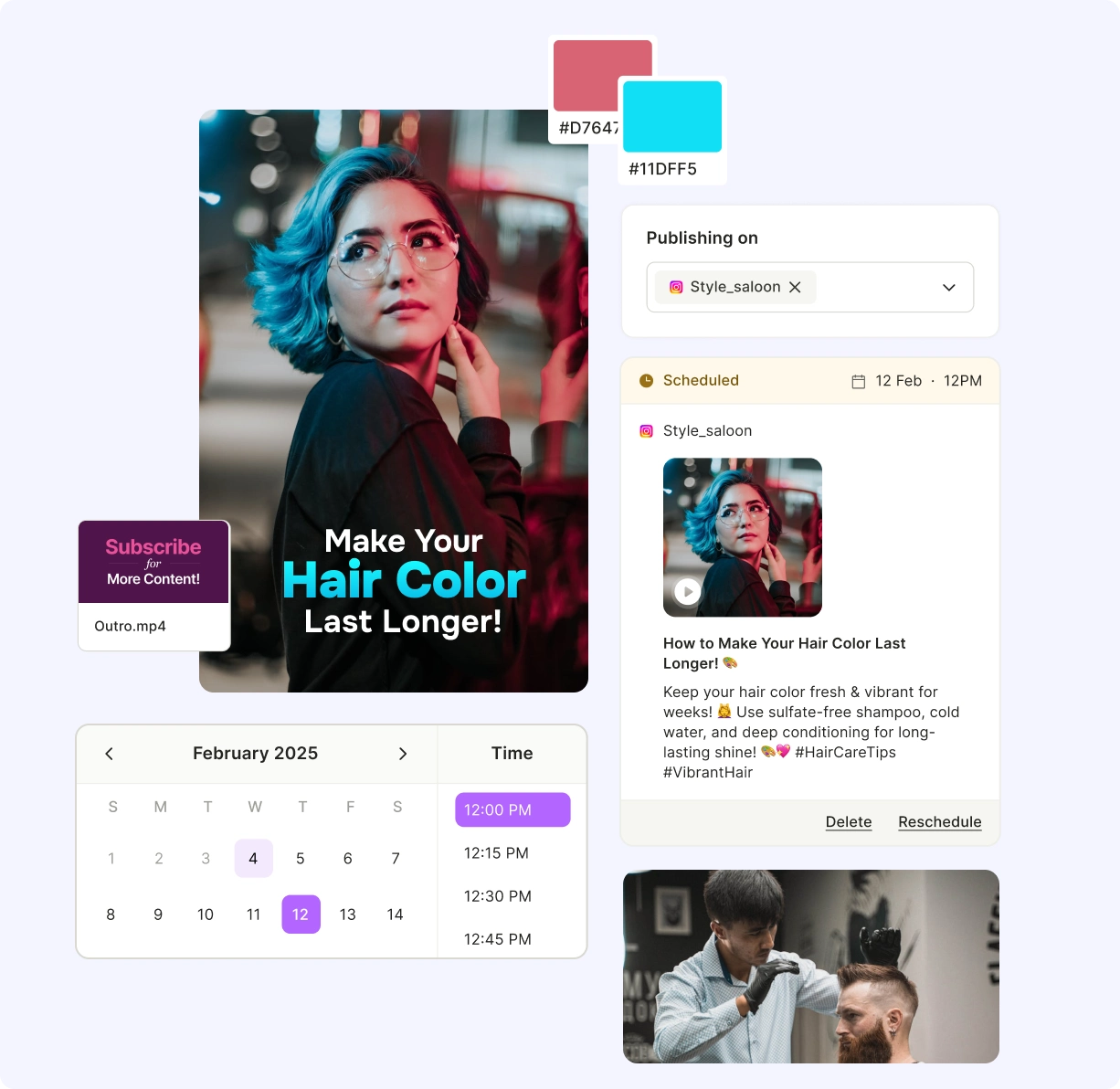
- Click on Social Media Manager Section
Once you log in to the platform, spot “Social Media” on the left side of the panel.
- Choose Your Publishing Time
Now click anywhere on the date you wish to schedule the post on and choose the time.
- Customize The Instagram Post
Edit the AI generated Instagram Caption, Hashtags and sprinkle some emojis to make your post more descriptive.
- Schedule The Instagram Post
Click on Post so that you can see your content is scheduled, and you can locate these posts on the left side under "Posts" and also track analytics.
Instagram guides & resources
Tips, tutorials, and growth playbooks from the quso.ai blog.