Remove Watermark from Video
Remove distracting watermarks, logos, and text from your videos for free. Use the watermark eraser to reuse your best clips instantly—no re-editing, no sign-up required.
Start Removing Watermarks NowTrusted by 4M+ users
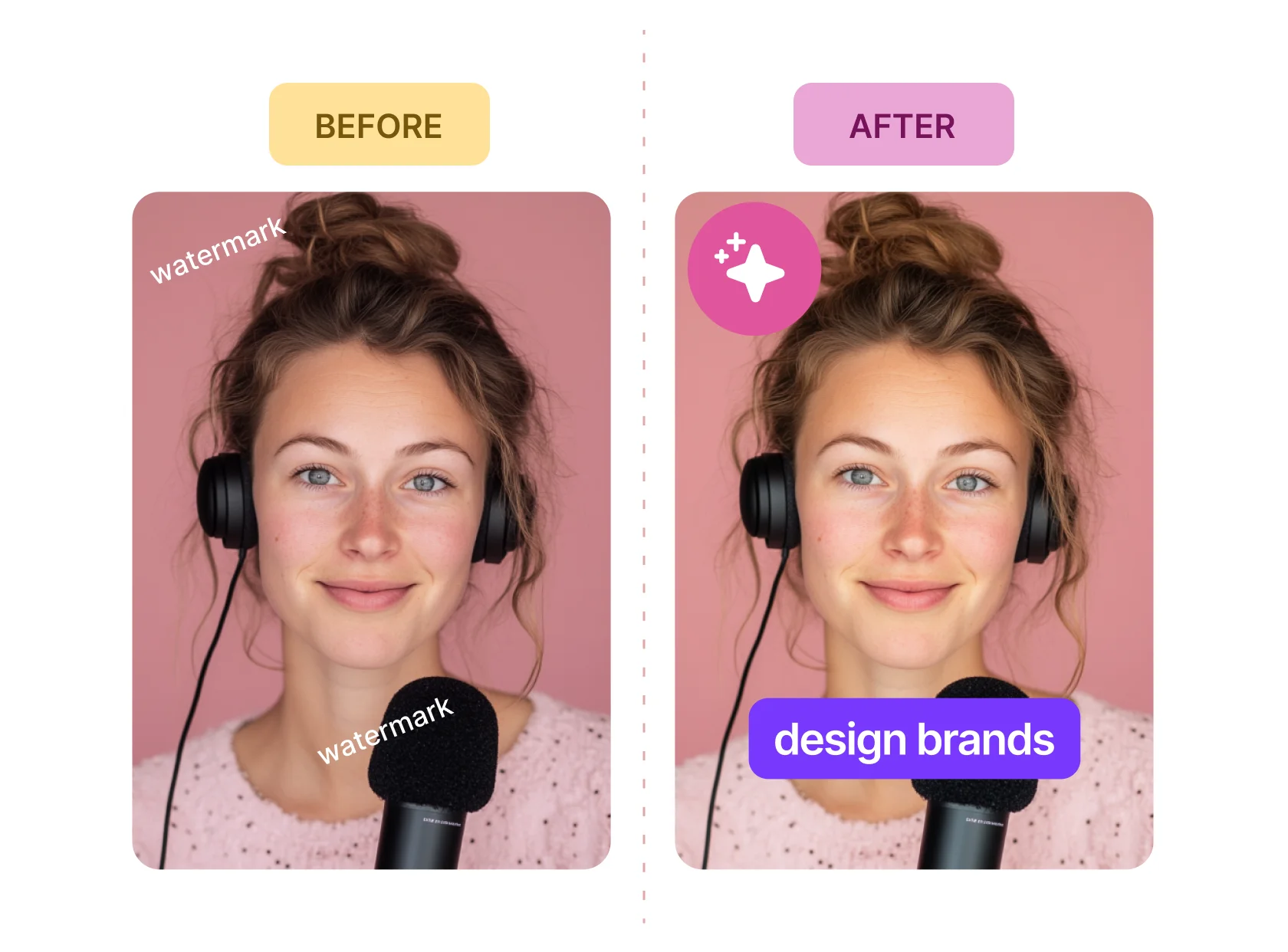
Remove Watermarks and Reuse Your Videos Easily

Great Content Deserves a Second Life
That logo in the corner or client watermark shouldn't stop you from repurposing your footage. With our free video watermark remover, you can easily delete watermark from video without hassle. Simply cover it up with a smart overlay and keep going—no need to re-edit or waste time on lengthy processes.

You Don’t Need to Blur—Just Cover
Blurring ruins quality, and cropping kills context. Instead, use the online watermark remover video tool to erase video watermark cleanly. You can place new text, logos, or stickers over the watermark, keeping the footage sharp and brand-ready, perfect for any platform or project.

Create More Without Starting Over
You have content sitting in folders, just waiting for the right moment. With one quick overlay using the tool, you can erase the watermark video and transform that footage into your next campaign, reel, or social post—no downloads required.
Stop Ditching Good Content Over One Watermark
You spent hours creating your content—recording, editing, uploading—and now there’s an outdated watermark spoiling your hard work. Don’t let it go to waste! With the video watermark remover, simply cover it up with a custom overlay and give your content a second life. No need to delete watermark from video manually; just cover it effortlessly.
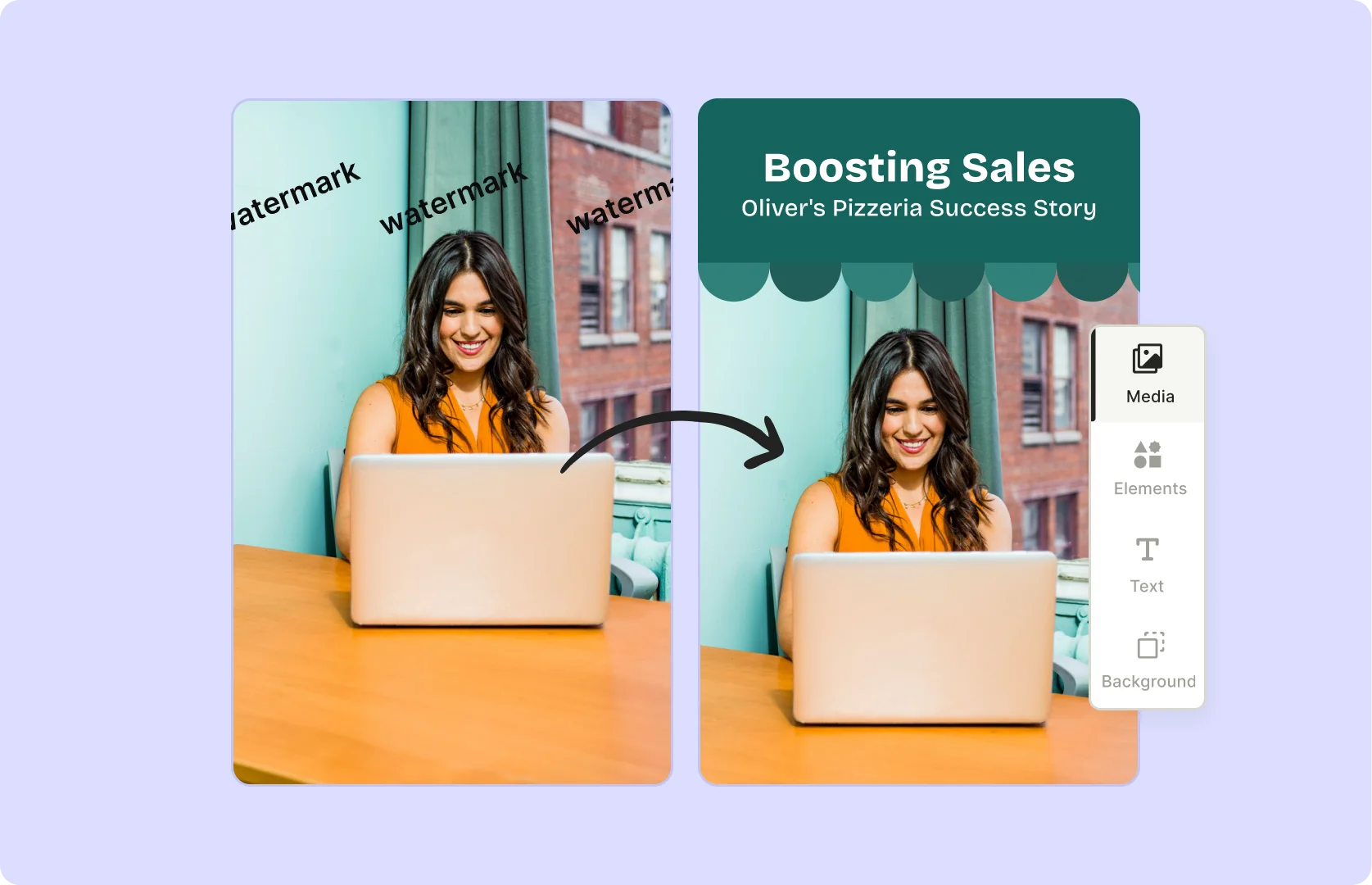
Work With the Algorithm, Not Against It
Social media platforms reward content that looks fresh, original, and professional. Why waste time re-editing your videos from scratch when you can use overlays to instantly give them a facelift? Use the erase watermark tool for TikTok watermark removal and quickly optimize your videos for Instagram, YouTube Shorts, LinkedIn, and Facebook without starting over.

Fix Footage Without Ruining It
Editing out a watermark can often leave your videos looking disjointed with blurs or crops. Instead of struggling with these methods, use overlays to erase watermark video naturally. You can also easily remove text from video and add your logos, stickers, or new text in a way that feels seamless—clean, sleek, and polished. It’s an effortless fix that keeps your content looking professional without anyone realizing there was ever a watermark in the first place.
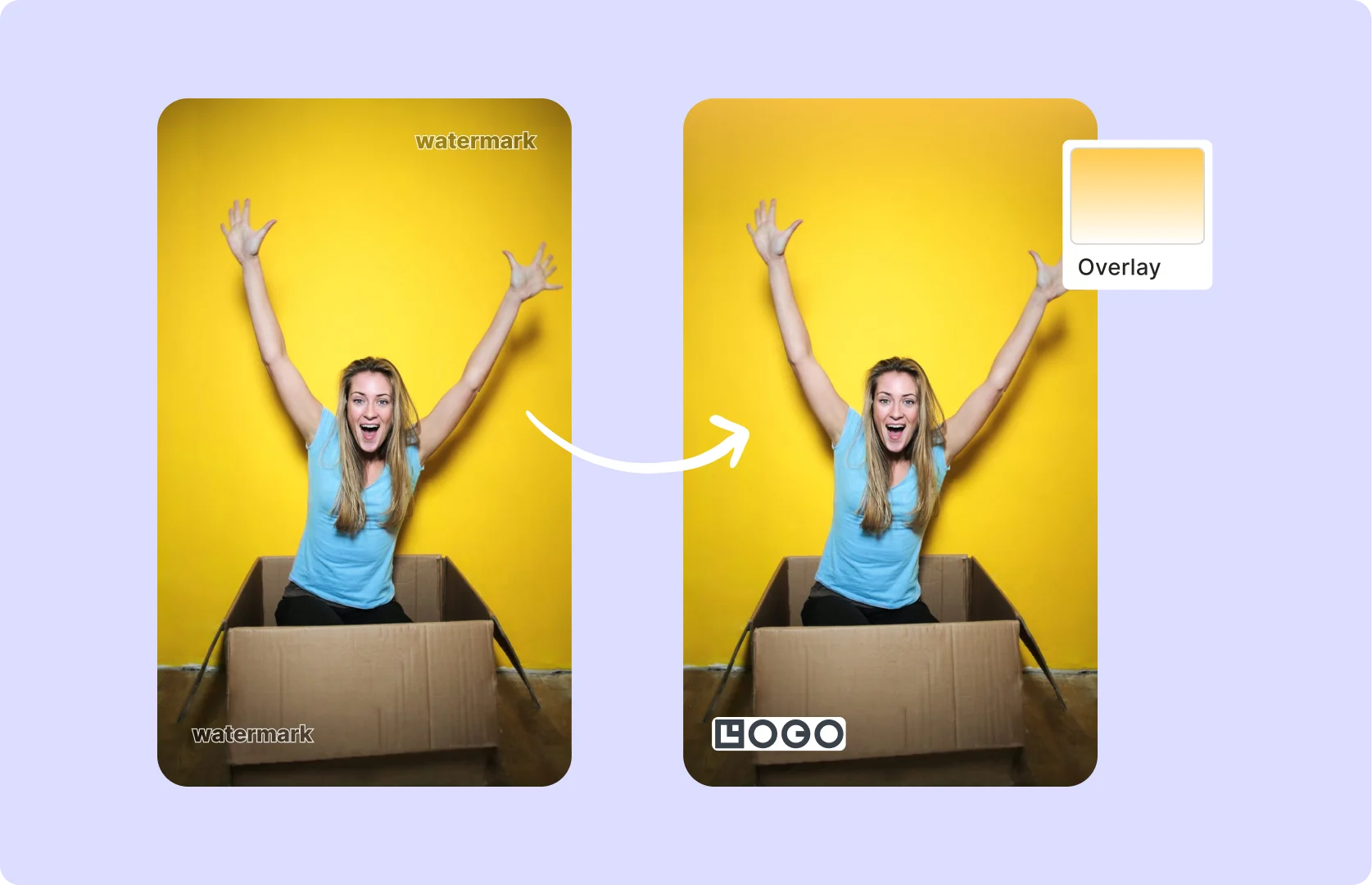
How To Remove Watermark From Your Video
- Upload Your Video
Drag & drop any MP4, MOV, or MKV file or paste a YouTube link into quso.ai to start the watermark removal process.
- Select Removal Method
Choose from crop or overlay elements on the watermark area to remove it seamlessly.
- Preview & Adjust
Check the preview to ensure the watermark is fully removed. Fine-tune the area if needed by adjusting crop or overlay settings.
- Export or Share
Download your watermark-free video as an MP4 or publish directly to your preferred social platforms without any visible marks.
Frequently Asked Questions
How do I remove a watermark from a video?+
How to remove watermark from a video for free?+
Can you remove watermarks for free?+
Can AI remove watermark from video?+
Can we remove a moving watermark from a video?+
Can you remove writing from a video?+
Remove Watermark from Video
Start Removing Watermarks NowWant the full workflow? This free tool is part of quso.ai's AI Video Editor — clip, edit, caption, and schedule in one place.
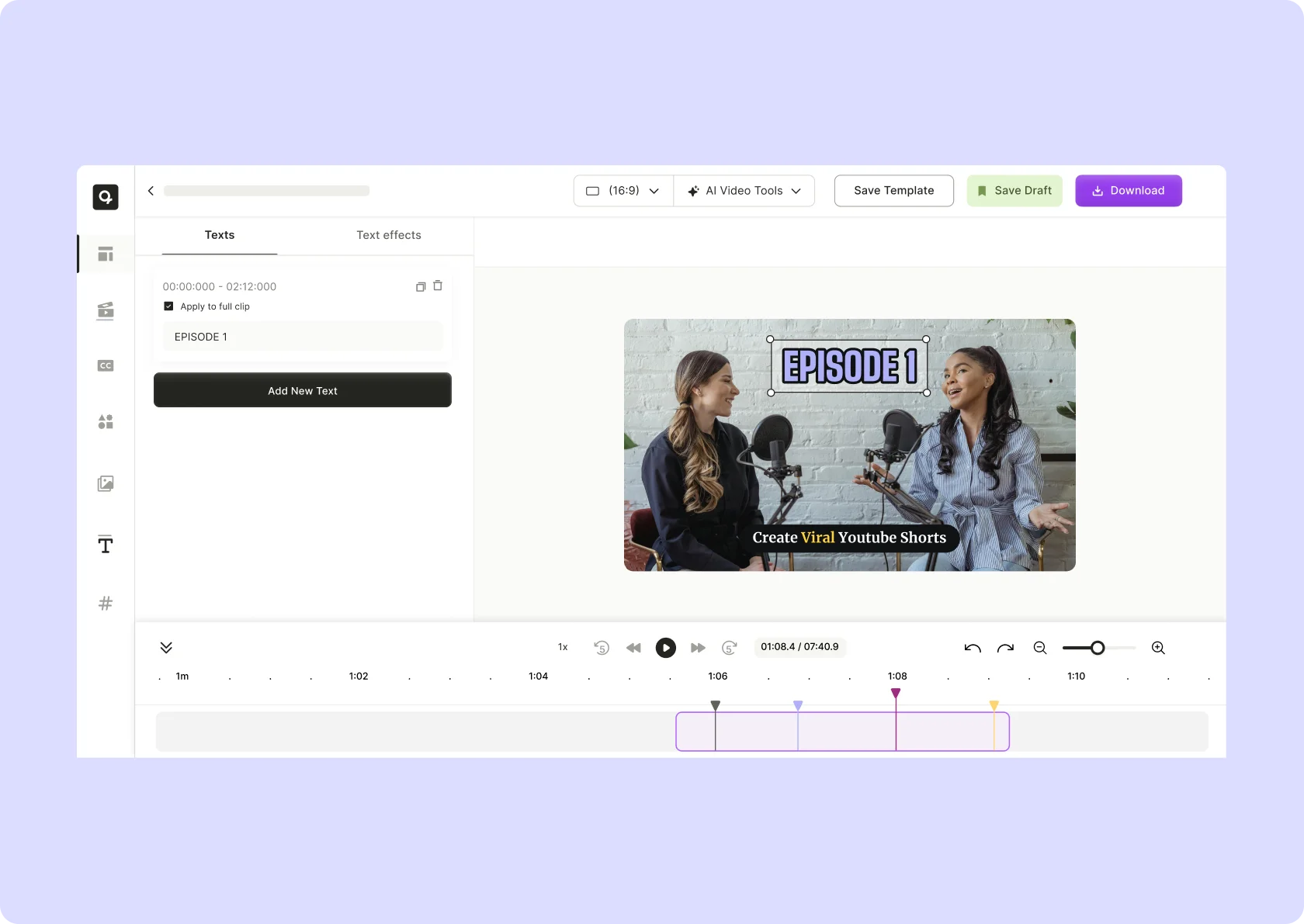




quso.ai Research
The Short Form Video Performance Report
We measured 508,000 posts from 1,900 creators across 80 countries to separate what actually changes reach from what only sounds like it does.