Add Text to Videos Easily
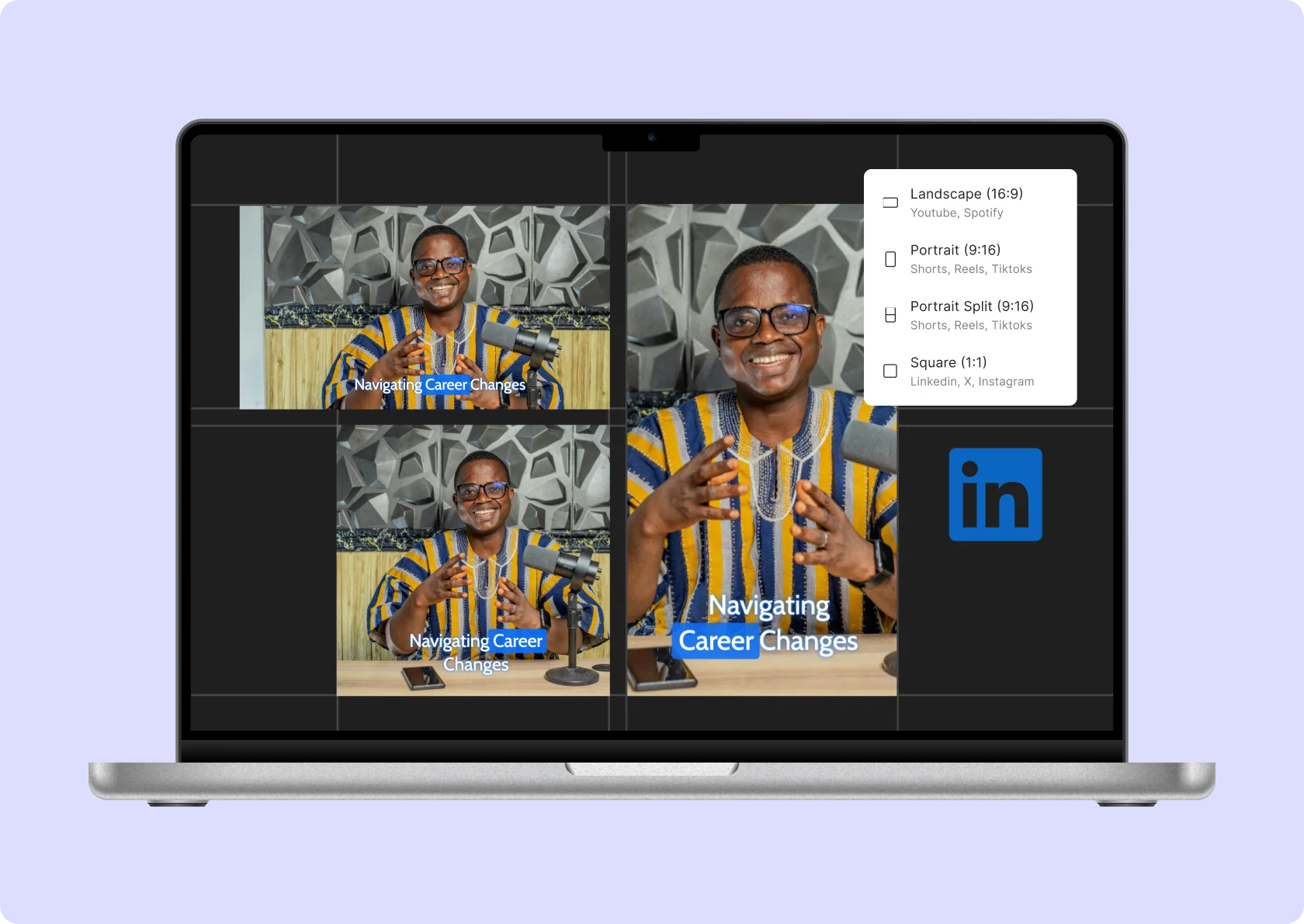
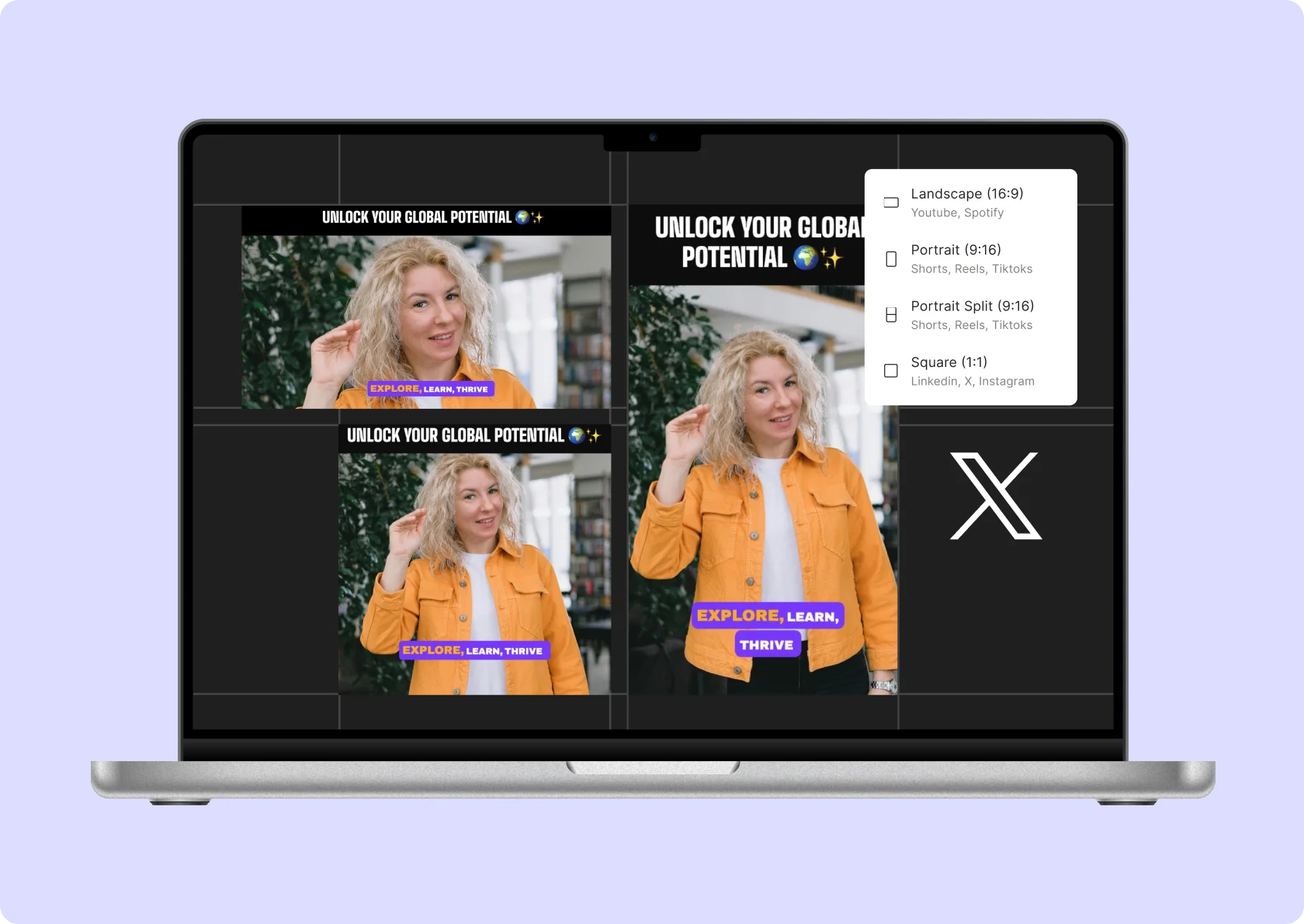
Enhance your videos by effortlessly adding text overlays to videos with quso.ai. Whether you’re creating content for YouTube, TikTok, Instagram, or any other platform, our AI-powered video text editor makes it simple. Customize fonts, colors, and positions to create engaging and professional videos.
Add Text to Videos For FREETrusted by 4M+ content creators
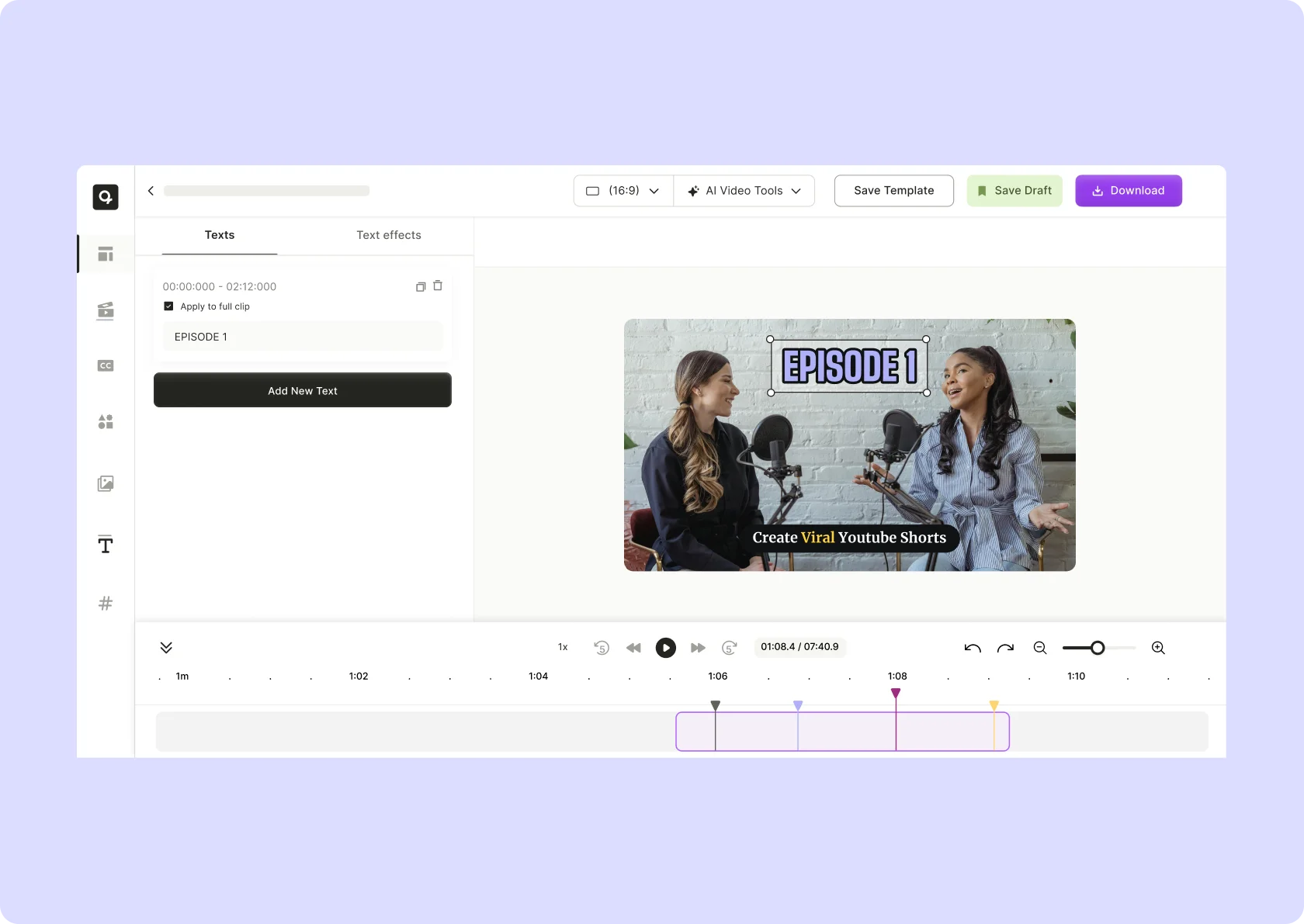
Why use quso.ai for adding text to videos?

Add Text to Video
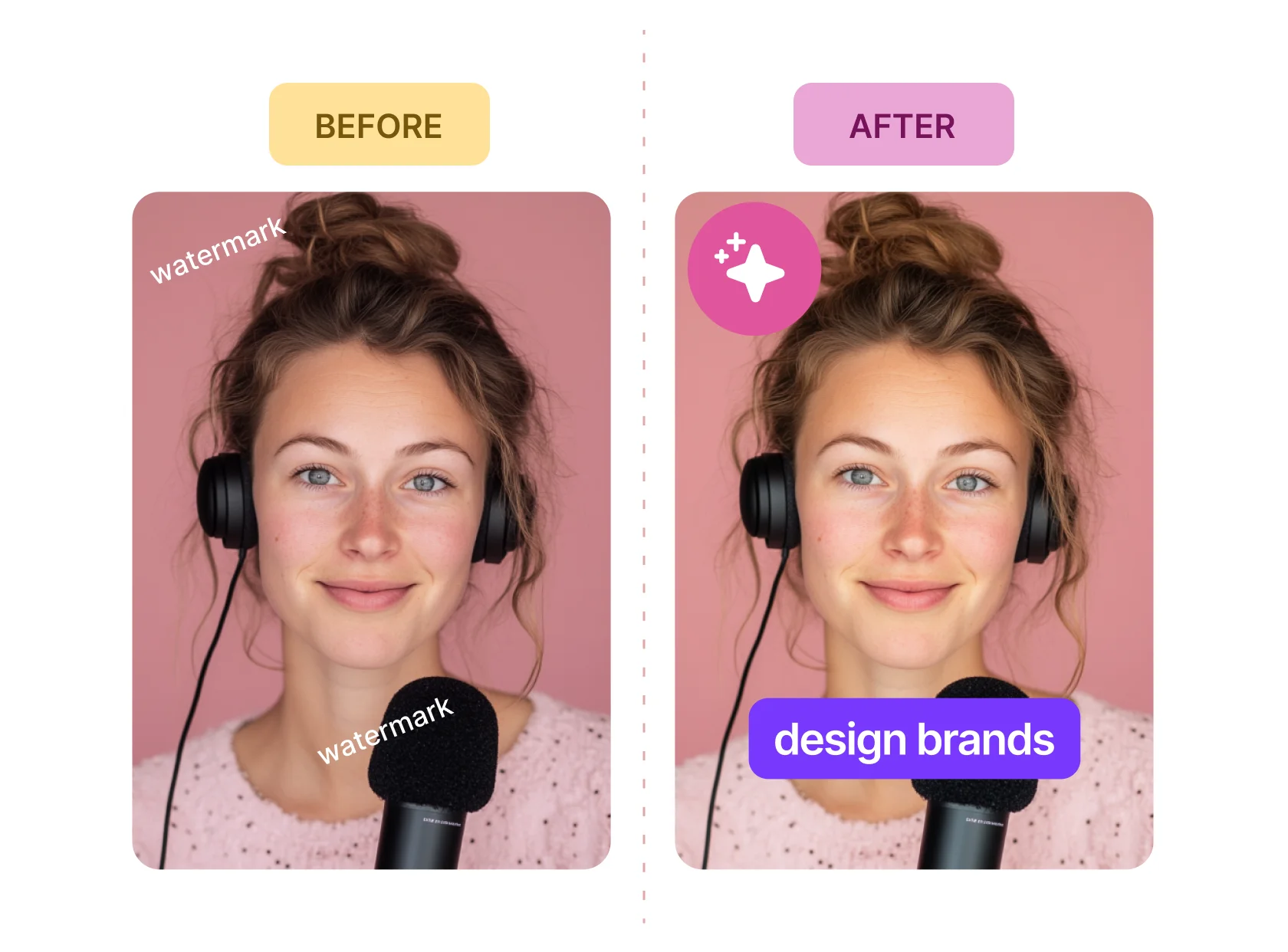
quso.ai's premium plans allows you to add text to videos without any watermarks, ensuring your content looks professional and clean. This is essential for maintaining a polished appearance and brand consistency across all your video content.

Extensive Customization Options
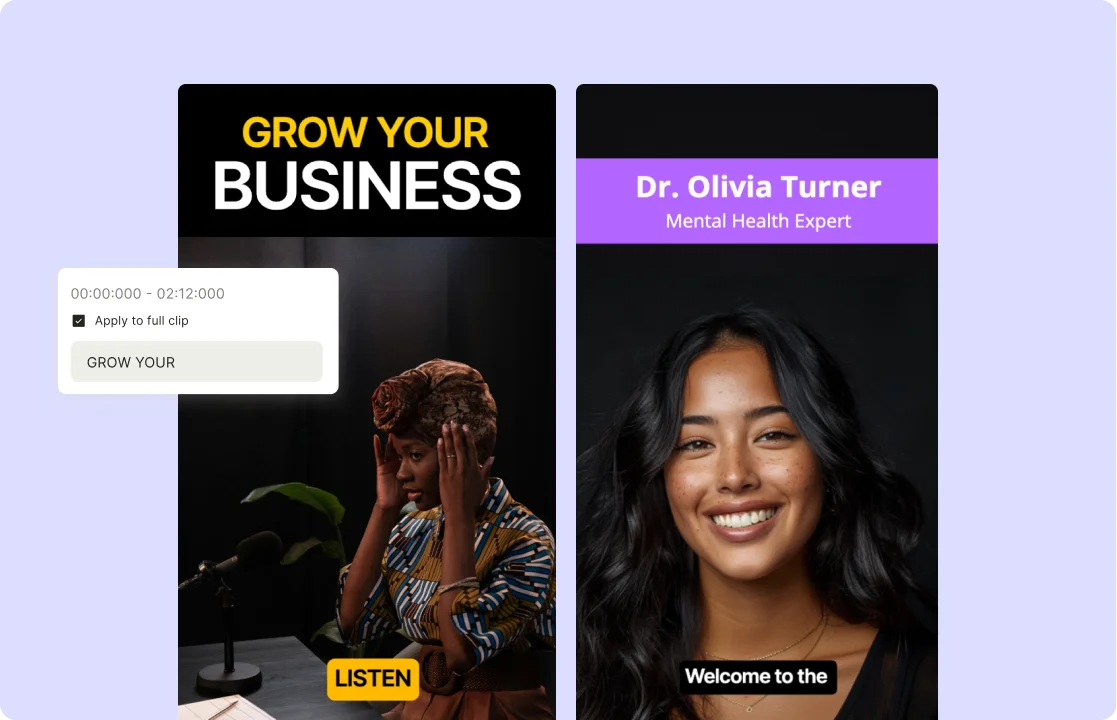
quso.ai offers a wide range of text customization options. Tailor the font, size, color, and style to perfectly match your video's aesthetic. With a diverse selection of fonts and colors, you can create visually appealing text that complements your video's theme and enhances the overall viewing experience.

Brand Consistency
Maintain brand consistency by using quso.ai to add text that aligns with your brand’s style. Experiment with different text styles to find the perfect fit, ensuring that your text not only conveys the intended message but also enhances the viewer's experience.
Highlight the Text
Enhance readability and emphasis by adding backgrounds to your text. Choose from solid colors, gradients, or semi-transparent options to make your text stand out. Use block effects for bold, attention-grabbing titles and important information. Improve visibility against busy backgrounds with customizable text outlines, including adjustable thickness, color, and style. Add depth and dimension with shadow effects, featuring customizable color, blur radius, offset, and opacity.
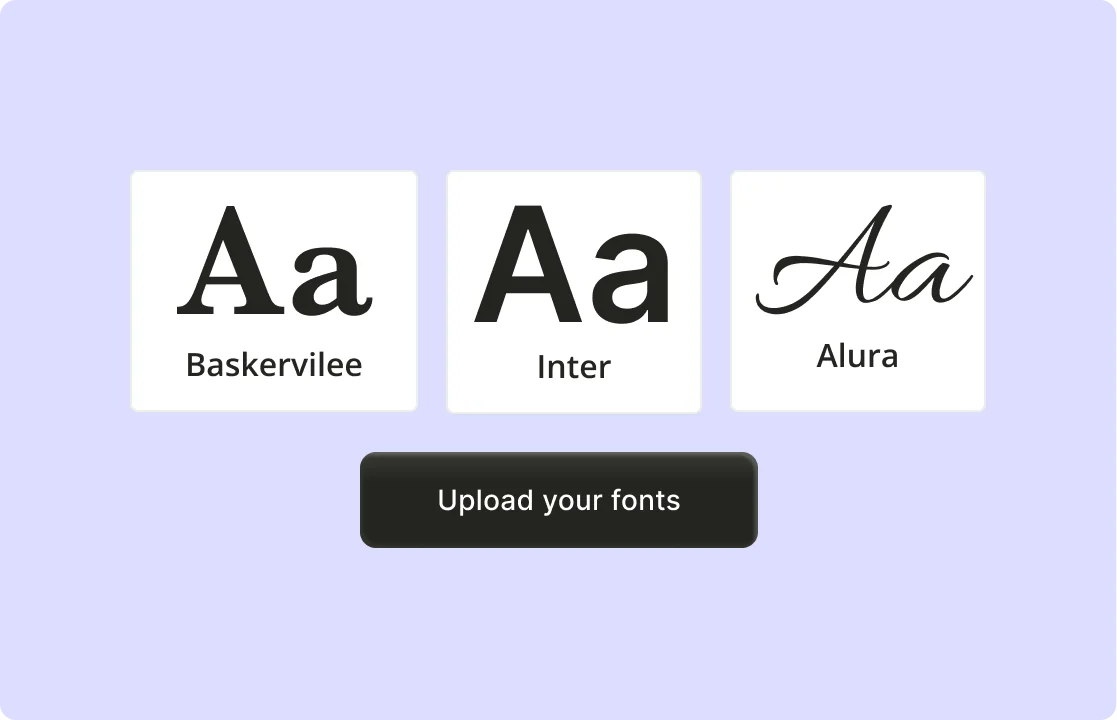
Upload Your Own Fonts
Personalize your content like never before by uploading your own fonts. Whether it's for videos, social media graphics, or marketing materials, using custom fonts helps maintain brand consistency and style. Upload and integrate your preferred fonts seamlessly to create unique, polished designs that align perfectly with your brand identity.
Add a Wide Range of Elements
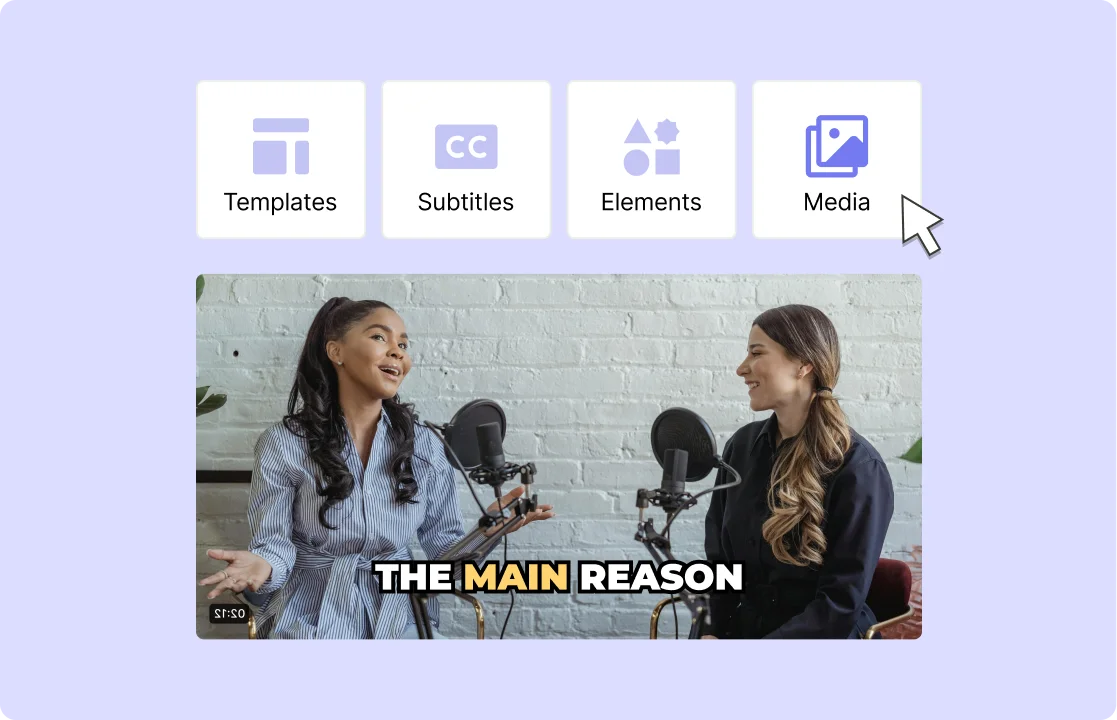
Enhance your videos with a variety of elements, including photos, audio, and video clips. Incorporate animated captions to make your content more engaging and informative. This versatility allows you to create dynamic and interactive videos that capture and retain viewers' attention. By integrating these elements, you can produce high-quality, professional videos tailored to your specific needs and audience.
How to Add Text to Your Videos using AI
- Import Your Video
Drag & drop any MP4, MOV, MKV file—or paste a YouTube link to quso.ai and load it into the editor in seconds.
- Insert Your Text
Click “Add Text,” type or paste your copy, and position it anywhere on the frame; you can set exact in/out times for each text layer.
- Style & Animate
Choose from a library of fonts, colors, and backgrounds; adjust size and drop shadows to match your brand.
- Export or Share
Render your video with burned‑in text; publish directly to social platforms or save for later.
Frequently Asked Questions
How do you put words on a video?+
Can I add text to videos for free?+
Is it possible to add text to MP4 videos?+
How do I add text to a video without a watermark?+
Can I edit video text online?+
Add Text to Videos Easily
Add Text to Videos For FREE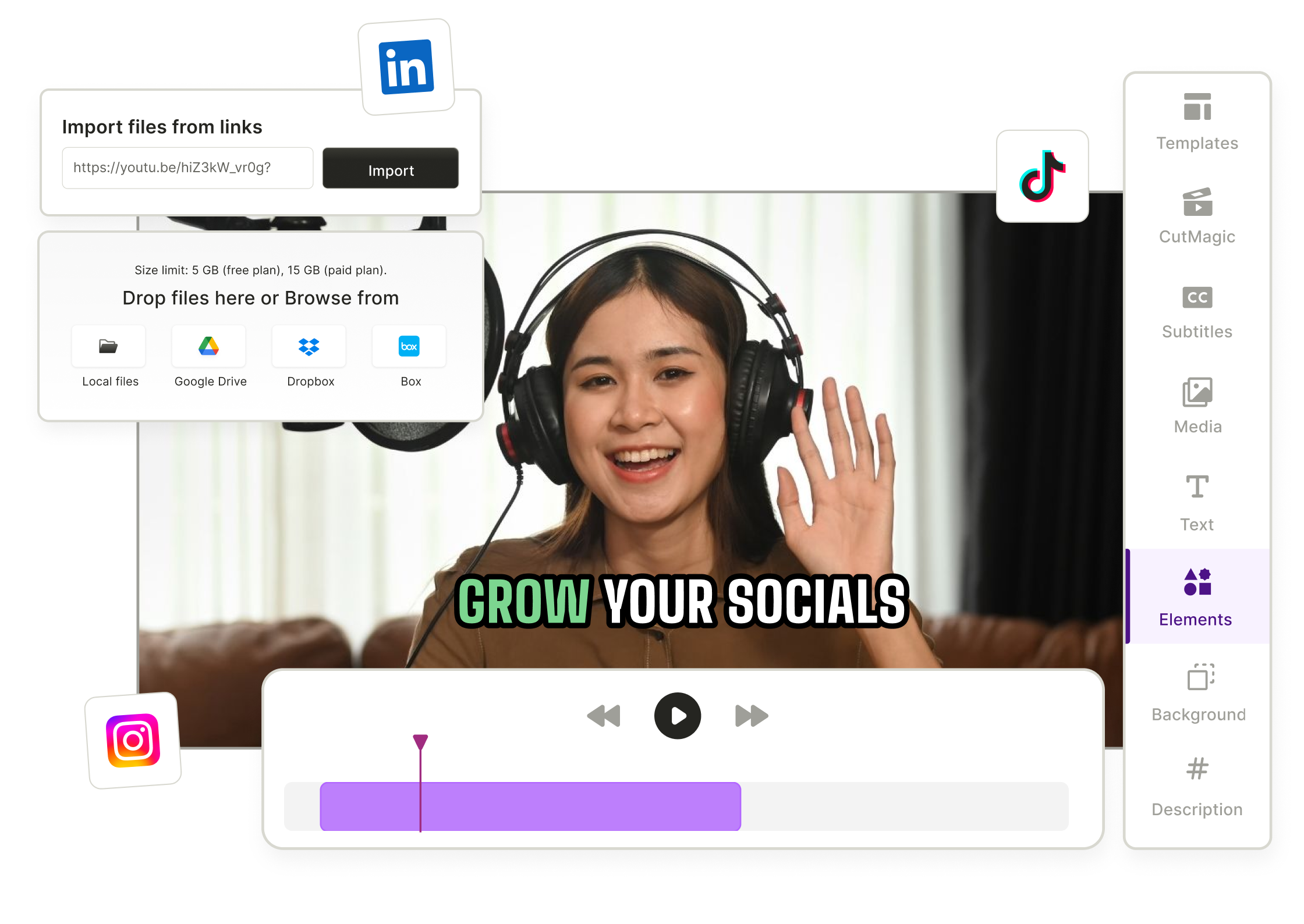
quso.ai Research
The Short Form Video Performance Report
We measured 508,000 posts from 1,900 creators across 80 countries to separate what actually changes reach from what only sounds like it does.