Free Online Video Resizer
Resize your videos like a pro—quso.ai’s online video resizing tool makes it easy to resize videos quickly and easily. No software installation required – just upload your video, adjust the dimensions, and resize video for Instagram, YouTube, Facebook, Twitter and other social media.
Upload fileTrusted by 4M+ Creators
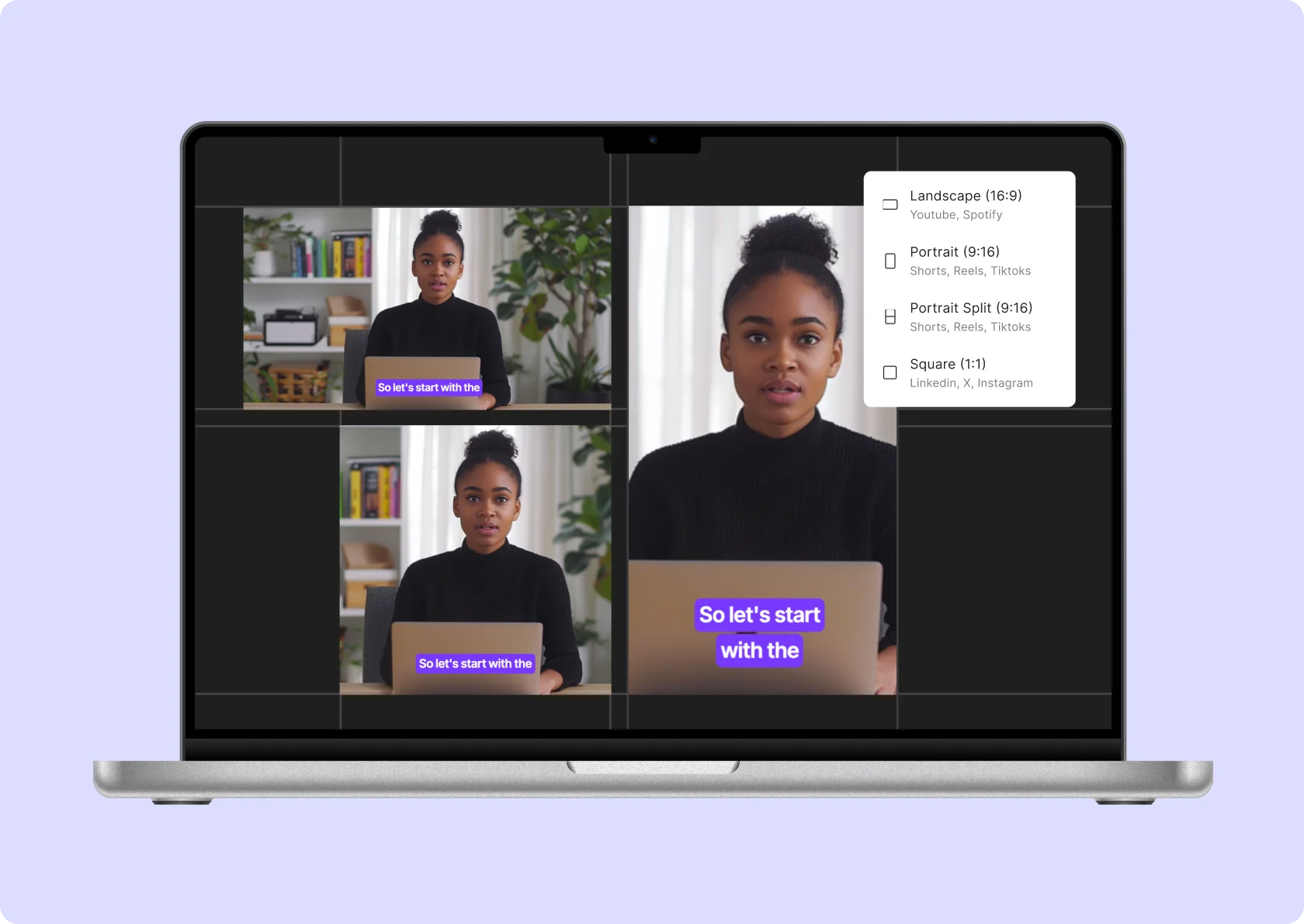
Resizing your video is now a click away with quso.ai online video resizer

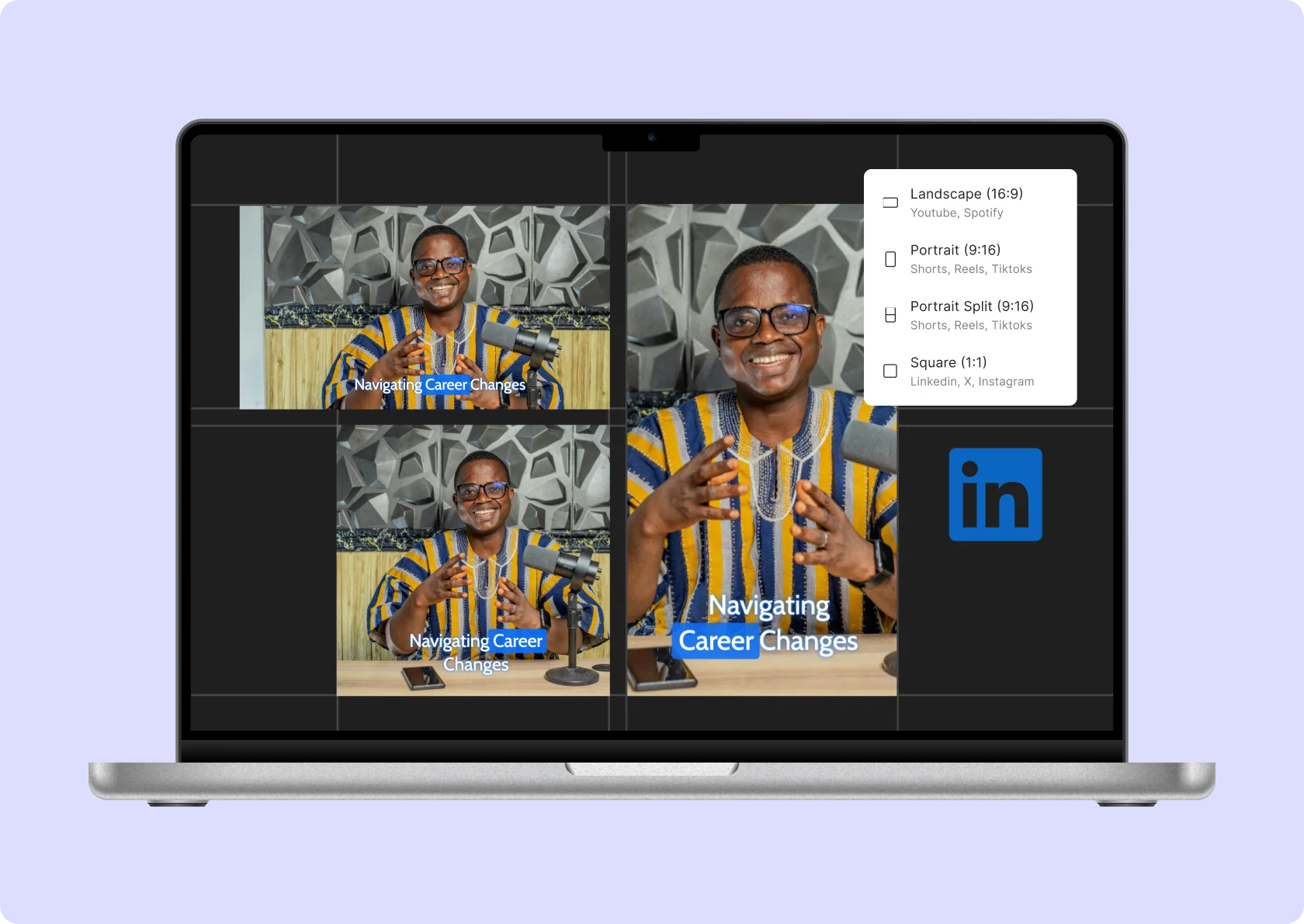
Social Media Presets
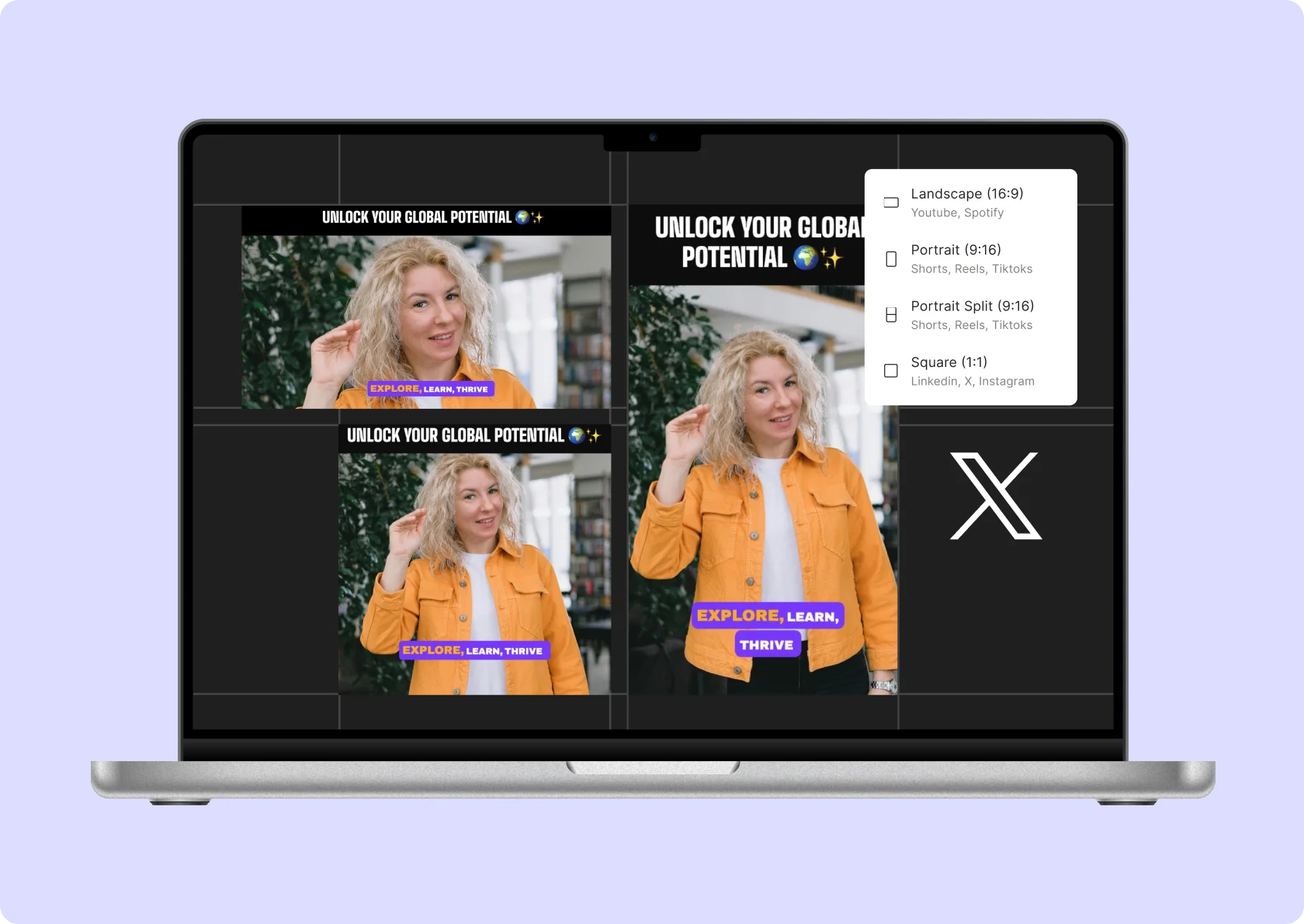
Stop guessing platform dimensions—quso.ai’s video resize presets make resizing effortless. From YouTube’s 16:9 to TikTok’s 9:16, adjust aspect ratios like a pro, saving time and making your videos platform-perfect.

Scale your video clip
Zoom in, zoom out, or frame it just right—quso.ai lets you tweak your video’s focus with precision. Drag, scale, and center your video clip so your subjects stay in the spotlight.

Trim video to the preferred length
Cut the fluff and keep the gold. Use quso.ai’s timeline tool to trim your video to the perfect length. Whether you’re highlighting key moments or creating a short reel, precision is just a click away.
Auto-resize videos
Keep your speakers in the spotlight, no matter where they move. With AI speaker detection, quso.ai tracks and frames the action so the focus stays exactly where it should. Perfect for interviews, presentations, and content that demands seamless viewing.
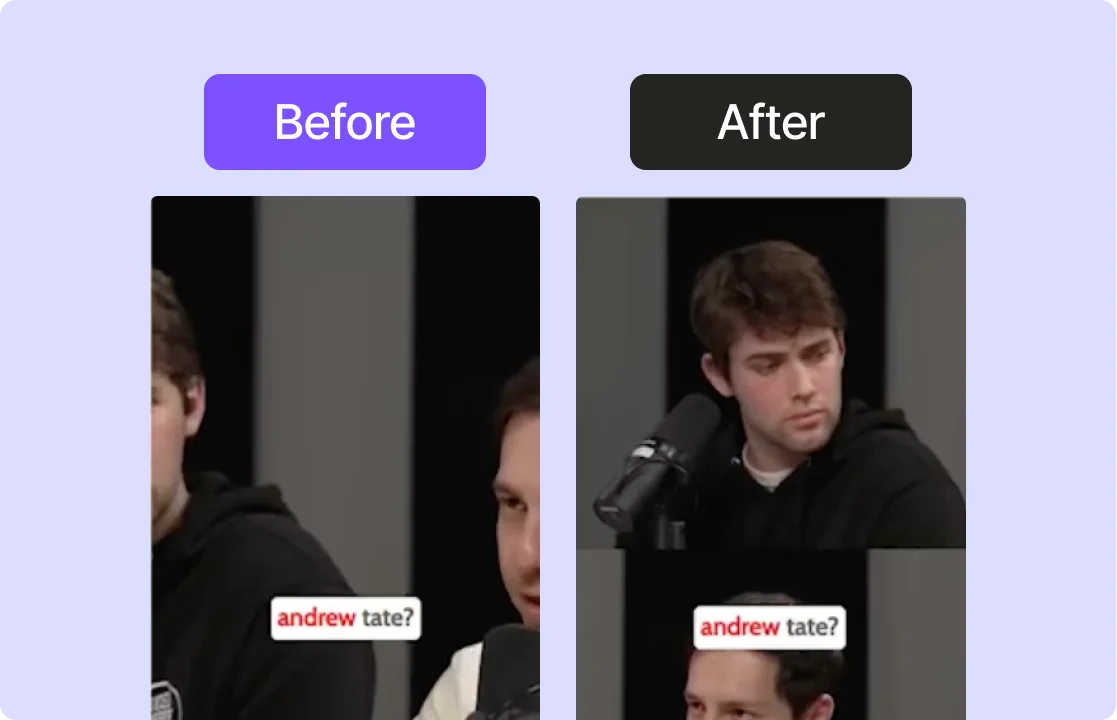
Resize for socials
Resize a video for Instagram, TikTok, Facebook Reels, YouTube, YouTube Shorts, X (Twitter), and LinkedIn with our simple tools. Easily switch between vertical and landscape formats. Our user-friendly editing tools make resizing your videos for social media a breeze.
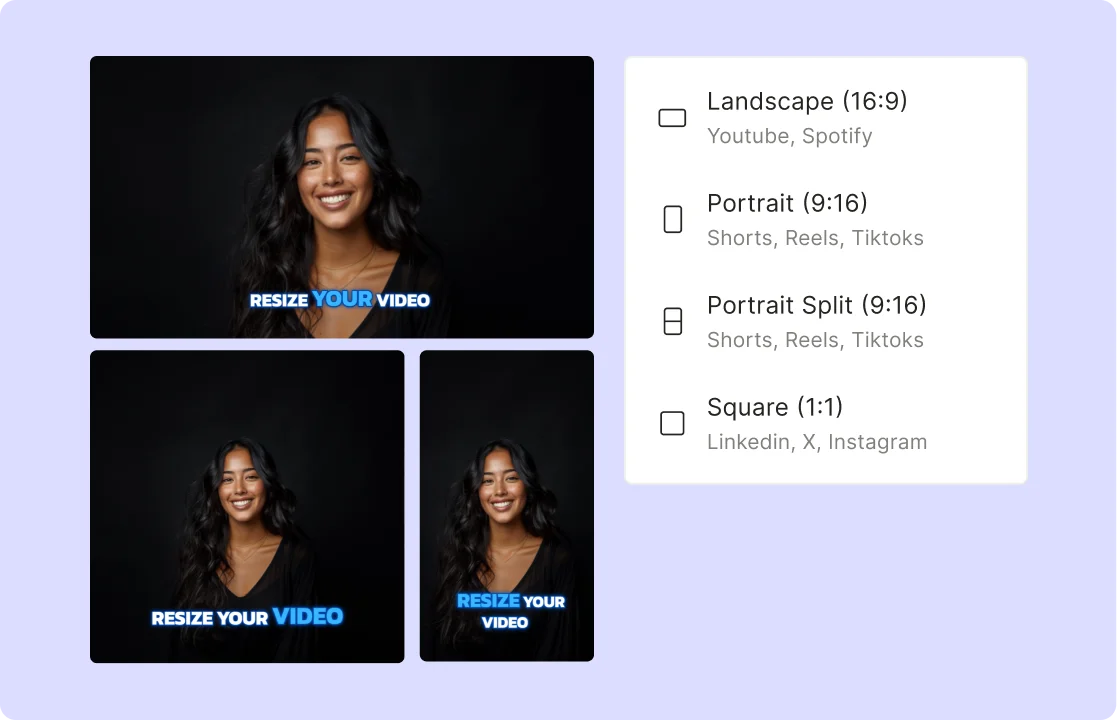
Preserve video output quality
Resize without losing clarity. With quso.ai, you can adjust resolutions—720p, 1080p, and beyond—while keeping your video crisp. No pixelation, no compromise, just professional results every time.
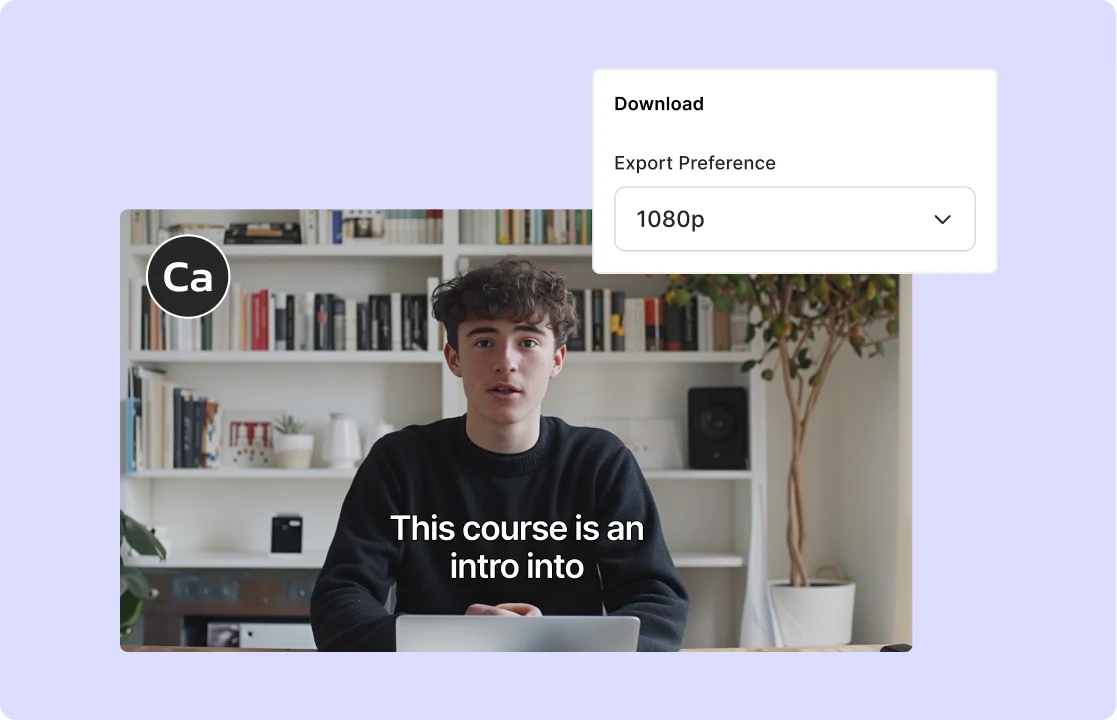
How to Resize Your Videos with AI Video Resizing Tool
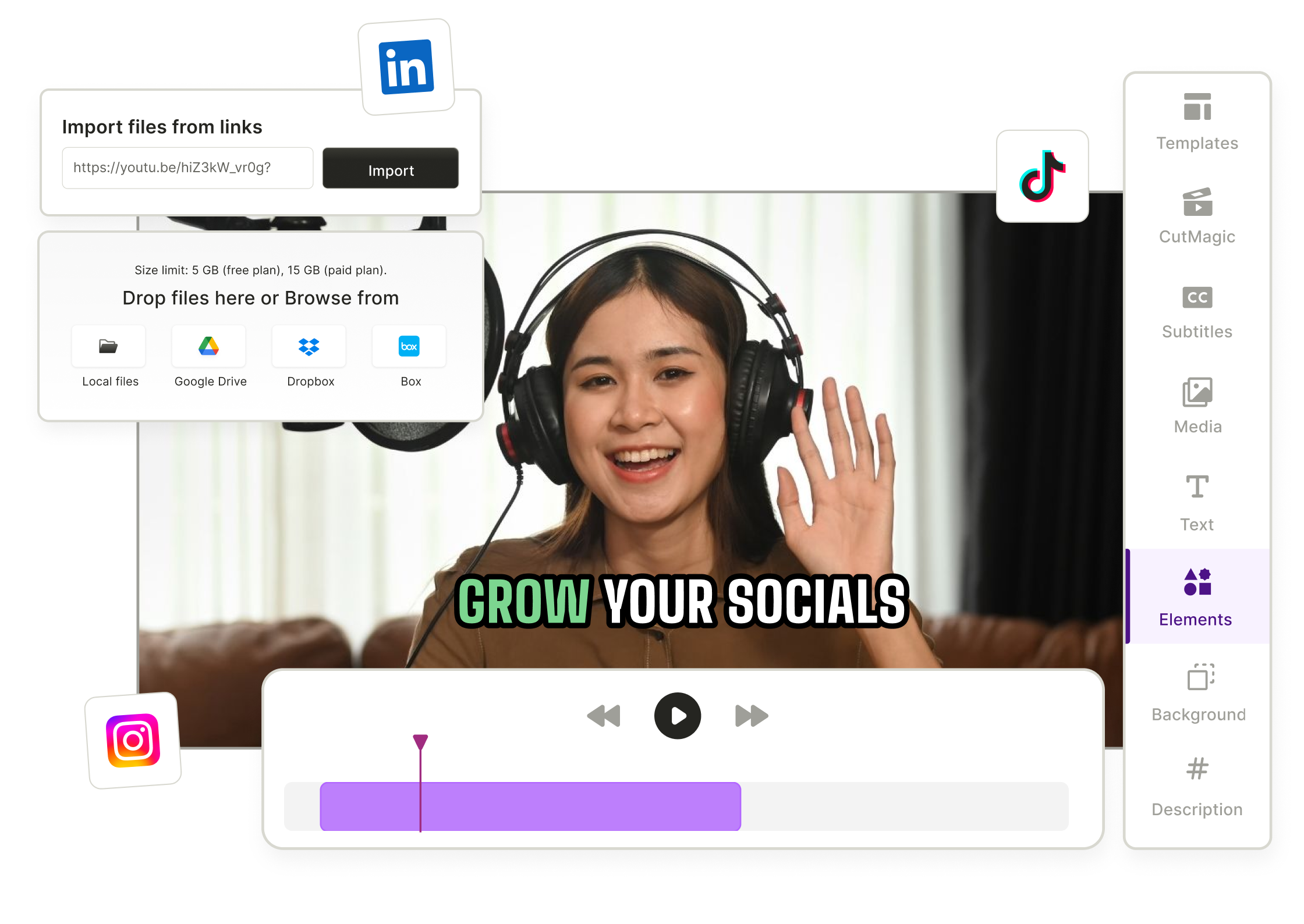
- Import Your Video
Upload any MP4, MOV, MKV, or paste YouTube Link to quso.ai—no manual formatting needed.
- Auto‑Resize with AI
AI video resizer analyzes your clip and intelligently expands or crops content to your chosen aspect ratio—wider, taller, or square—without losing key subjects.
- Fine‑Tune Your Layout
Adjust framing, zoom, and padding with simple selection. Switch between landscape, portrait, or square for perfect social‑ready formats.
- Download or Share
Export your resized video instantly or publish it directly to Instagram, TikTok, YouTube, LinkedIn, and more—ready for any platform.
Frequently Asked Questions
What is a free software to change video aspect ratio?+
How can I resize a video?+
How to resize MP4 video file size?+
How can I resize a video without losing quality for free?+
Can I use AI to add width to a video?+
Free Online Video Resizer
Upload file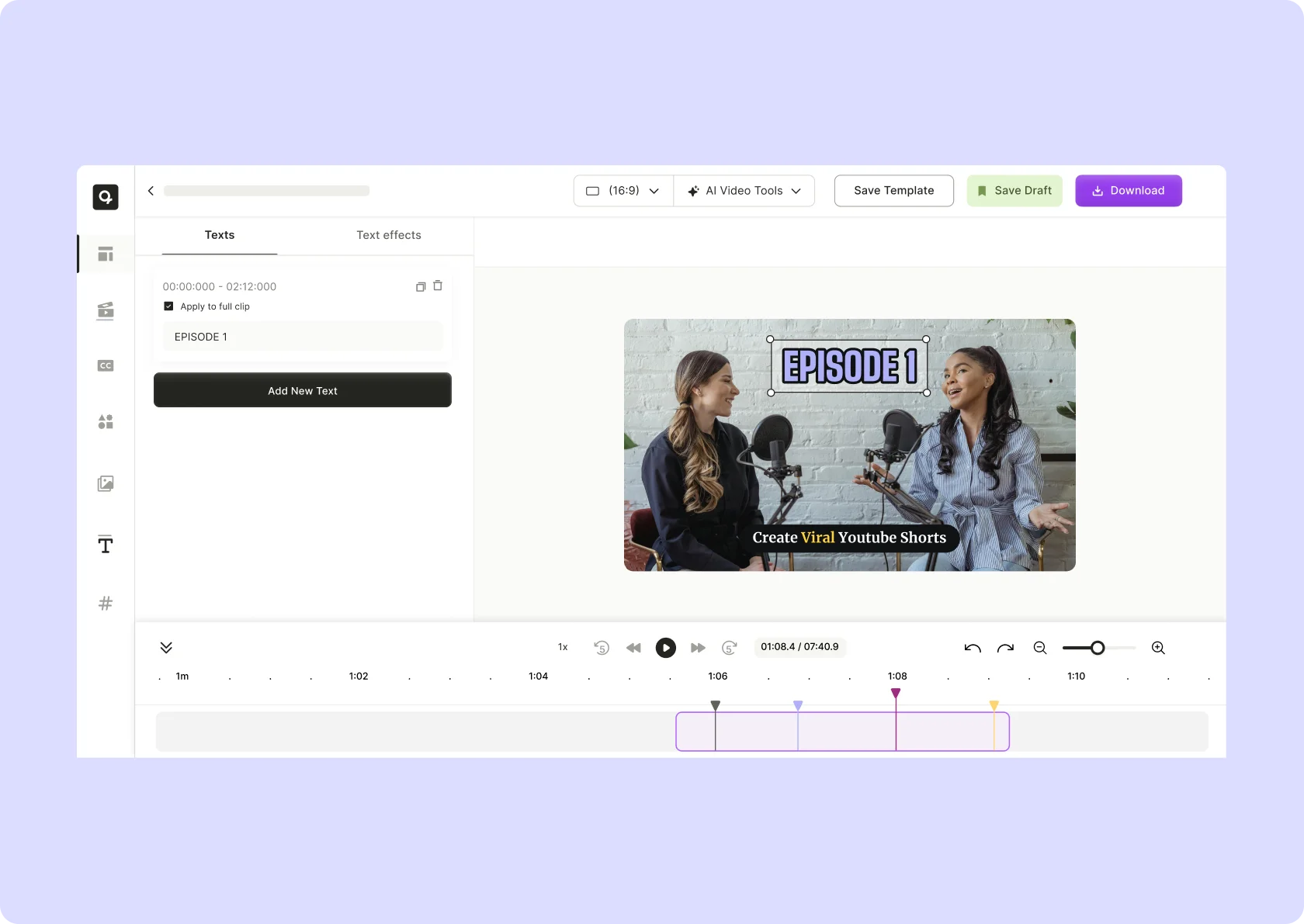

quso.ai Research
The Short Form Video Performance Report
We measured 508,000 posts from 1,900 creators across 80 countries to separate what actually changes reach from what only sounds like it does.