One-click silence and filler-word removal
Instantly chop out annoying 'ums,' 'uhs,' and pauses with a filler word remover—making your videos more succinct and engaging.
Clean audio now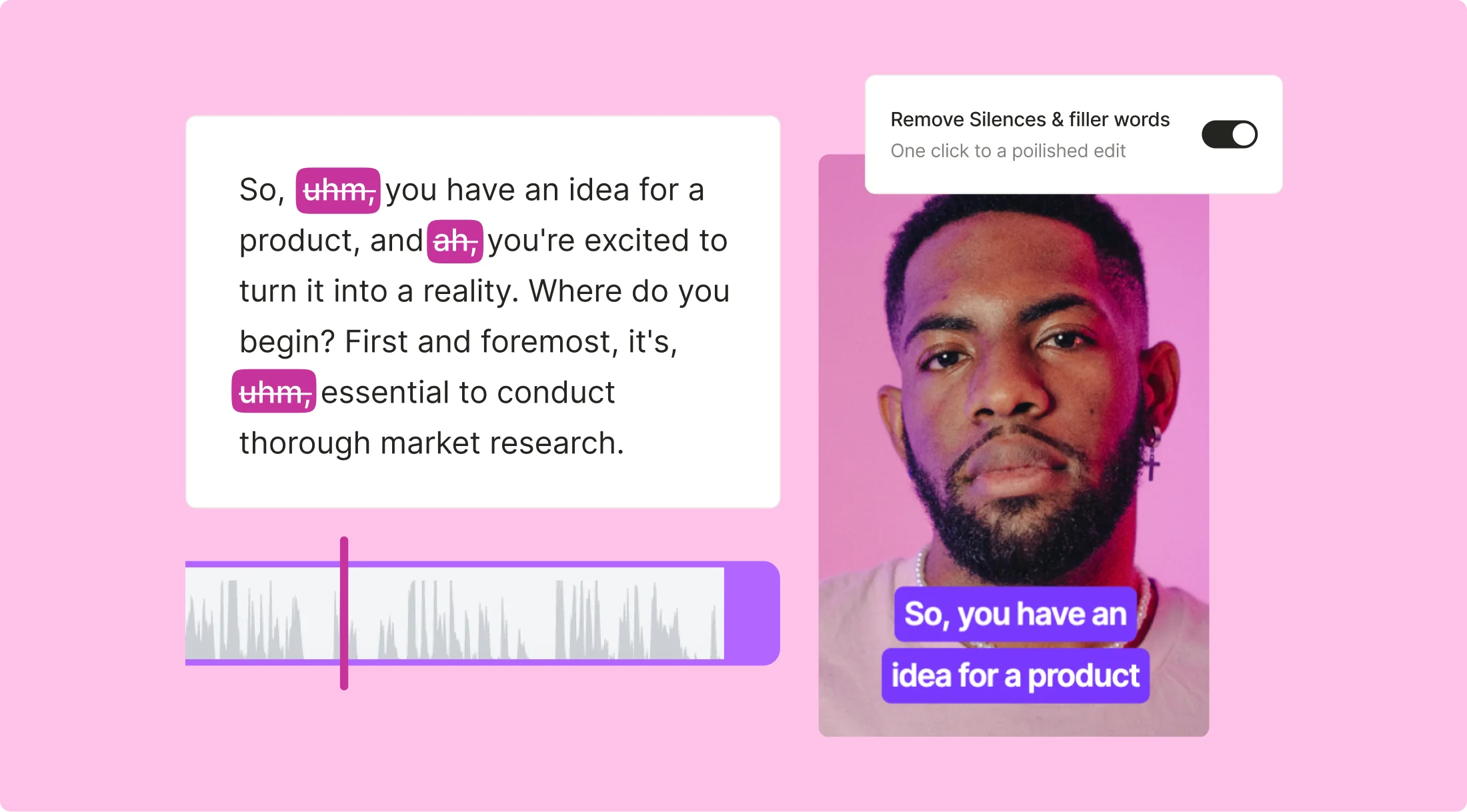
quso.ai delivers 100% polished, filler-free speech

Streamlined editing process
Video filler word removal tools automate the tedious task of manually cutting out unwanted filler words. By using this feature by quso.ai, you can instantly eliminate pauses and verbal clutter with just one click. This allows you to complete your edits in a fraction of the time, enabling you to publish content faster and keep your audience engaged.

Enhanced message clarity
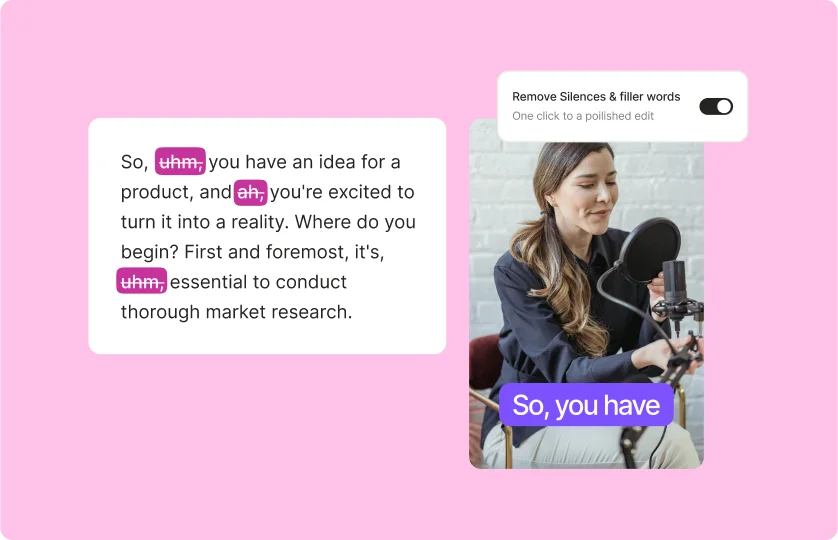
quso.ai helps clarify your message by removing distracting filler words like “you know, uh, er, uhm” that can confuse viewers. By focusing on the core content and eliminating unnecessary verbal pauses, your message becomes more straightforward and impactful. This clarity can lead to better audience understanding and retention of key points.

Professional presentation
Removing filler words from audio elevates the professionalism of your videos. A polished final product without verbal clutter reflects positively on your brand or personal image. This is especially important for webinars and marketing videos, where first impressions matter significantly.
2x viewer retention with quso.ai’s filler word remover
Studio-grade audio quality
The combination of quso.ai’s intuitive interface and audio enhancement algorithms makes cleaning up video audio easier than ever before. With this powerful tool, you can ensure your videos have studio-grade audio quality that engages viewers and delivers your message clearly.

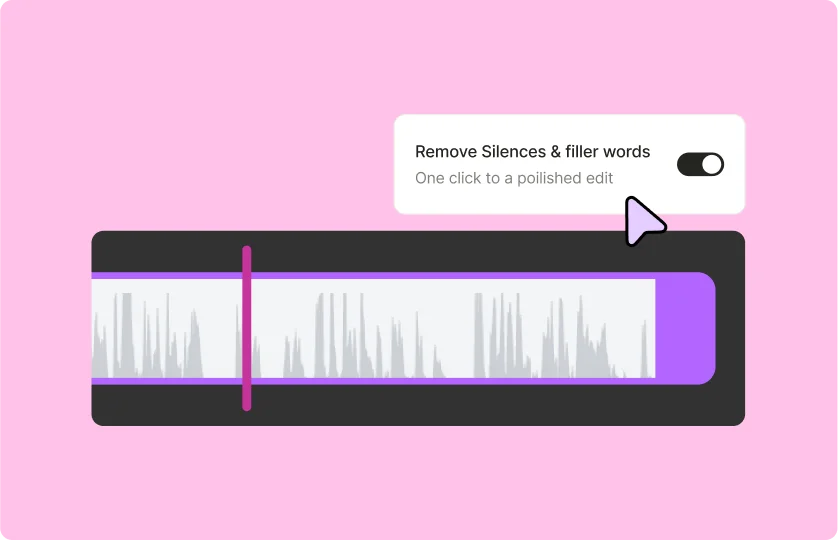
One-click silence removal
You can expect the sensitivity of the tool to capture different types of speech patterns over time as the AI model is trained on the go, ensuring a more personalized silence removal experience. quso.ai’s detects long awkward silences from your recordings and removes them instantly, leaving you with a crisp sound quality.
Create engaging viewing experience
By reducing filler words, you create a more engaging viewing experience that keeps your audience’s attention. Viewers are less likely to tune out when the content flows smoothly without interruptions. This can lead to higher completion rates for your videos, ultimately boosting your reach and impact.
Frequently Asked Questions
How do you remove filler words (ah, uh, uhm, etc.)?+
How to remove filler words from videos?+
What app removes filler words?+
Is the filler word removal feature available for all video formats?+
Can I review the edits before finalizing the video?+
One-click silence and filler-word removal
Clean audio nowquso.ai Research
The Short Form Video Performance Report
We measured 508,000 posts from 1,900 creators across 80 countries to separate what actually changes reach from what only sounds like it does.