Video Text Remover
Clean up your videos in seconds—remove text, watermarks, or timestamps without re-editing. Whether you're repurposing old content or removing branding, this tool makes it easy to remove text from video and replace it with your own captions, visuals, or logo. No original file needed, no complicated software—just a clean, ready-to-post version in minutes.
Edit Your Video NowTrusted by 4M+ users
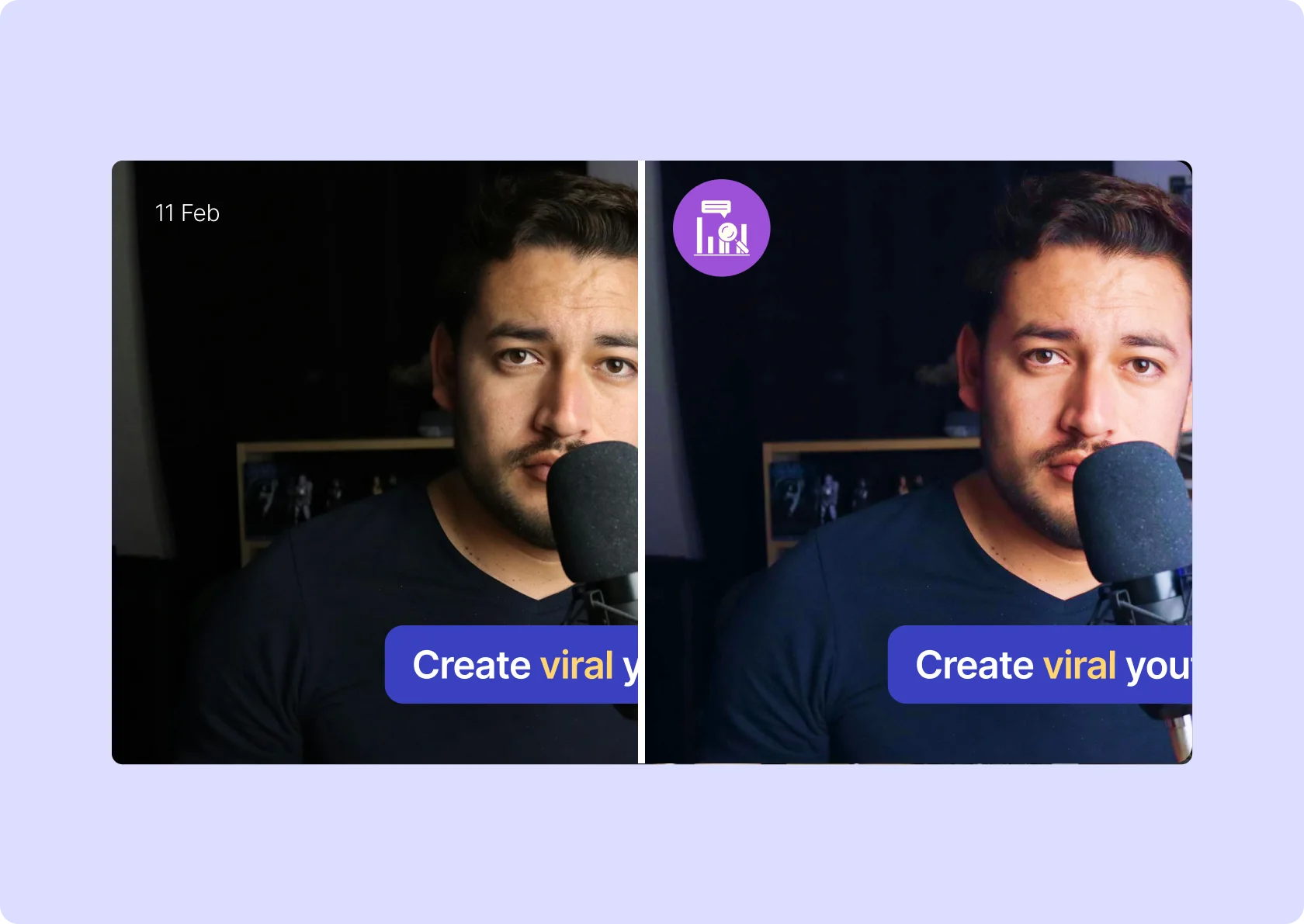
Remove Text from Video Without Losing the Content That Matters

Clean Up Videos Without Cropping or Blurring
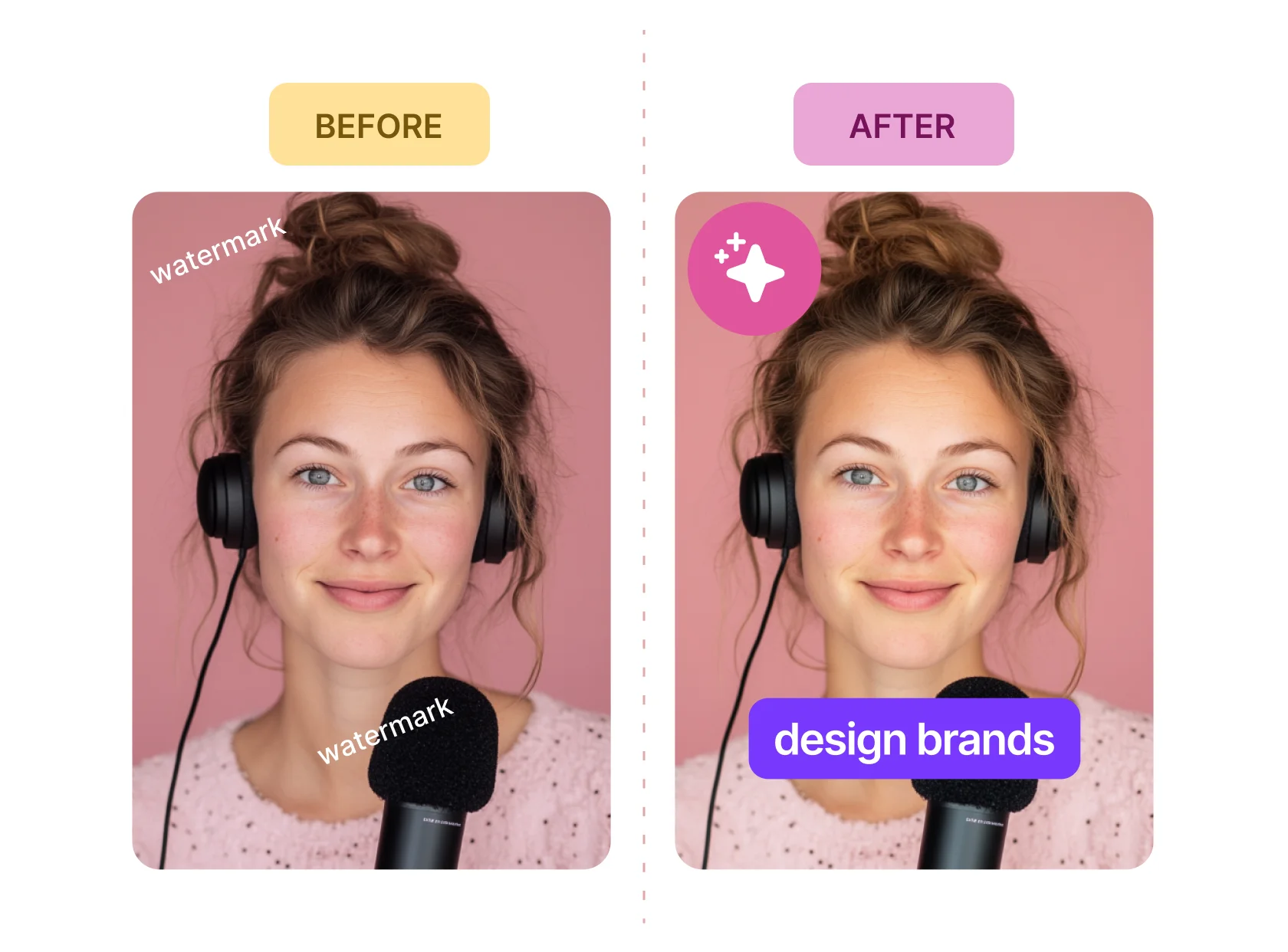
You don’t need to cut corners to get rid of watermarks, timestamps, or embedded text. Instead of cropping out key visuals or lowering quality with blur tools, you can remove text from video by overlaying it with clean, branded elements that match your content style. It’s a fast, reliable fix for creators repurposing clips or refreshing outdated footage.

Remove Watermarks from Video—Free and Effortless
Tired of “Made with XYZ” tags cluttering your footage? This tool lets you remove watermark from video free of charge, without complex editing or software installs. Just upload your video, place a new call-to-action, logo, or clip on top, and export. Whether you're sharing on TikTok, Instagram, or YouTube, your videos look clean and ready to post.

Reclaim and Repurpose Any Video Clip
If you’ve ever wondered how to remove watermark from TikTok or update an old promo without starting over, here’s your answer. With a few quick edits, you can refresh existing content for new campaigns, platforms, or audiences. Replace baked-in text with messaging that reflects your current brand—so you spend less time recreating and more time scaling what already works.
Overlay Instead of Editing Frame by Frame
You don’t have to delete or re-edit your entire video just because there’s text or timestamps baked in. Whether it’s an old caption, username, or a static overlay, you can now remove text from video by simply replacing it with something that matches your brand. Add a new logo, CTA, or branded caption bar—no timeline scrubbing, no reshooting. Clean visuals, fast turnaround, and zero compromise on video quality.
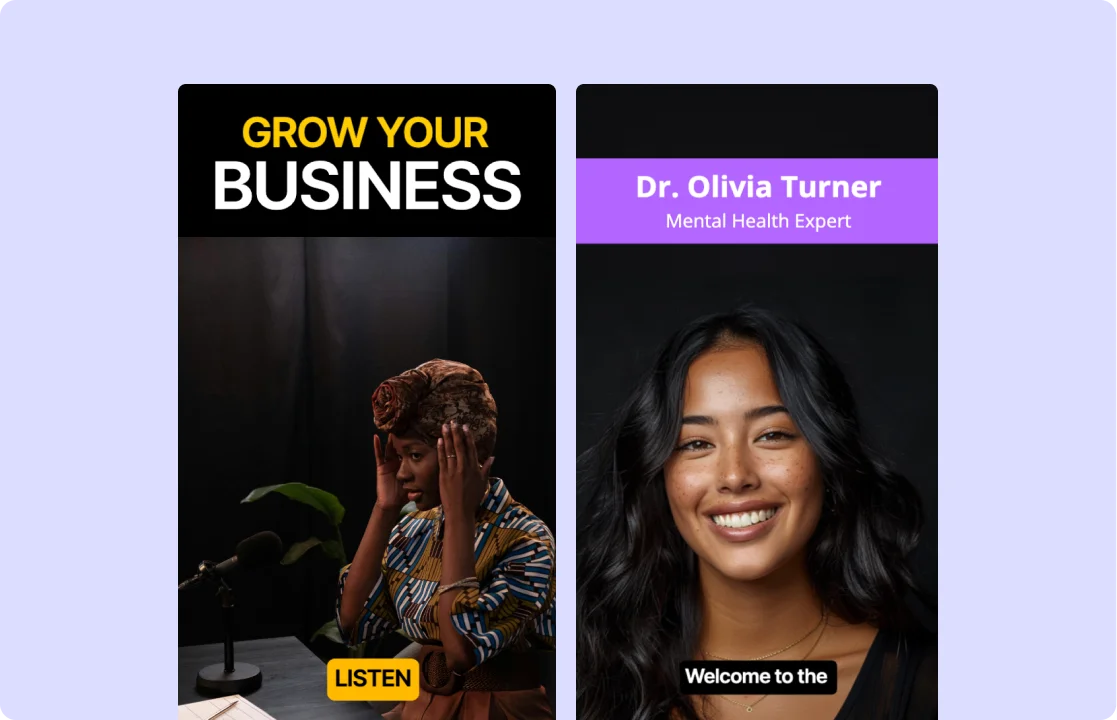
Remove Watermarks from Video—Free and Fast
If you’ve got a clip with third-party branding—like “Made with XYZ Editor” or someone else’s watermark—there’s a better way to clean it up. You can remove watermark from video free using simple overlay techniques that keep your footage intact. No complex tools or paid apps. Just upload, place a new element over the watermark, and export a polished version that looks clean, intentional, and ready to publish anywhere.
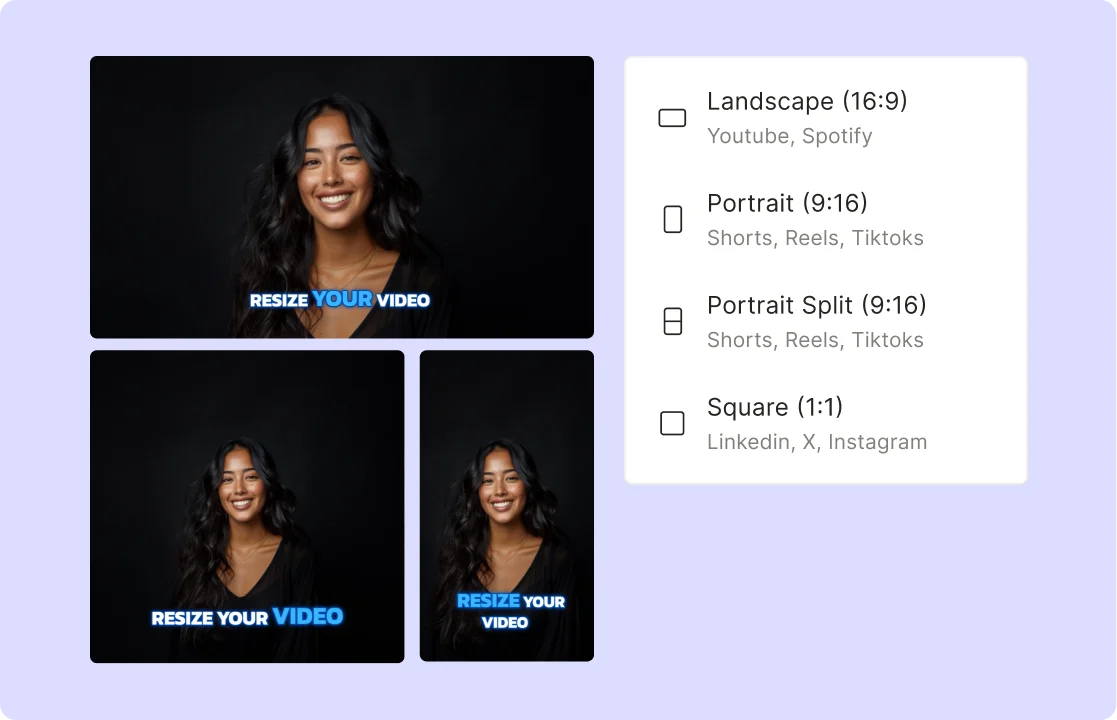
Reuse Your TikTok Videos Without the Watermark Holding You Back
TikTok watermarks can limit how far your content travels across platforms. If you're posting to Reels or Shorts, the watermark often distracts or looks unprofessional. The easiest solution? Instead of cropping or distorting the frame, use a clean overlay to remove watermark from TikTok videos. Drop in your own logo, brand element, or call-to-action, and you’ve just removed watermarks from video—while keeping the quality and impact fully intact.
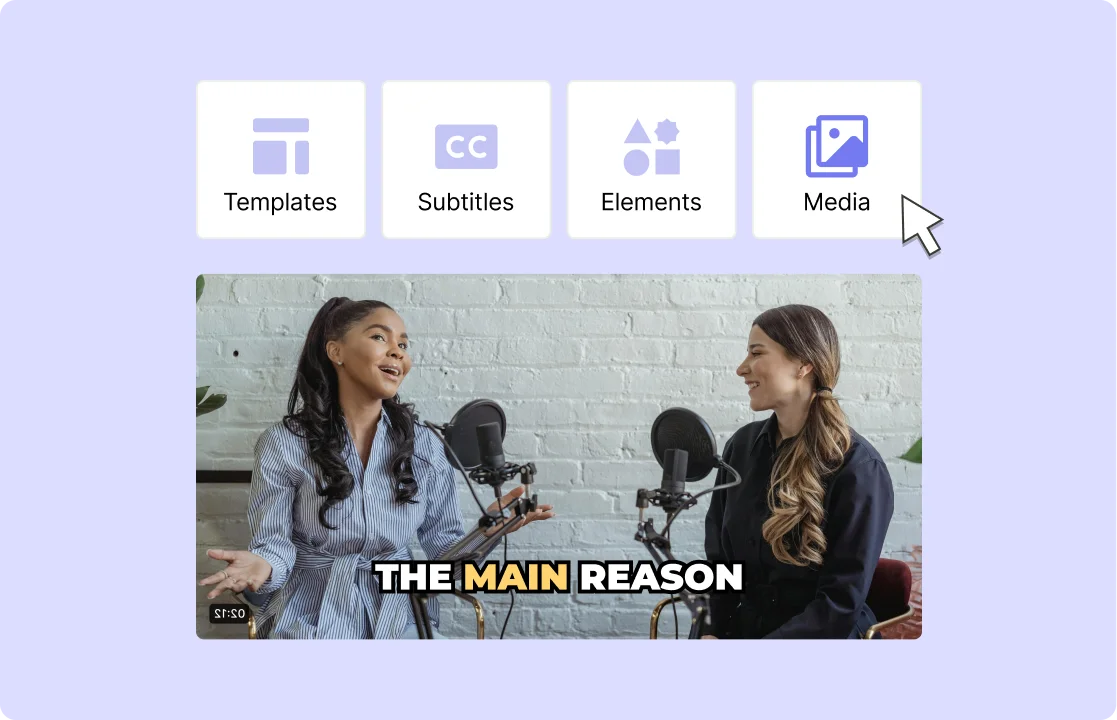
How To Remove Text From Video
- Upload Your Video
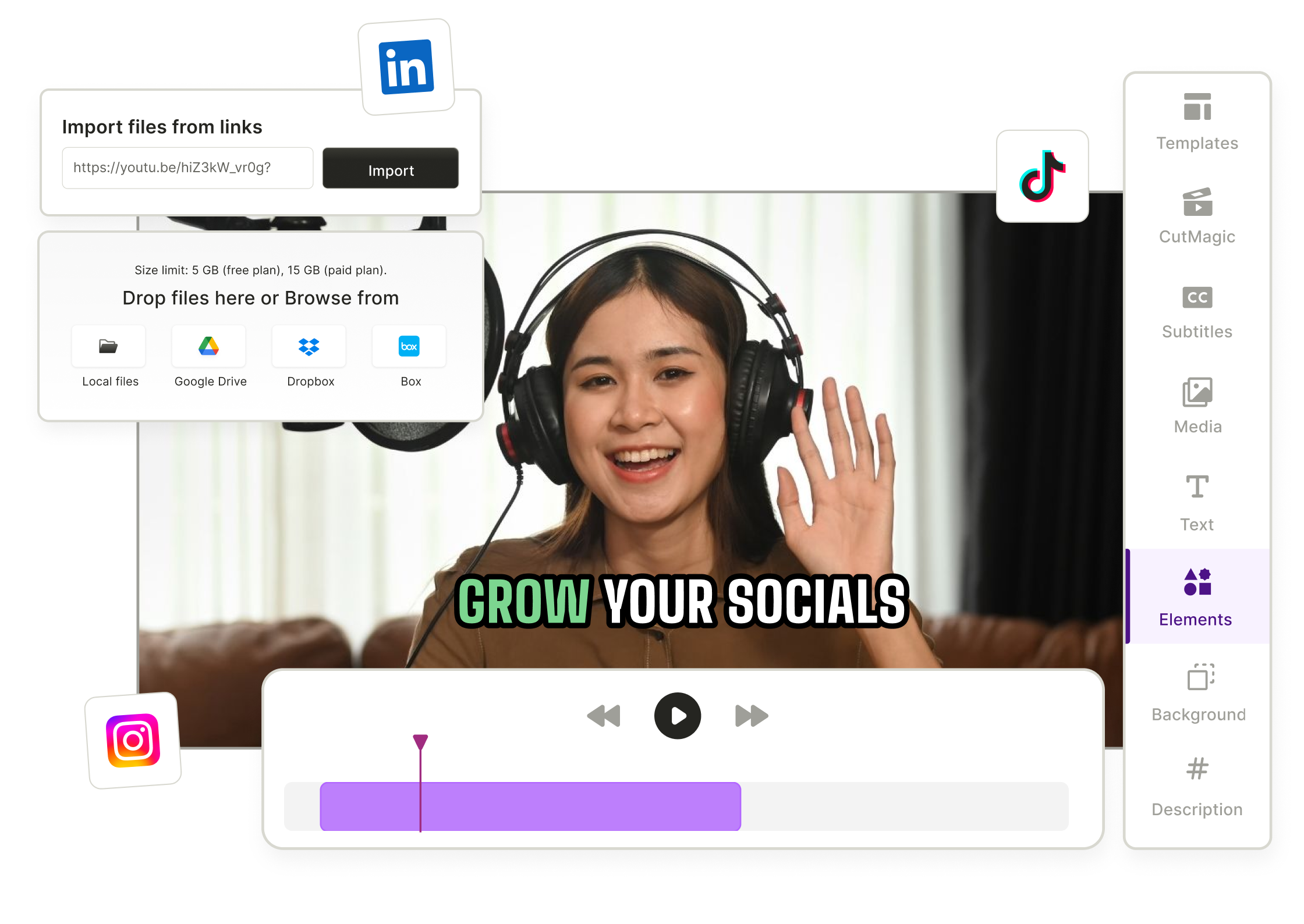
Drag & drop any MP4, MOV, or MKV file or paste a YouTube link into quso.ai to start the watermark removal process.
- Select Removal Method
Choose from crop or overlay elements on the text area to remove it seamlessly.
- Preview & Adjust
Check the preview to ensure the text is fully removed. Fine-tune the area if needed by adjusting crop or overlay settings.
- Export or Share
Download your text-free video as an MP4 or publish directly to your preferred social platforms without any visible text content.
Frequently Asked Questions
Why should I overlay new text instead of removing the old one?+
What’s the best way to make an overlay blend in naturally?+
Can I use this to update old captions?+
What if I want to replace text with my logo instead?+
Can I edit videos from TikTok or Instagram?+
Video Text Remover
Edit Your Video Now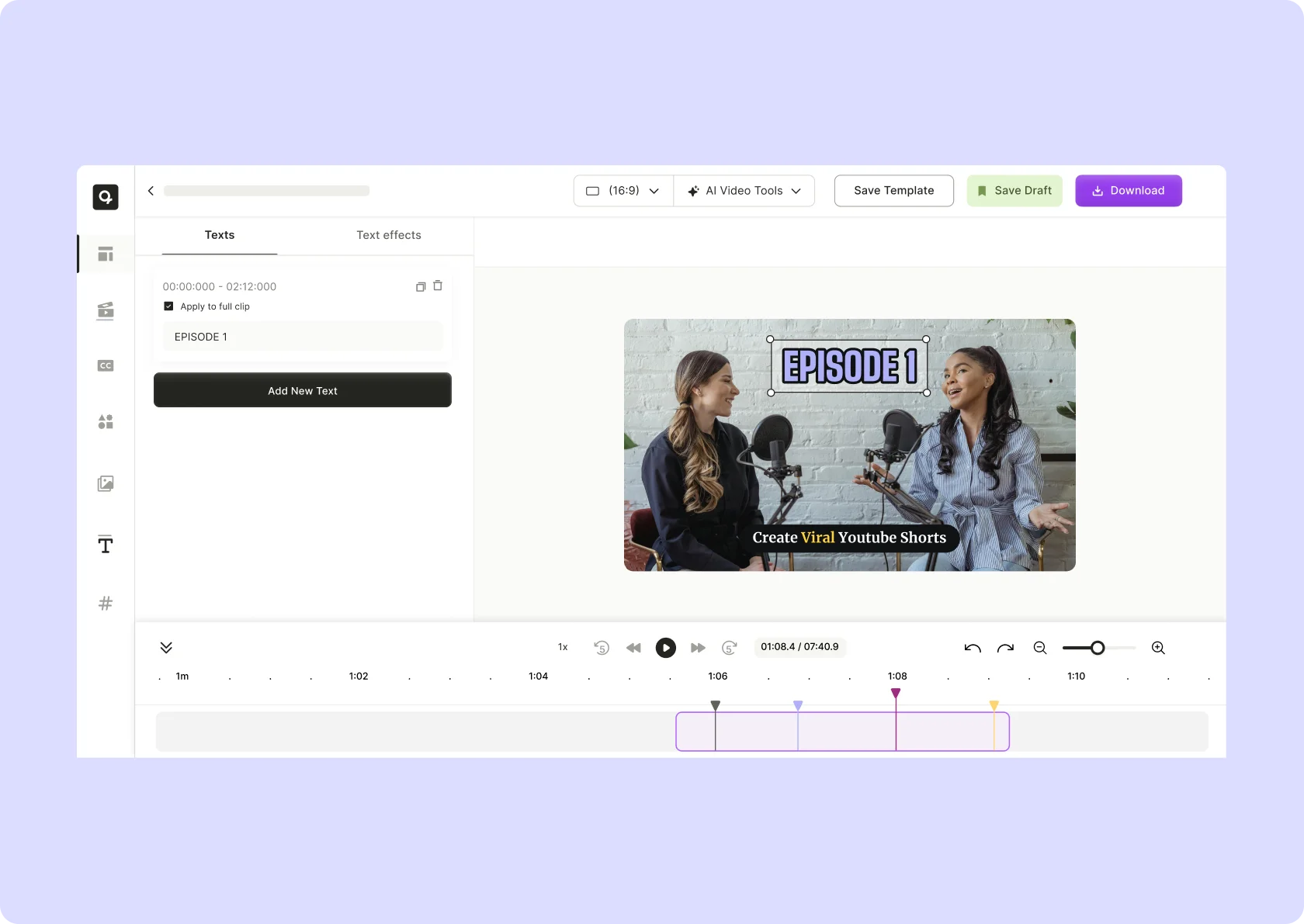


quso.ai Research
The Short Form Video Performance Report
We measured 508,000 posts from 1,900 creators across 80 countries to separate what actually changes reach from what only sounds like it does.