Video Outro Maker
Your video doesn’t end when the content stops—your outro is where you turn watchers into loyal fans. Create professional, high-converting video outros that boost engagement and drive action in seconds.
Create Your Free Video Outro NowTrusted by 4M+ Users
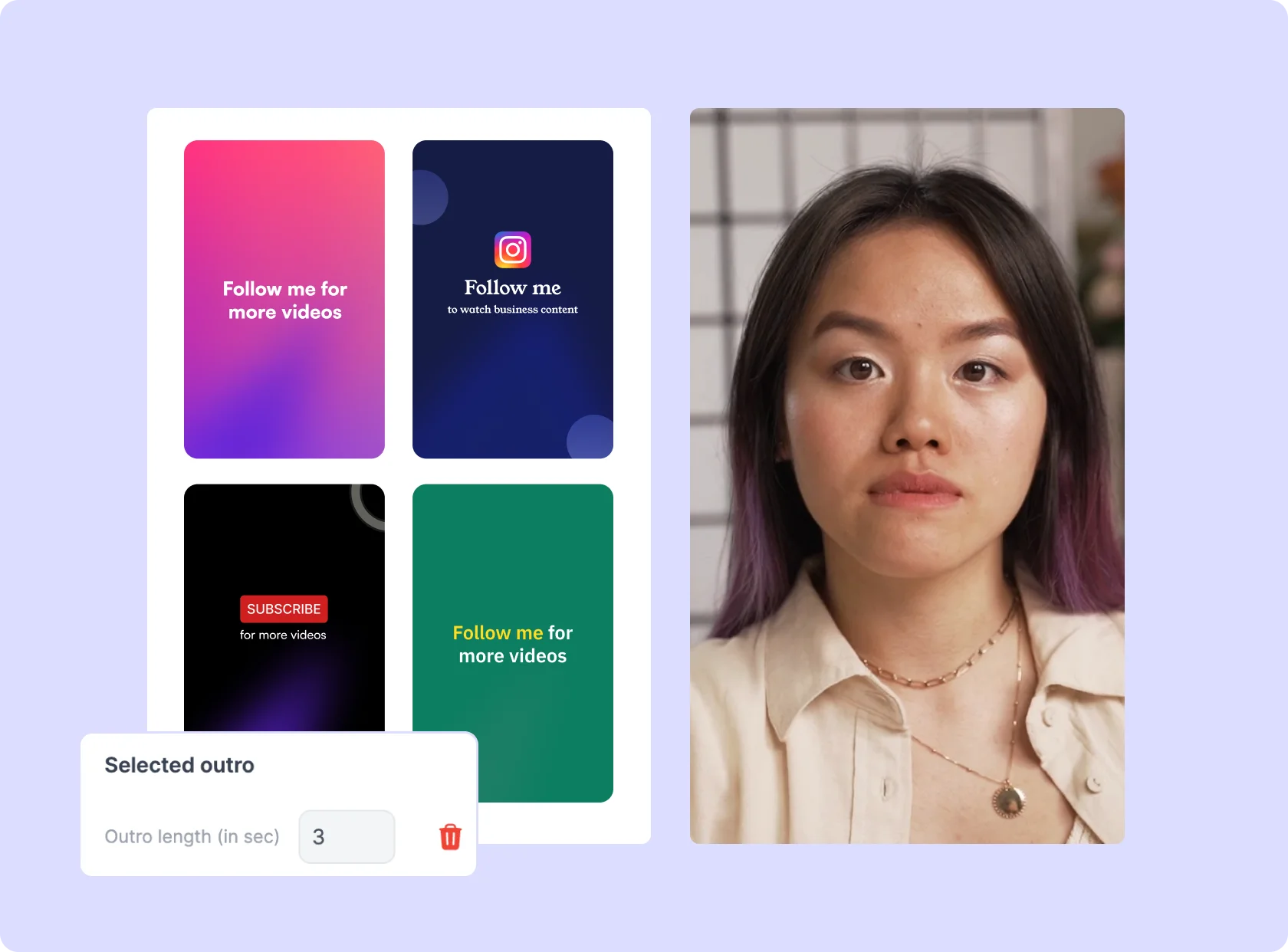
Why You Need a Video Outro Maker

Because End Screens Drive More Clicks, Views & Engagement
Your outro is prime real estate—use it wisely. A well-designed outro can get more people to subscribe, watch more videos, and follow your brand instead of dropping off after your content ends.

Stay On Brand Without Extra Effort
No more generic, forgettable endings. Upload your own logo, brand colors, call-to-action, and social media handles to create a custom outro that reinforces your brand identity.

Cross-Promote Your Content Effortlessly
Drive traffic to your other videos, playlists, or social pages by adding clickable CTAs, channel links, and subscription prompts right at the end of your video.
Ready-to-Use Outro Templates
No design experience? No problem. Choose from professionally designed outro templates and customize them to match your brand in seconds.
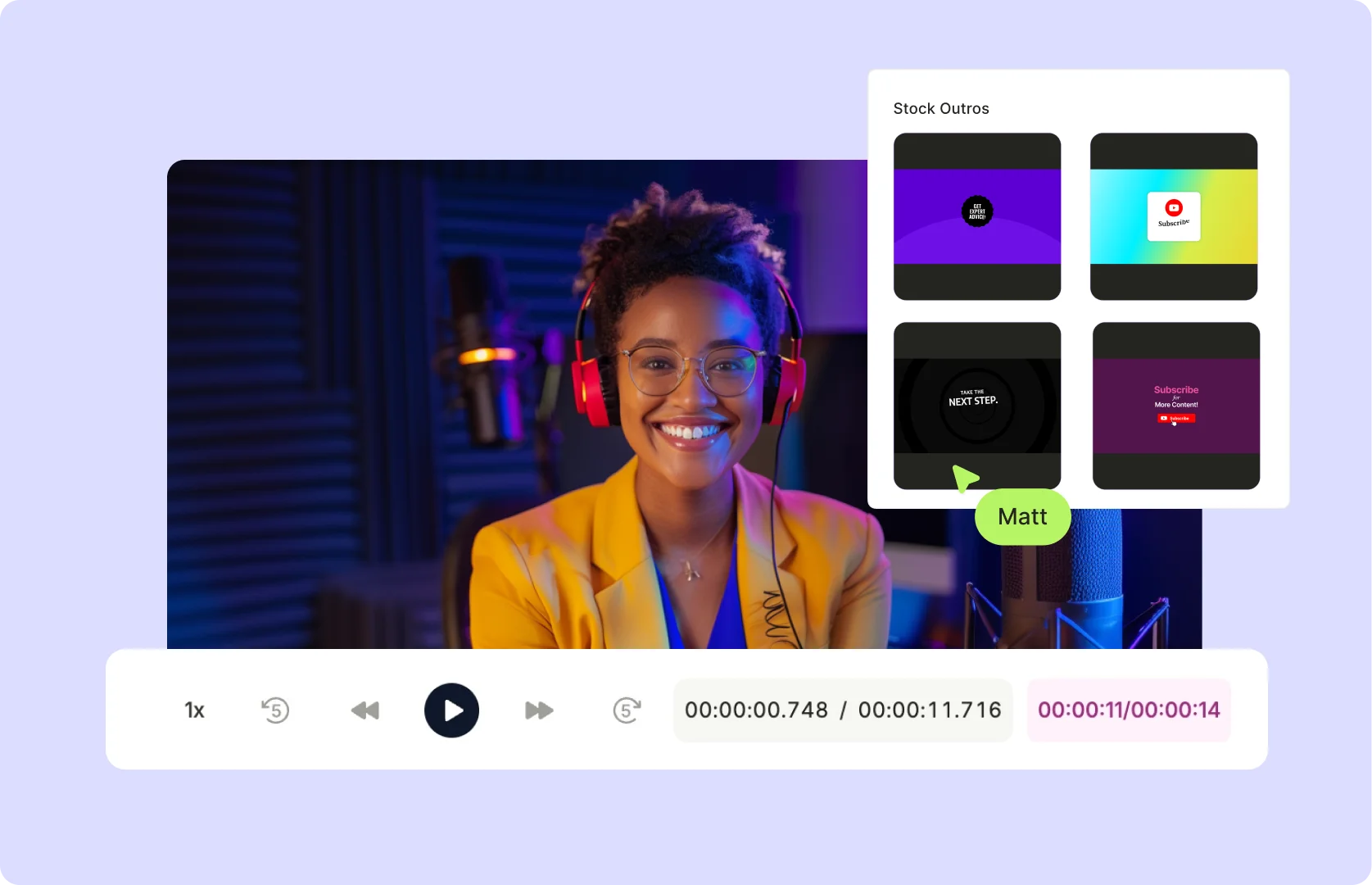
One-Click Audio Integration
Add music, sound effects, or voiceovers to make your outro more engaging and memorable. Pick from stock audio clips or upload your own.
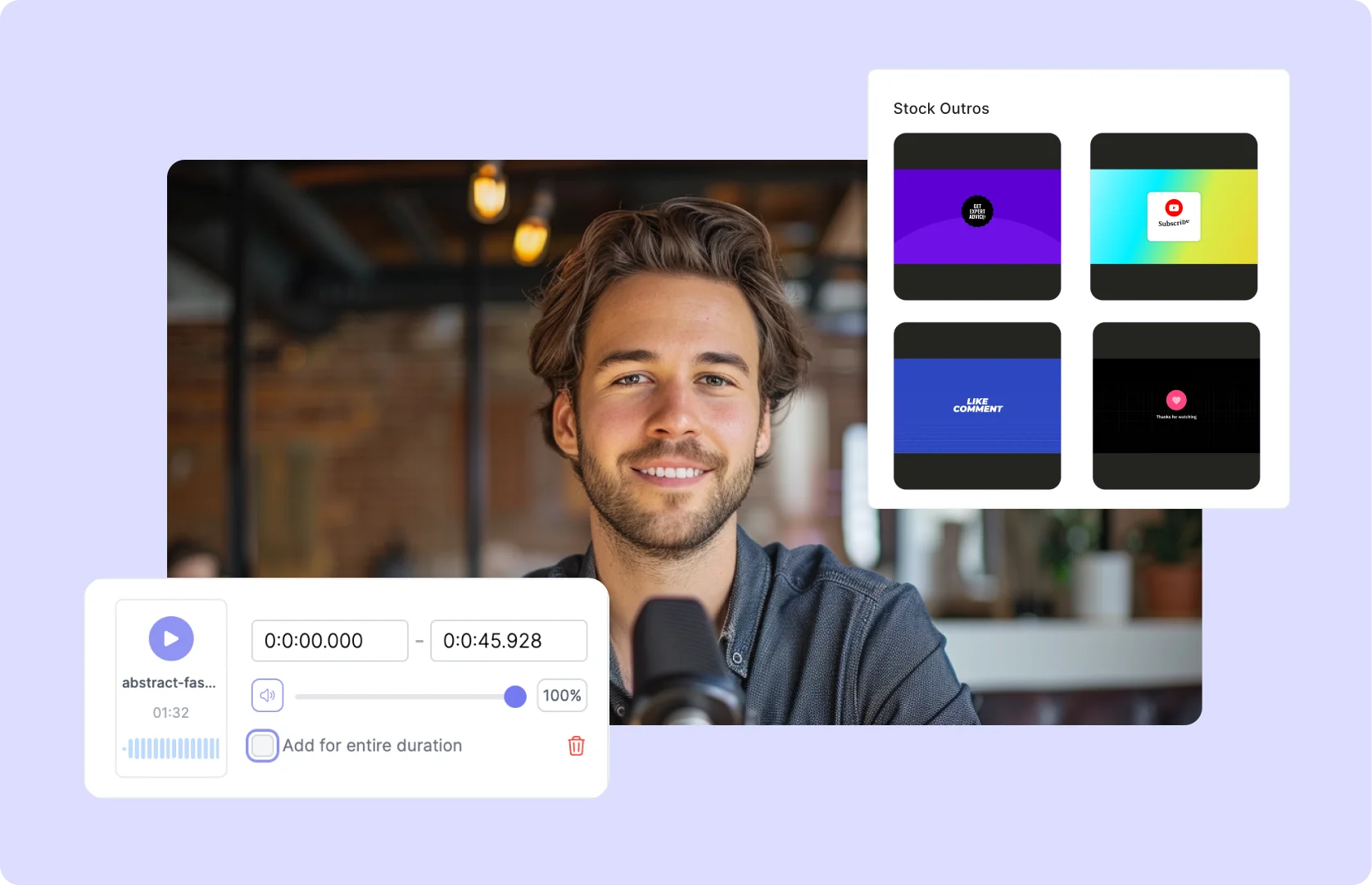
Optimized for Every Platform
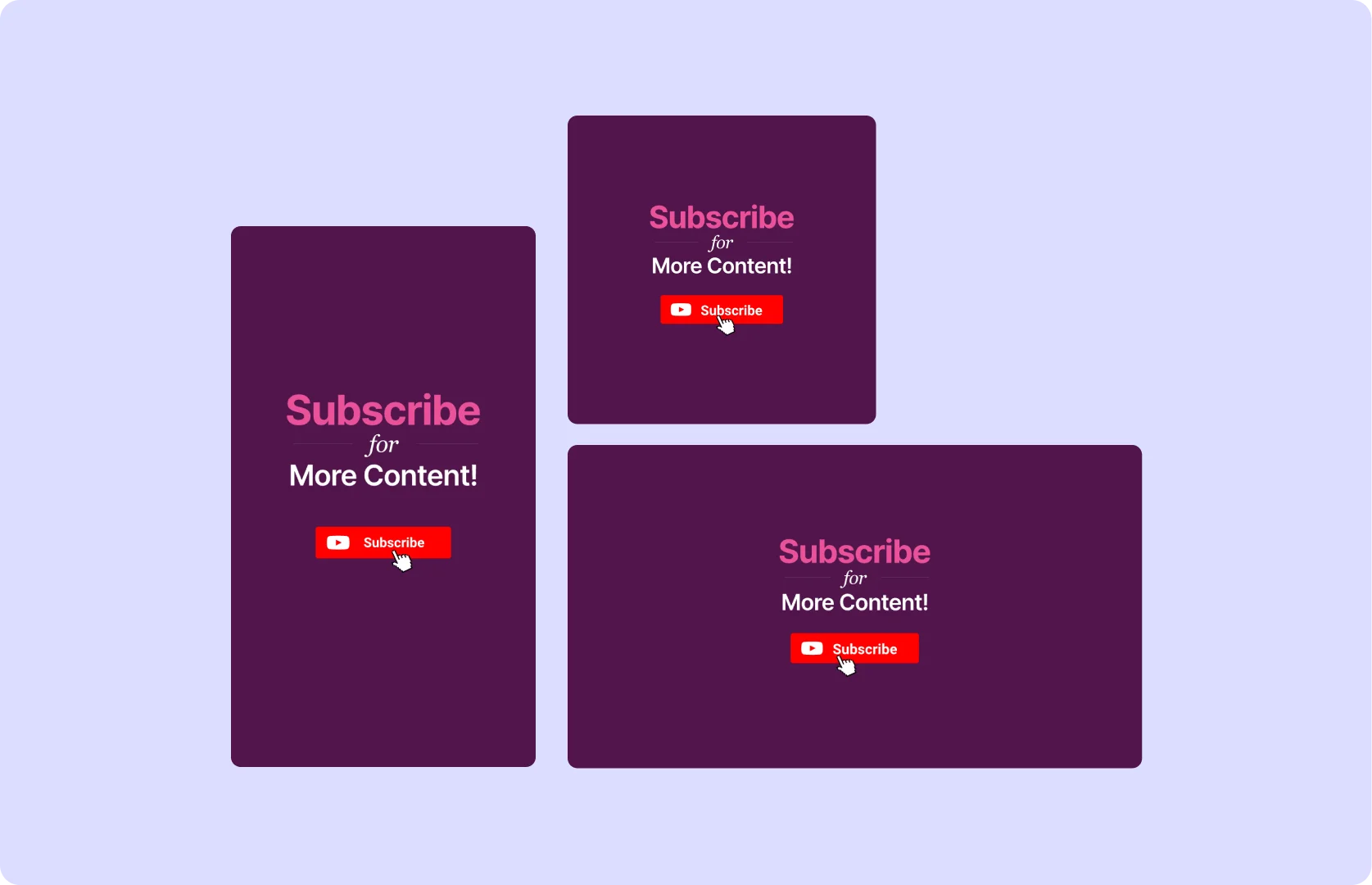
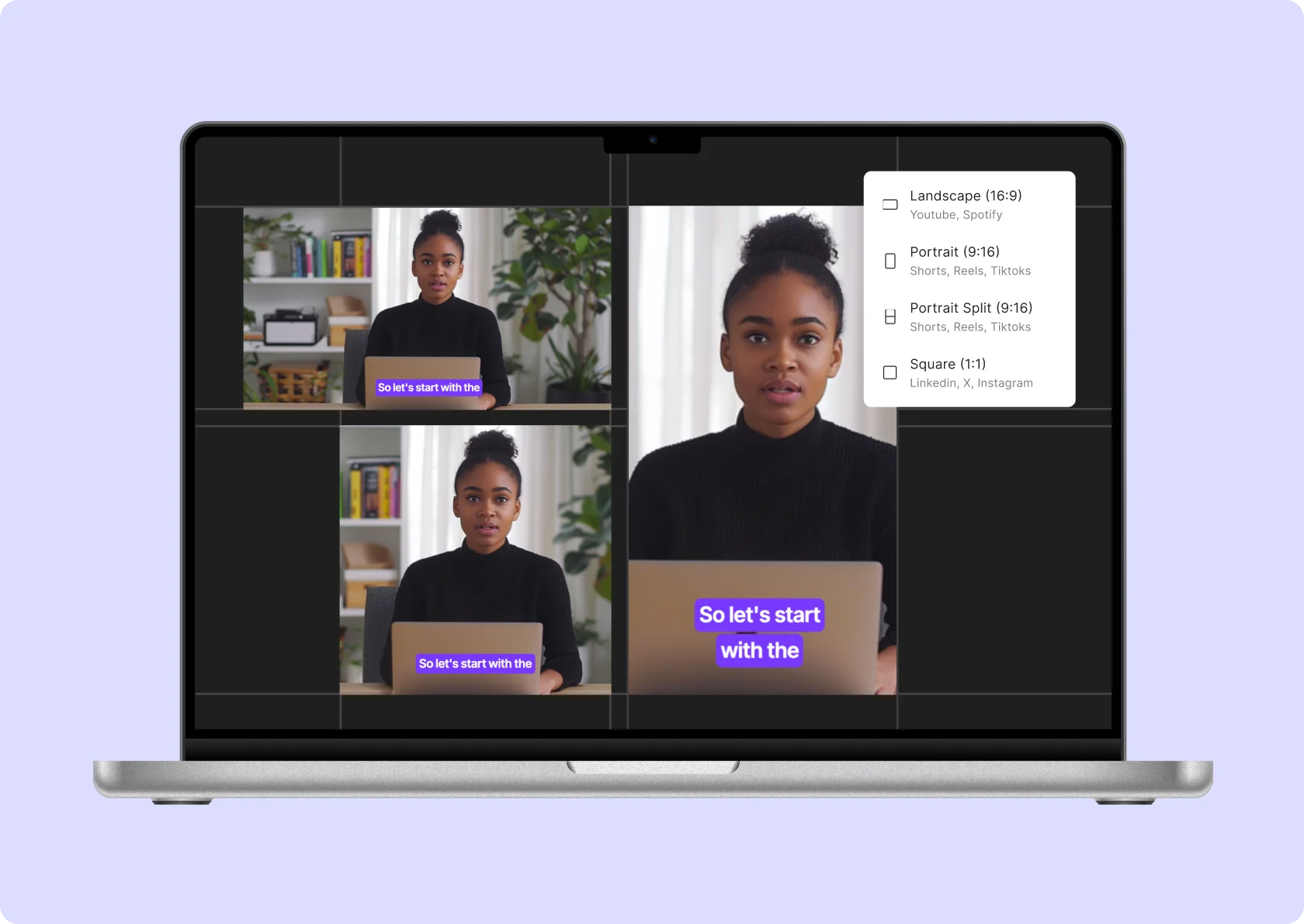
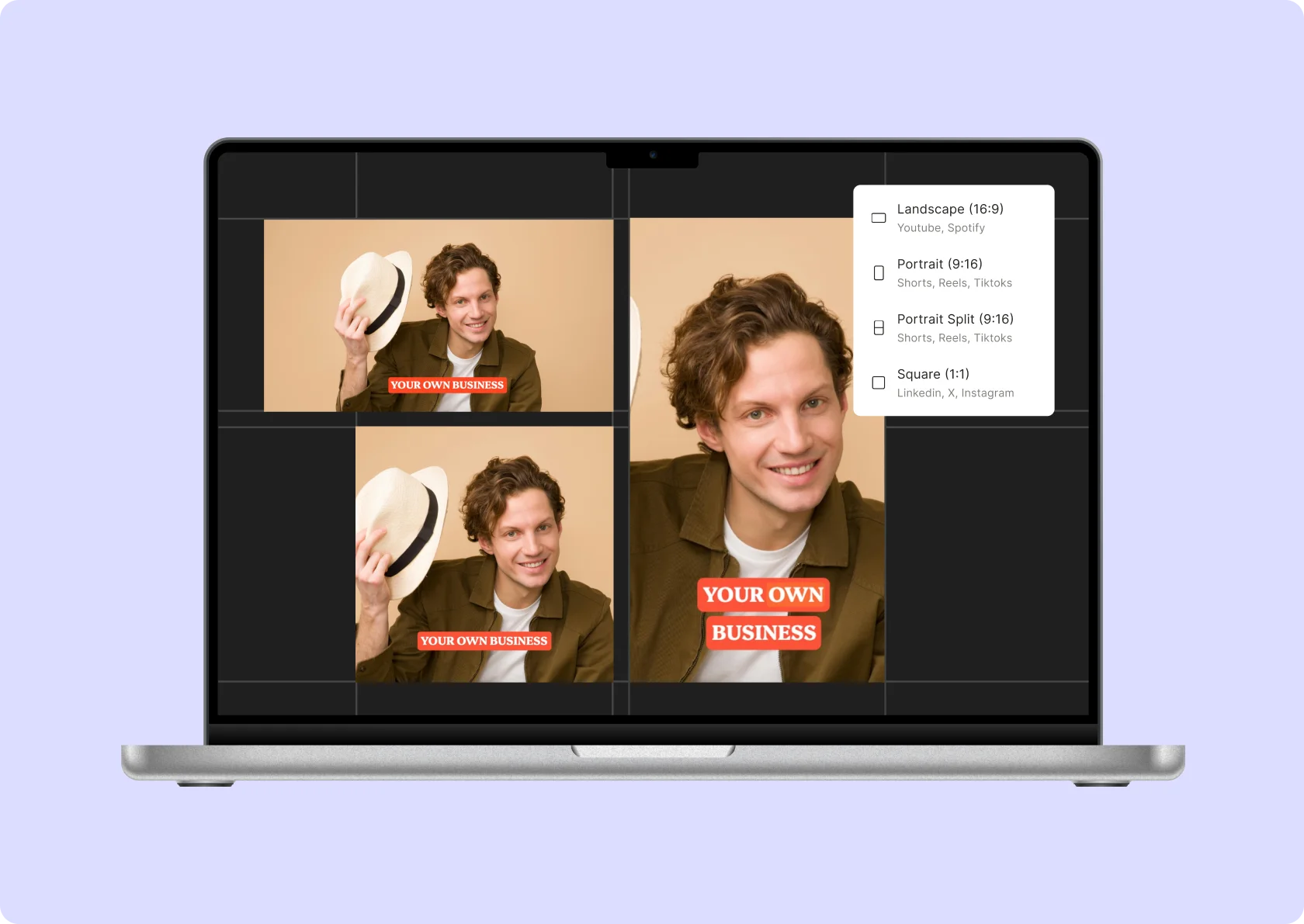
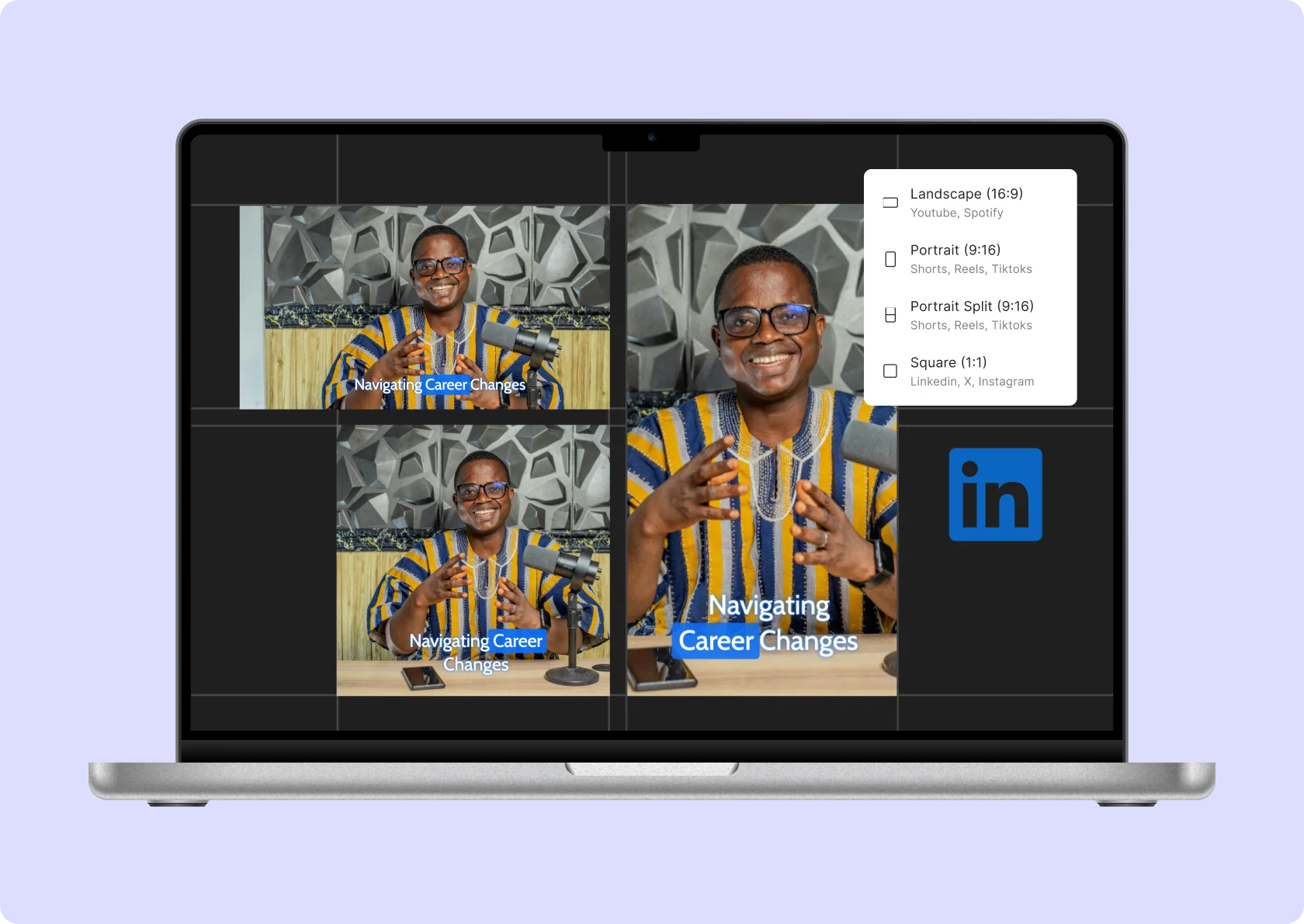
Whether you're creating an outro for YouTube, TikTok, Instagram, or LinkedIn, the tool automatically formats it for the best viewer experience.
How To Add Video Outro To Your Existing Video Using AI
- Upload Your Video
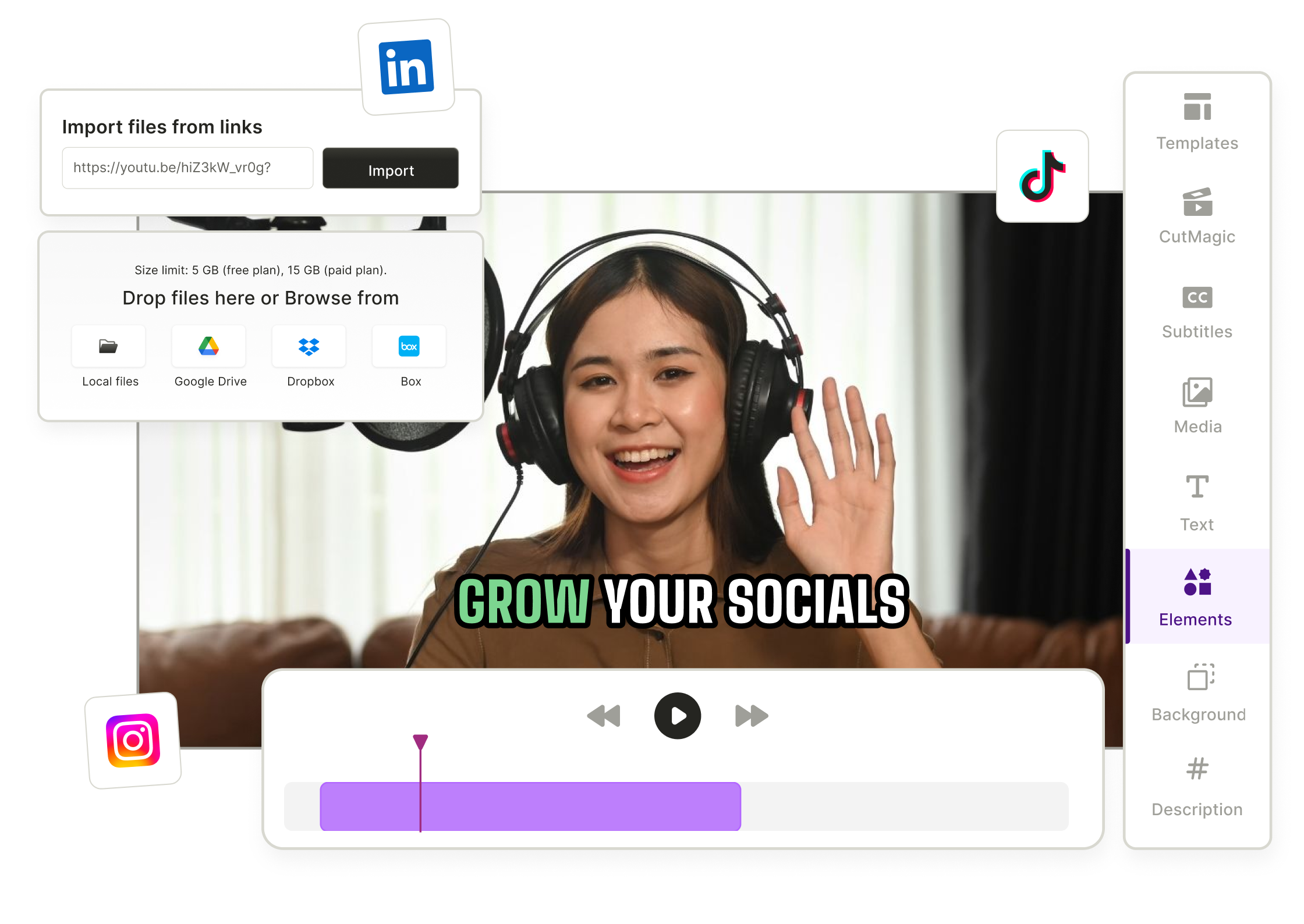
Drag & drop your MP4, MOV, or MKV file—or paste a YouTube link into quso.ai to start adding your outro to the video or clip.
- Choose Your Outro Template
Select from a variety of pre-designed outro templates. These include customizable end screens, call-to-action buttons, social media handles, and more.
- Customize Your Outro
Adjust the branding to align with your style or business to make your outro more engaging.
- Export or Publish
Download your video with the outro as an MP4 or publish directly to your platform of choice. No extra editing tools required—ready to share with your audience!
Frequently Asked Questions
How does an outro help my channel?+
How do I create an outro?+
What is the ideal resolution for a YouTube outro template?+
Can I add my own branding and call-to-actions?+
What is the best online outro maker without a watermark?+
Video Outro Maker
Create Your Free Video Outro Now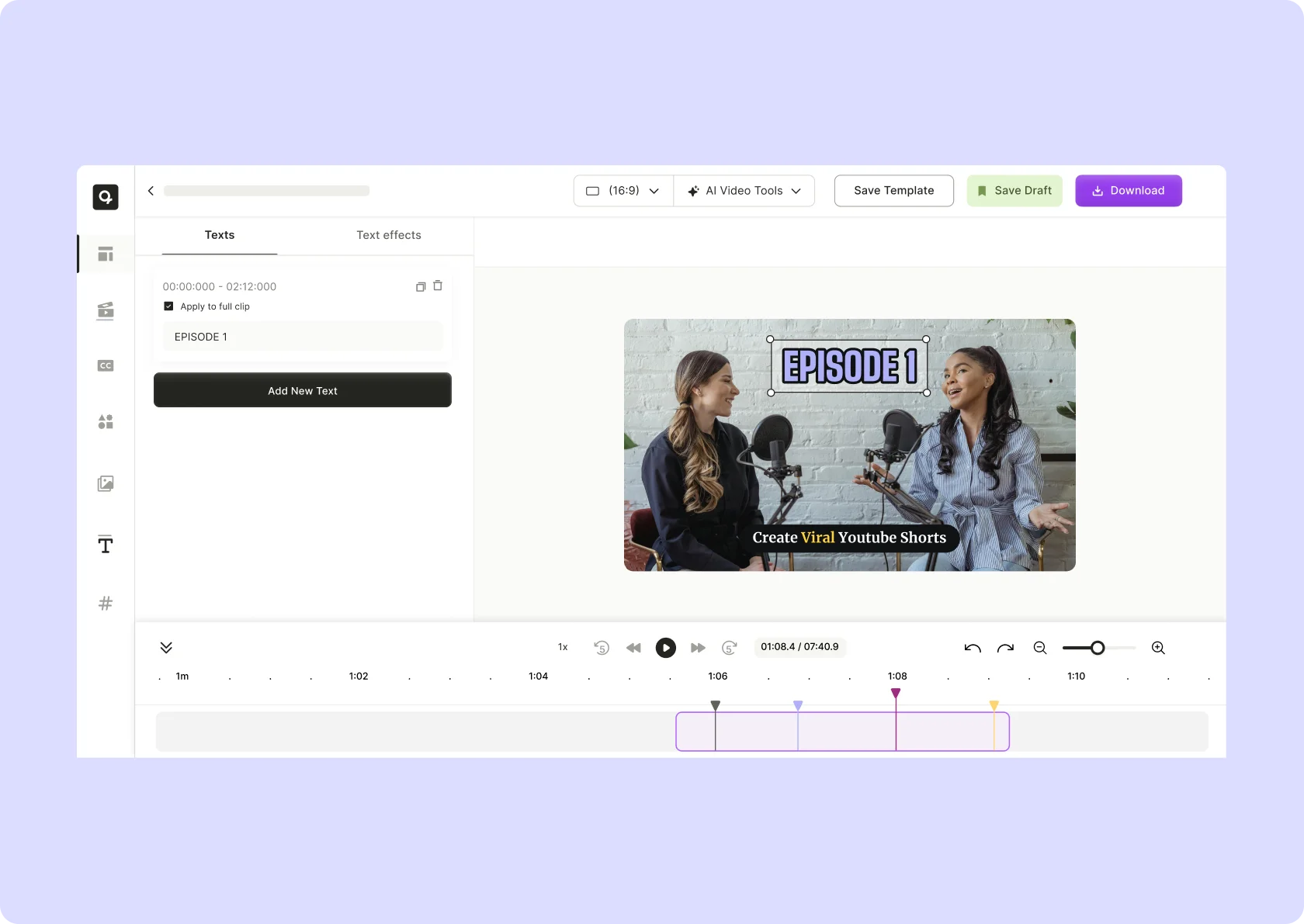
quso.ai Research
The Short Form Video Performance Report
We measured 508,000 posts from 1,900 creators across 80 countries to separate what actually changes reach from what only sounds like it does.