Get clips on auto-pilot from your webinar
AI extracts your best moments and creates scroll-stopping clips for every platform automatically.
Start FreeStop Letting Webinar Gold Collect Dust
AI Moment Detection
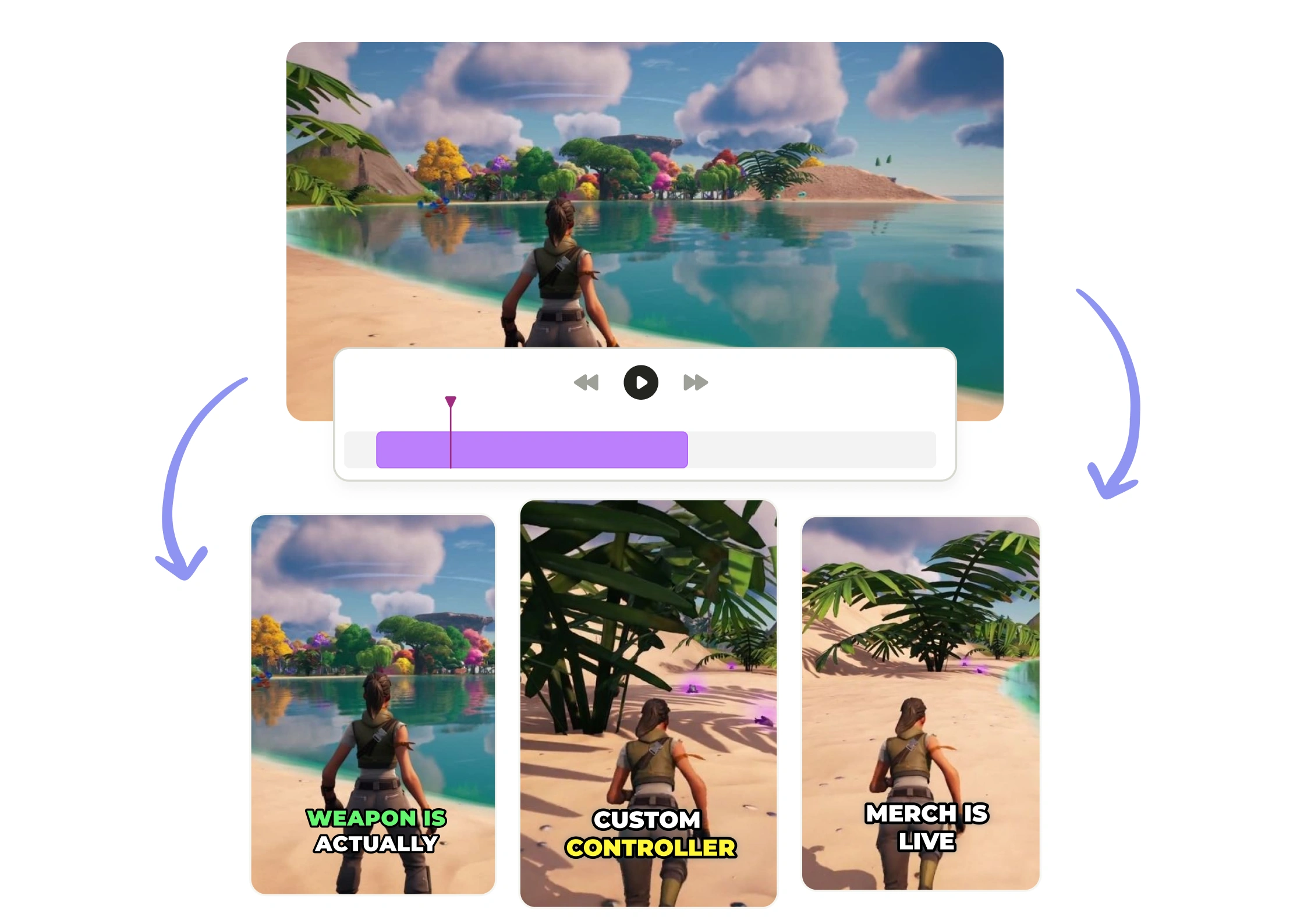
Our AI Clips technology identifies your most engaging segments automatically—no more scrubbing through hours of footage to find viral-worthy moments.
One-Click Multi-Platform
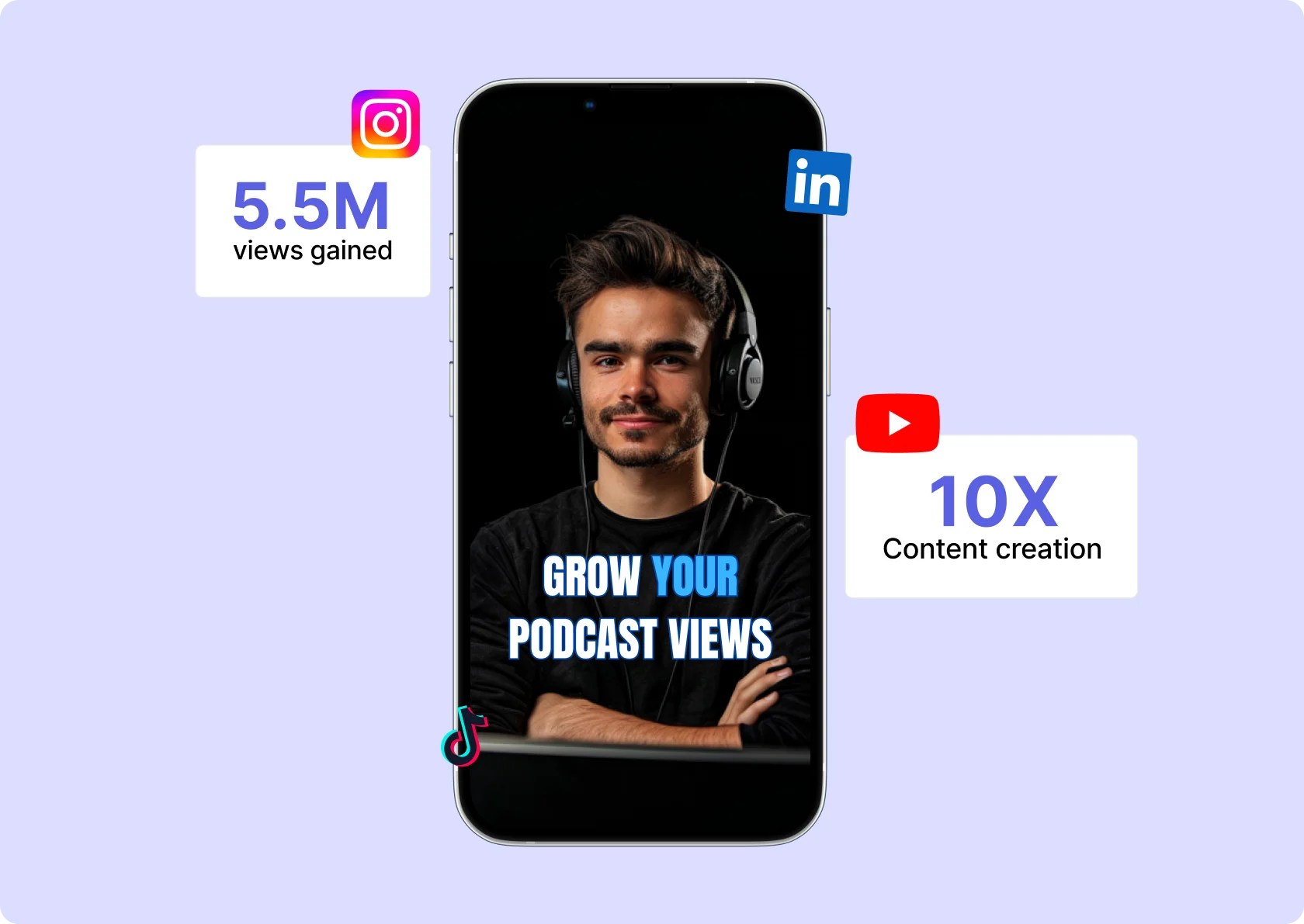
Export perfectly sized clips for LinkedIn, TikTok, Instagram, and YouTube Shorts simultaneously. Each platform gets optimized content without extra editing.
Brand-Ready Output
Your logo, colors, and fonts applied automatically to every clip. Professional captions included. Zero design skills required.
Smart Clip Selection
AI analyzes speaker energy, audience reactions, and key insights to surface your highest-impact moments. Get 8-12 ready-to-post clips from every hour of webinar content.
Automated Captions
High-accuracy transcription with customizable caption styles that match your brand. 80% of social video is watched on mute—your message still lands.
Schedule Everywhere
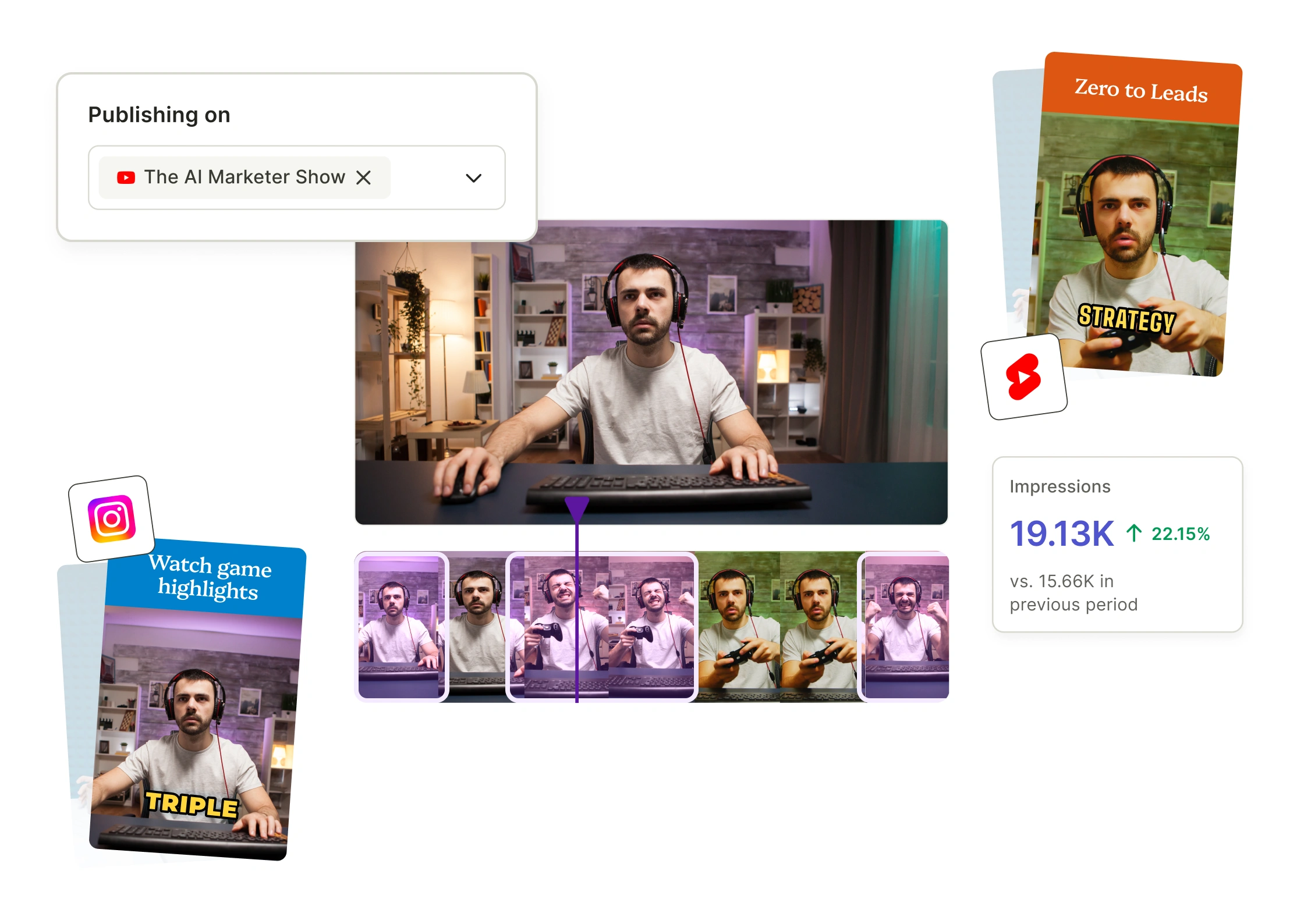
Publish clips directly to all your social channels from one dashboard. Space content strategically over weeks to maximize reach without overwhelming your audience.
Webinar to Clips in Minutes
- Upload Your Webinar
Drop your recording into quso.ai. We accept files from Zoom, WebinarJam, Riverside, or any platform. No file size limits, no format restrictions. - AI Identifies Best Moments
Intelliclips scans your entire session and surfaces the segments with highest engagement potential—powerful quotes, actionable tips, surprising data points, and emotional peaks. - Customize and Brand
Review AI-selected clips, adjust timestamps if needed, and apply your Brand Kit. Captions, logos, and colors sync automatically across every clip. - Publish Across Platforms
Export in platform-perfect formats and schedule directly to LinkedIn, Instagram, TikTok, YouTube, and more. One webinar becomes 60 days of consistent content.
Frequently Asked Questions
How does Webinar To Clips identify the best moments from my webinar?+
Our AI analyzes your entire webinar for engagement signals—including speaker energy, key insights, quotable moments, and audience reactions—to automatically surface the clips most likely to perform on social media. You get a curated selection of high-impact moments without watching hours of footage yourself.
What video formats and platforms does Webinar To Clips support?+
Webinar To Clips automatically reformats your content for every major platform including TikTok, Instagram Reels, YouTube Shorts, LinkedIn, and Twitter/X. Each clip is optimized with the correct aspect ratio, duration, and captions for maximum reach on your target platform.
How long does it take to turn a webinar into social clips?+
Most webinars are processed and clipped within minutes, not hours. Simply upload your recording, and our AI handles the heavy lifting—identifying highlights, adding captions, and formatting clips—so you can start posting the same day your webinar ends.
Can I edit the clips after the AI generates them?+
Absolutely. While our AI delivers publish-ready clips, you have full control to trim, adjust captions, add branding, or tweak any element before posting. Think of the AI as your first editor—you always have final approval.
Is Webinar To Clips worth it if I only host webinars occasionally?+
Even one webinar contains weeks of social content when properly repurposed. Instead of letting that valuable content sit in a recording folder, you can extract 10-20+ clips that keep your audience engaged long after the live event ends—maximizing the ROI of every webinar you host.
Get clips on auto-pilot from your webinar
Start Free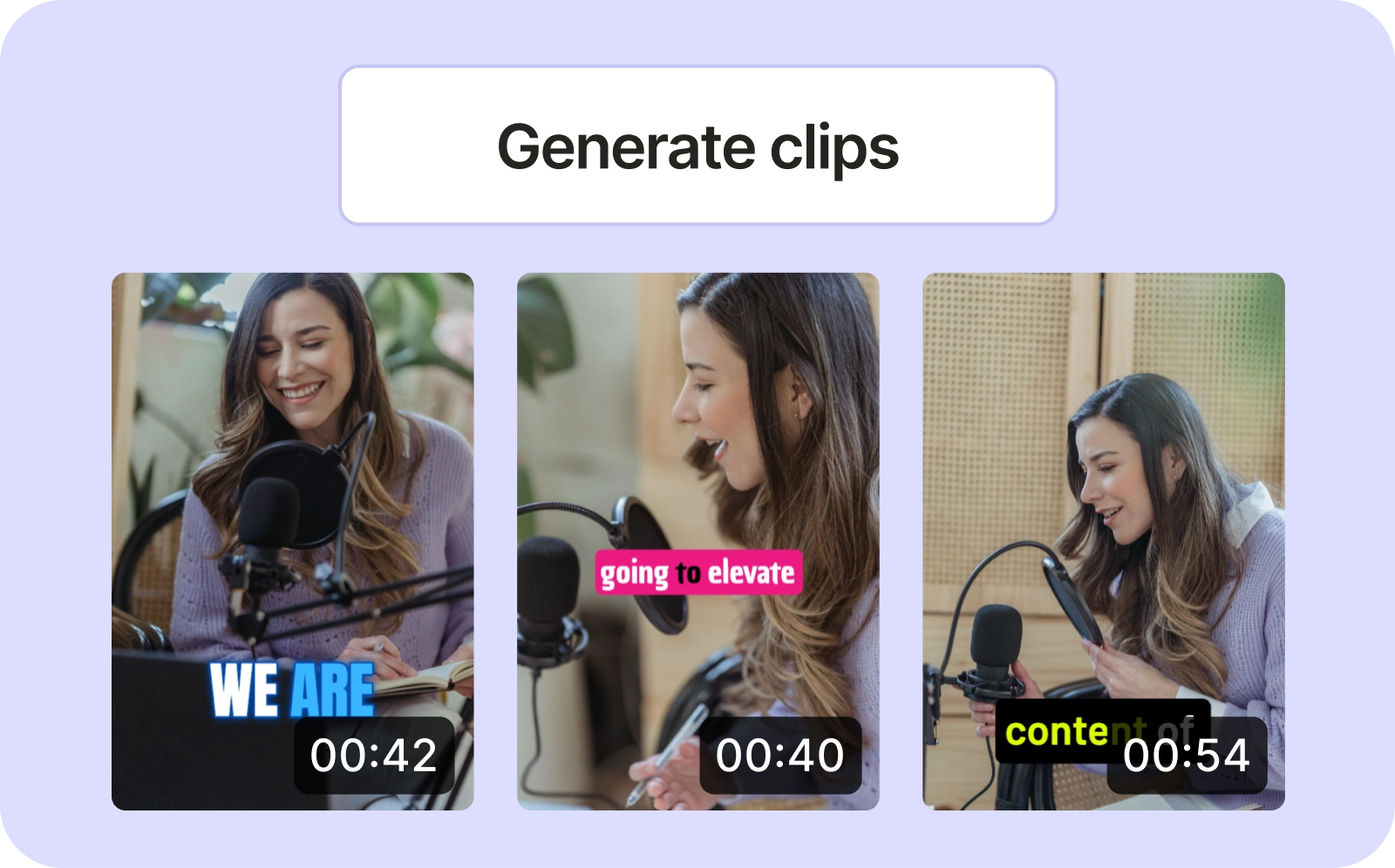
quso.ai Research
The Short Form Video Performance Report
We measured 508,000 posts from 1,900 creators across 80 countries to separate what actually changes reach from what only sounds like it does.
Trusted by 4 million creators
Get Free Credits 🎁No credit card required