Turn Sunday Sermons Into Viral Shorts in Minutes
AI-powered sermon clip generator that creates platform-ready vertical videos with captions automatically
Start FreeWhy Churches Choose quso.ai for Sermon Clips
Save 120+ Hours Monthly
Stop scrubbing through hour-long sermons manually. Our AI identifies the most impactful moments and creates share-ready clips while you focus on ministry.
One Tool, Not Five
Replace expensive subscriptions to separate clipping, captioning, and scheduling tools. Get everything churches need for sermon repurposing in one affordable platform.
Built for Every Platform
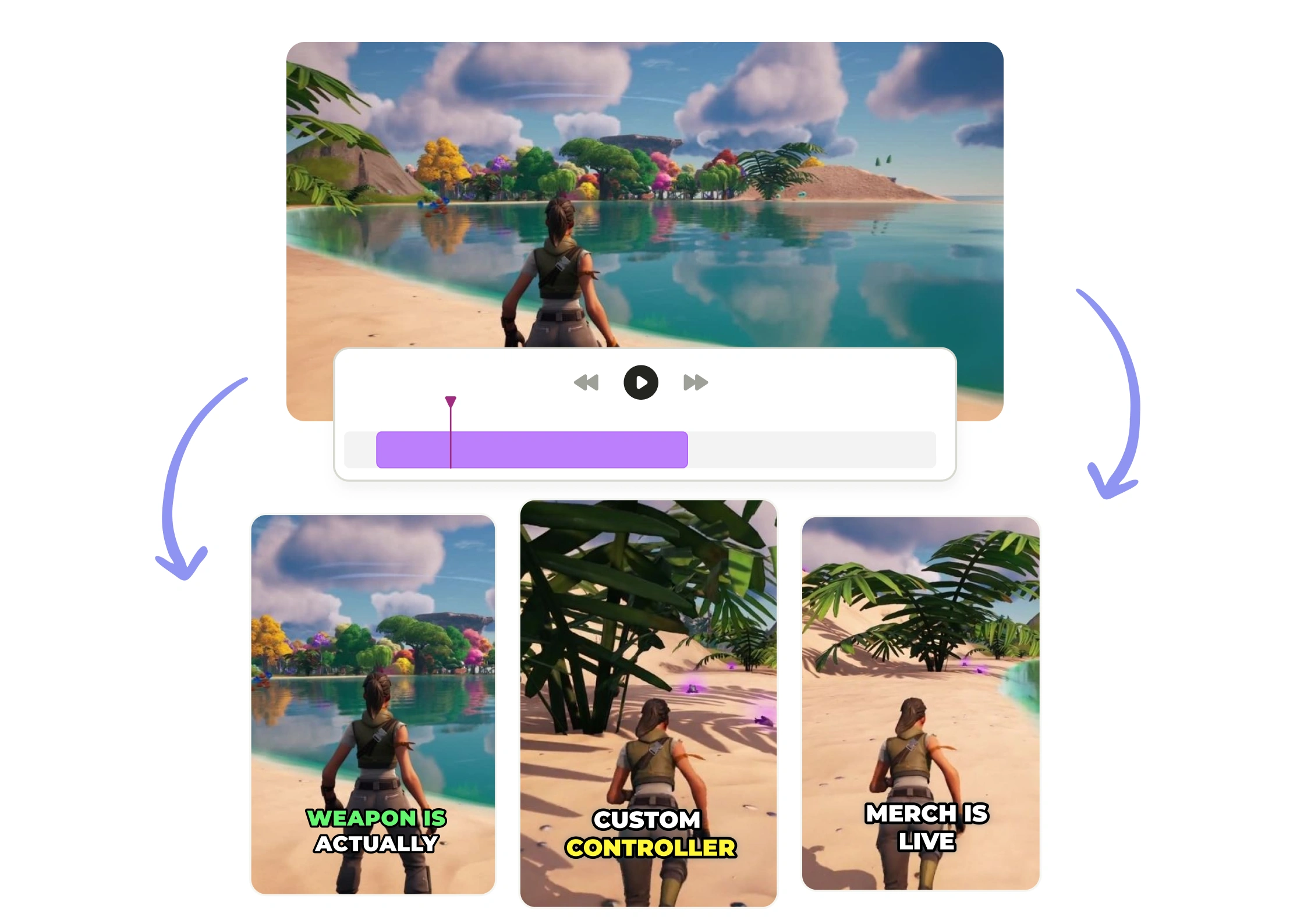
Export clips optimized for Instagram Reels, TikTok, YouTube Shorts, and Facebook simultaneously. No reformatting or resizing required—just download and post.
Intelliclips AI Detection
Our sermon-trained AI understands spiritual content context. It automatically identifies powerful quotes, emotional moments, and complete thoughts—not random soundbites that lose meaning.
Brand Kit Integration
Upload your church logo, colors, and fonts once. Every sermon clip automatically matches your visual identity, creating professional consistency across all social platforms without manual editing.
Multi-Platform Scheduling
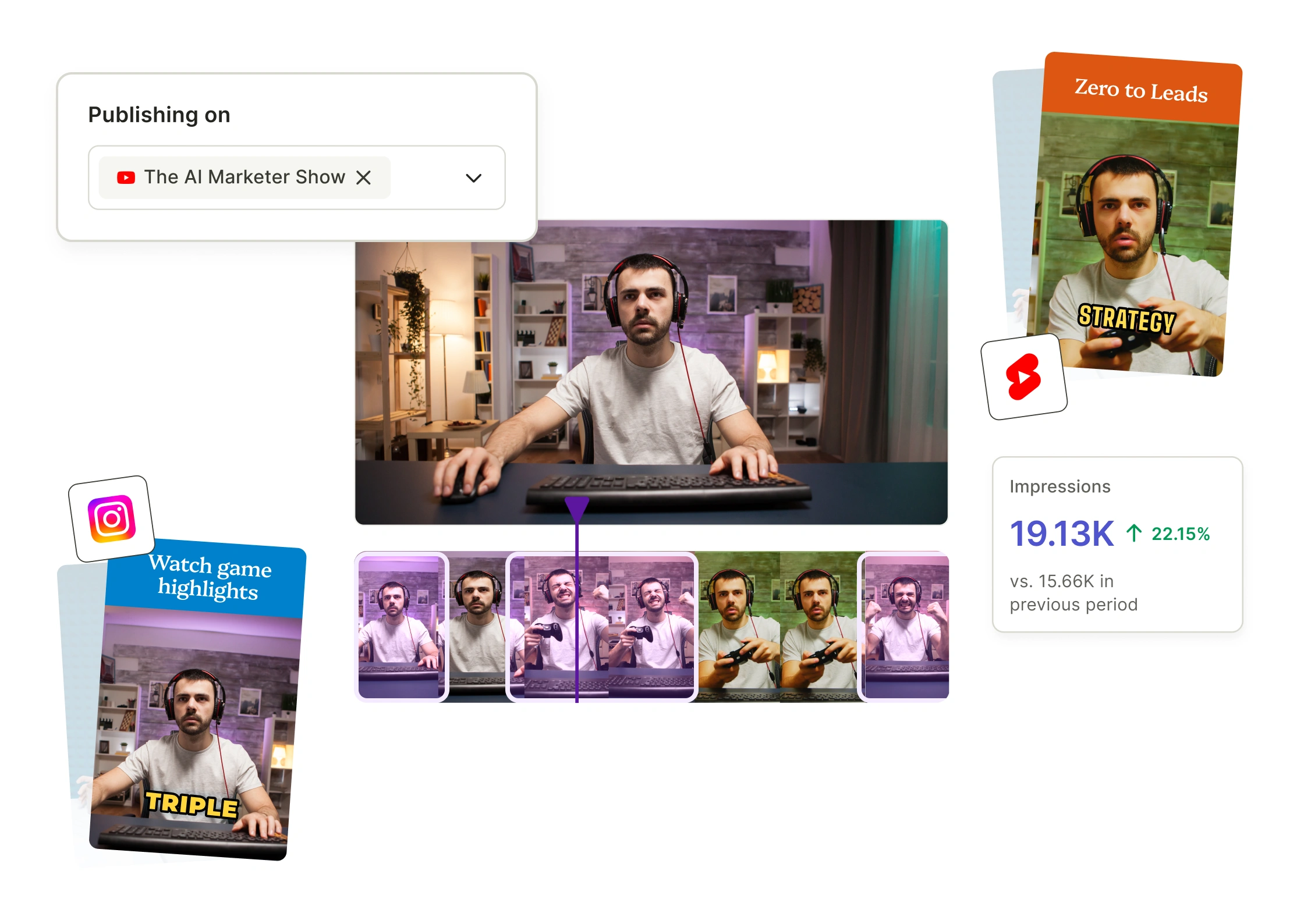
Schedule your week's sermon clips in one session. Post automatically to seven platforms at optimal times, keeping your message alive all week without daily social media management.
Create Sermon Shorts in 4 Steps
From Sunday Service to Social Media in Minutes
- Upload Your Sermon
Paste your YouTube link or upload your service recording directly. We support all major video formats up to 2 hours long. - Let AI Find the Gold
Our Intelliclips technology scans your entire sermon, identifying 10-15 shareable moments based on emotional impact, quotable content, and complete thought structure. - Customize Your Clips
Review AI suggestions, adjust timing if needed, and apply your church's Brand Kit. Add animated captions, background music, and hook text with one click. - Schedule and Share
Export clips in vertical format for all platforms or schedule directly to Instagram, TikTok, YouTube, and Facebook. Keep your congregation engaged all week long.
Frequently Asked Questions
How does the Sermon Shorts Generator identify the best moments from my sermons?+
Our AI analyzes your full sermon for emotional peaks, powerful quotes, and engaging storytelling moments that resonate on social media. It automatically detects applause, vocal emphasis, and compelling theological points that make viewers stop scrolling and engage with your message.
Do I need video editing experience to create sermon shorts?+
Not at all—the Sermon Shorts Generator handles everything automatically, from clip selection to adding captions and formatting for each platform. Simply upload your sermon recording, and you'll have share-ready clips in minutes without touching editing software.
What social media platforms can I create sermon shorts for?+
The tool automatically formats your sermon clips for YouTube Shorts, Instagram Reels, TikTok, Facebook, and LinkedIn. Each clip is optimized with the correct aspect ratio, duration, and caption styling for maximum engagement on every platform.
How long does it take to generate sermon shorts from a full-length message?+
Most sermons are processed within minutes, delivering multiple ready-to-post clips from a single upload. You can go from Sunday's message to a week's worth of social content before your congregation even leaves the parking lot.
Will the AI preserve the context and meaning of my sermon message?+
Absolutely—our AI is trained to identify complete thoughts and maintain theological integrity in every clip it creates. You'll always have final approval before posting, ensuring your message reaches new audiences exactly as you intended it.
Turn Sunday Sermons Into Viral Shorts in Minutes
Start Free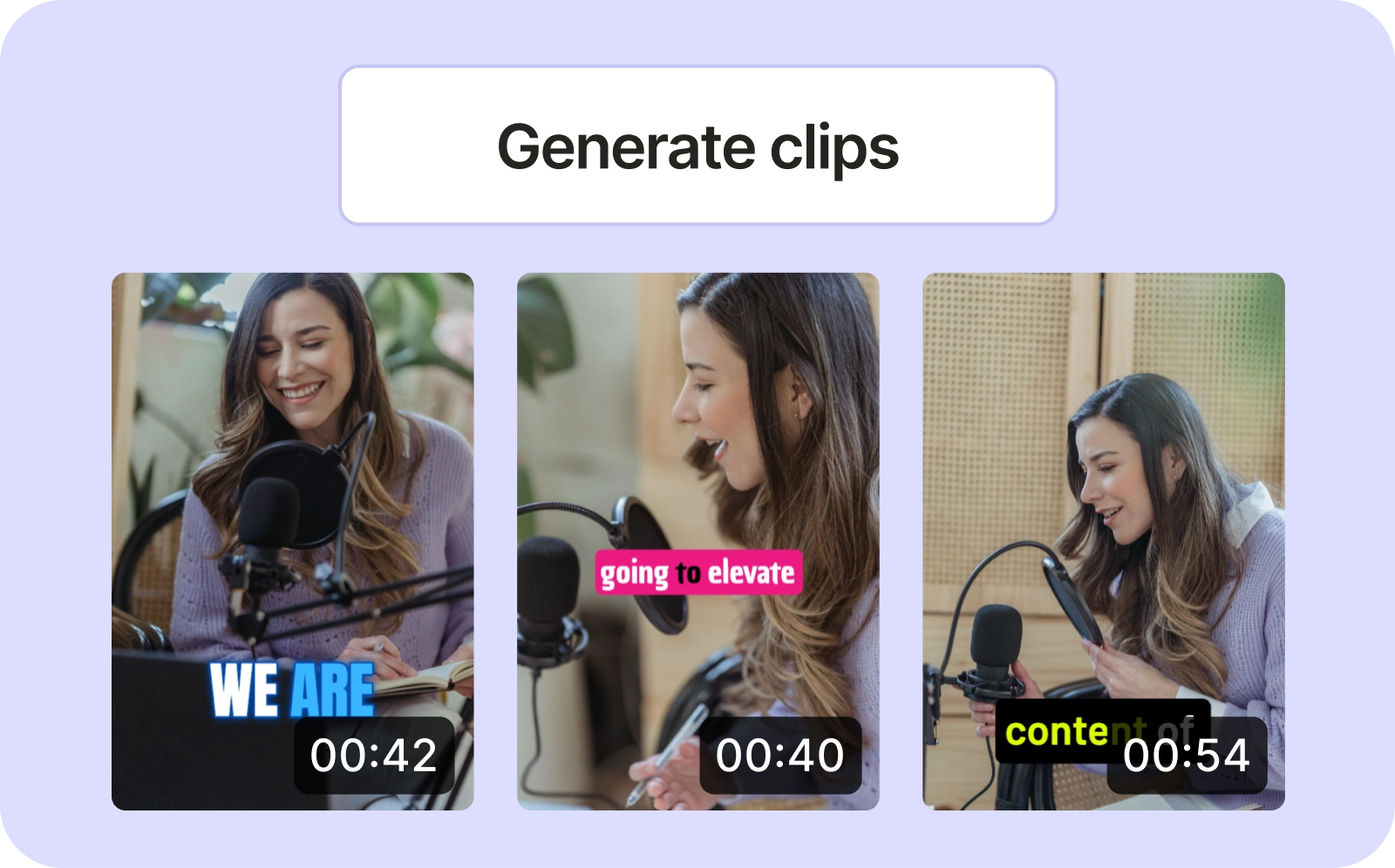
quso.ai Research
The Short Form Video Performance Report
We measured 508,000 posts from 1,900 creators across 80 countries to separate what actually changes reach from what only sounds like it does.
Trusted by 4 million creators
Get Free Credits 🎁No credit card required