Add Progress Bars to Your Videos Instantly
Capture your audience's attention with seamless progress bars on your videos. quso.ai lets you effortlessly add custom progress bars to Instagram, YouTube, Facebook, Twitter, LinkedIn, and TikTok videos. No coding or software downloads required—just upload your video and apply a progress bar with a single click. Boost viewer engagement and ensure your audience watches till the end with our video progress bar generator.
Generate progress bar videoTrusted by 500K+ Users

Why use quso.ai to add a progress bar to a video?

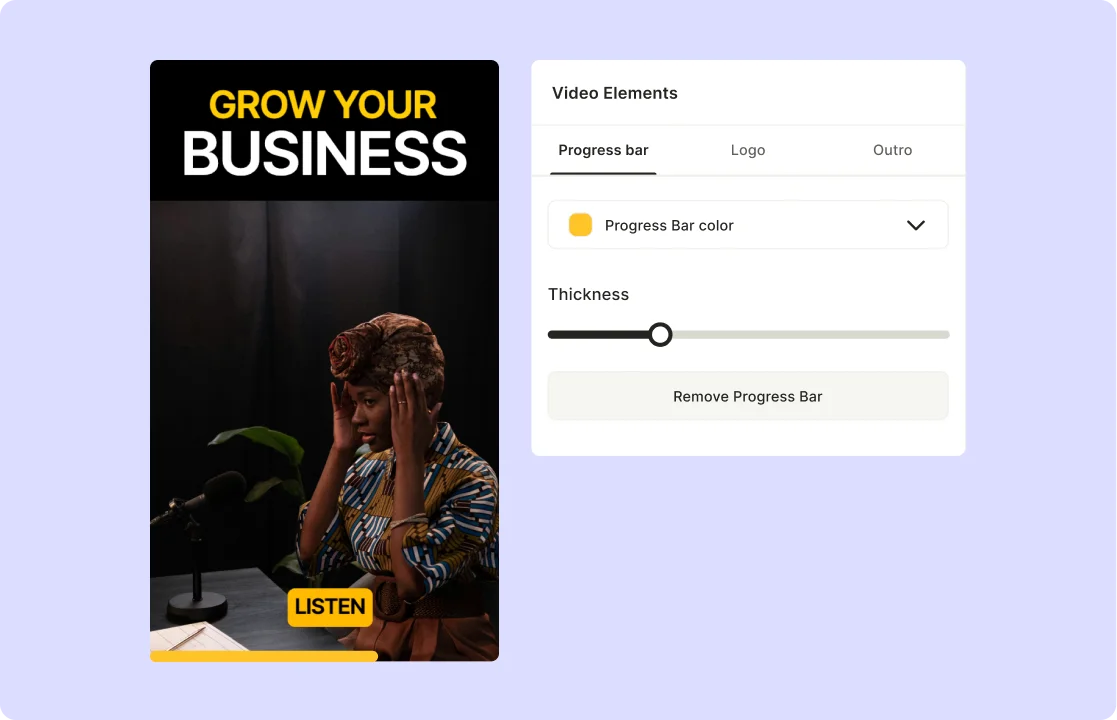
Customize the progress bar
Elevate your videos with a touch of uniqueness by customizing your progress bar. Choose from a variety of stylish options, adjusting the color, thickness, and position to perfectly complement your content style. quso.ai offers a flexible approach to ensure your progress bar enhances your video's visual appeal.

Keep your audience engaged
Capture your audience's attention with a modern twist. Show the duration of your video using an opacity-adjusted progress bar, a feature specifically designed for videos on social media platforms. This tool helps maintain viewer interest and encourages them to watch till the end, boosting overall engagement.

Preview the video progress bar
Before finalizing your video, use quso.ai's preview feature to ensure your progress bar effectively enhances your content. This tool allows you to see exactly how the progress bar will look within the context of your video, ensuring a polished and professional appearance every time.
Stand out on social media
quso.ai's video progress bar generator empowers you to create compelling and engaging videos that grab attention on platforms like Facebook, Instagram, LinkedIn, TikTok, Twitter, and YouTube Shorts. Customize your progress bar with ease, adjusting its color, height, and position to seamlessly align with your brand and style. Stand out on social media with visually appealing and professional-looking videos.
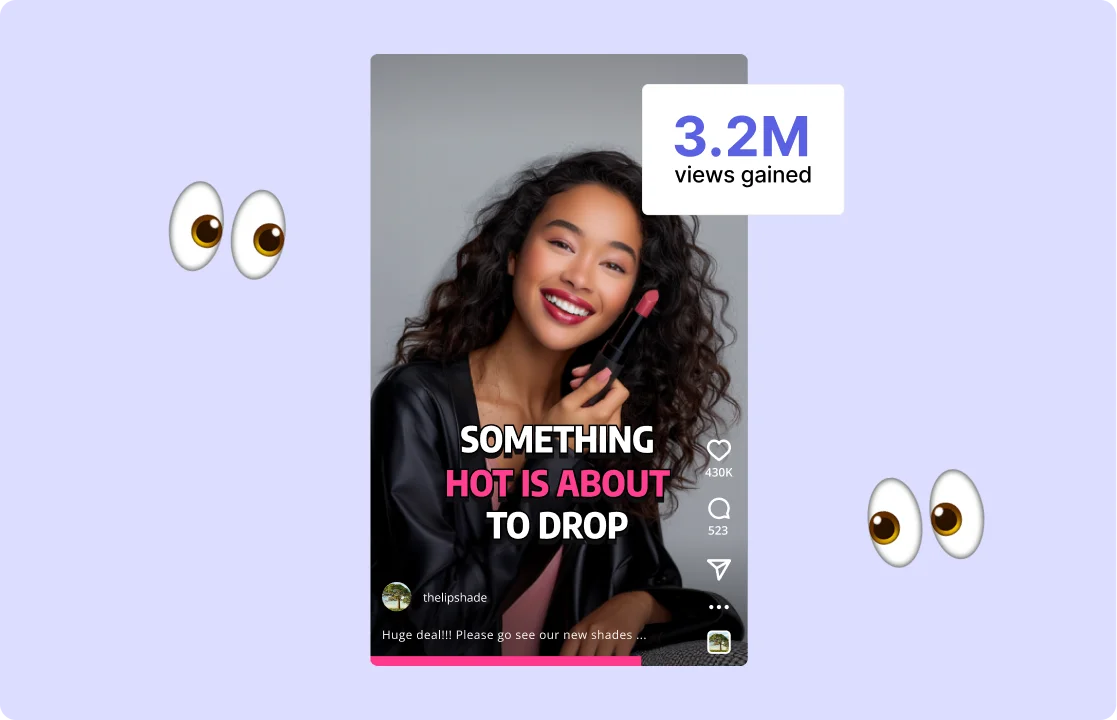
Increase viewer engagement
Boost viewer engagement by encouraging your audience to watch your videos from start to finish. quso.ai's progress bar maker simplifies the process, allowing you to effortlessly add a progress bar to any video. This tool is particularly effective for short social media clips, ensuring your content is eye-catching and keeps viewers hooked.
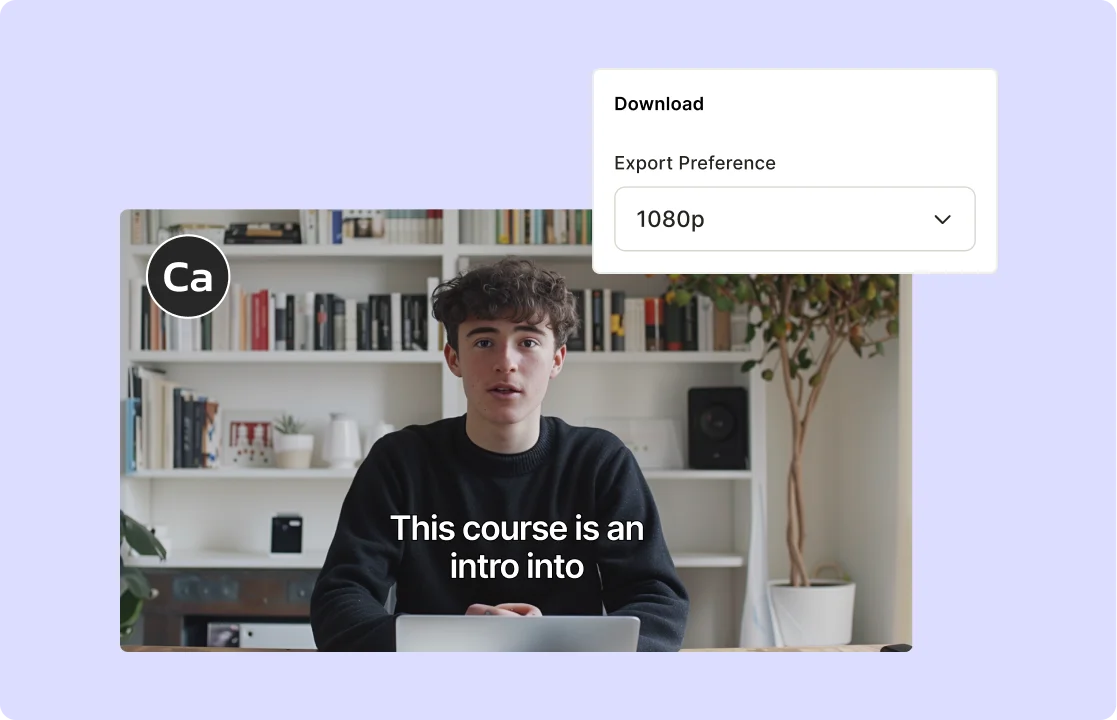
Add to any video
No matter the resolution, format, or size of your video, quso.ai's progress bar generator seamlessly integrates with your content creation workflow. Enhance your videos with a progress bar that not only looks great but also improves the viewing experience for your audience. quso.ai ensures that your progress bar fits perfectly with your content, providing a professional and polished finish.
How to Add a Progress Bar to Your Video Using AI
- Upload Your Video
Drag & drop any MP4, MOV, MKV file or paste a YouTube link to quso.ai to load your clip instantly.
- Customize Your Progress Bar
Choose your bar’s color, thickness, and position.
- Preview & Adjust
Watch a real‑time preview of the AI‑generated progress bar overlaid on your video and tweak placement until it’s perfect.
- Export or Share
Render your video with the embedded progress bar as an MP4 or publish directly to social platforms—no extra editing tools needed.
Frequently Asked Questions
How do I add a progress bar to my videos?+
What styles of progress bar can I add?+
How do I customize the progress bar on my video?+
Does quso.ai support adding progress bars to videos for different social media platforms?+
Can I preview the progress bar before finalizing my video?+
Add Progress Bars to Your Videos Instantly
Generate progress bar video
quso.ai Research
The Short Form Video Performance Report
We measured 508,000 posts from 1,900 creators across 80 countries to separate what actually changes reach from what only sounds like it does.