Easily Add Images to Videos
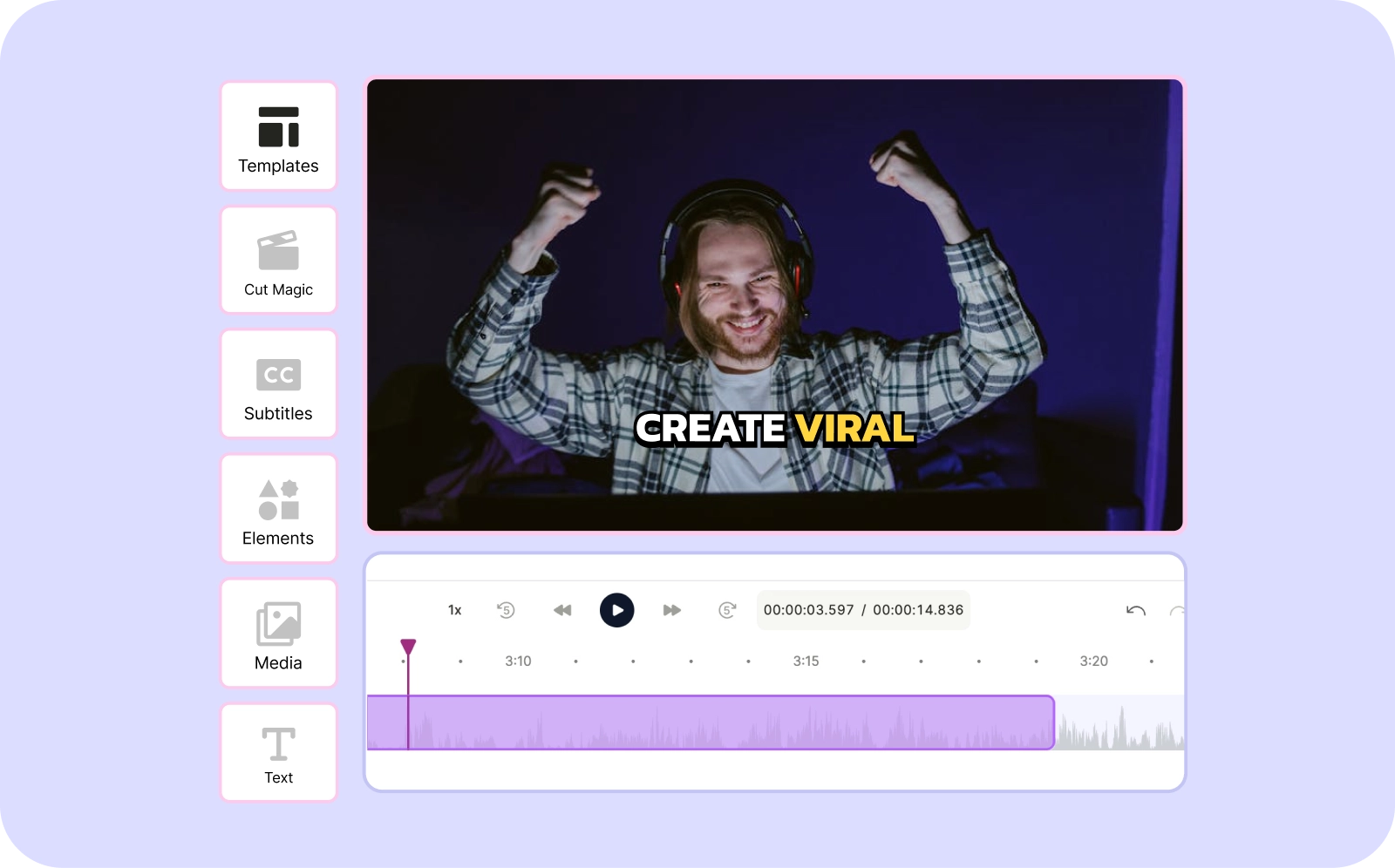
With quso.ai, you can effortlessly overlay images on your videos to create engaging and professional content. Whether you want to add logos, photos, or other images, our online tool makes the process simple and free.
Add Images to Videos For FREETrusted by 500K+ Users
Why use quso.ai for adding images to videos?

No Watermark Distractions
Enjoy clear, unobstructed visuals with quso.ai, which allows you to add images to your videos without any watermarks. Ensure your final product looks clean and professional. Our intuitive, drag-and-drop interface makes it effortless to add and position images within your video, saving you time and simplifying the editing process.

Extensive Customization Options
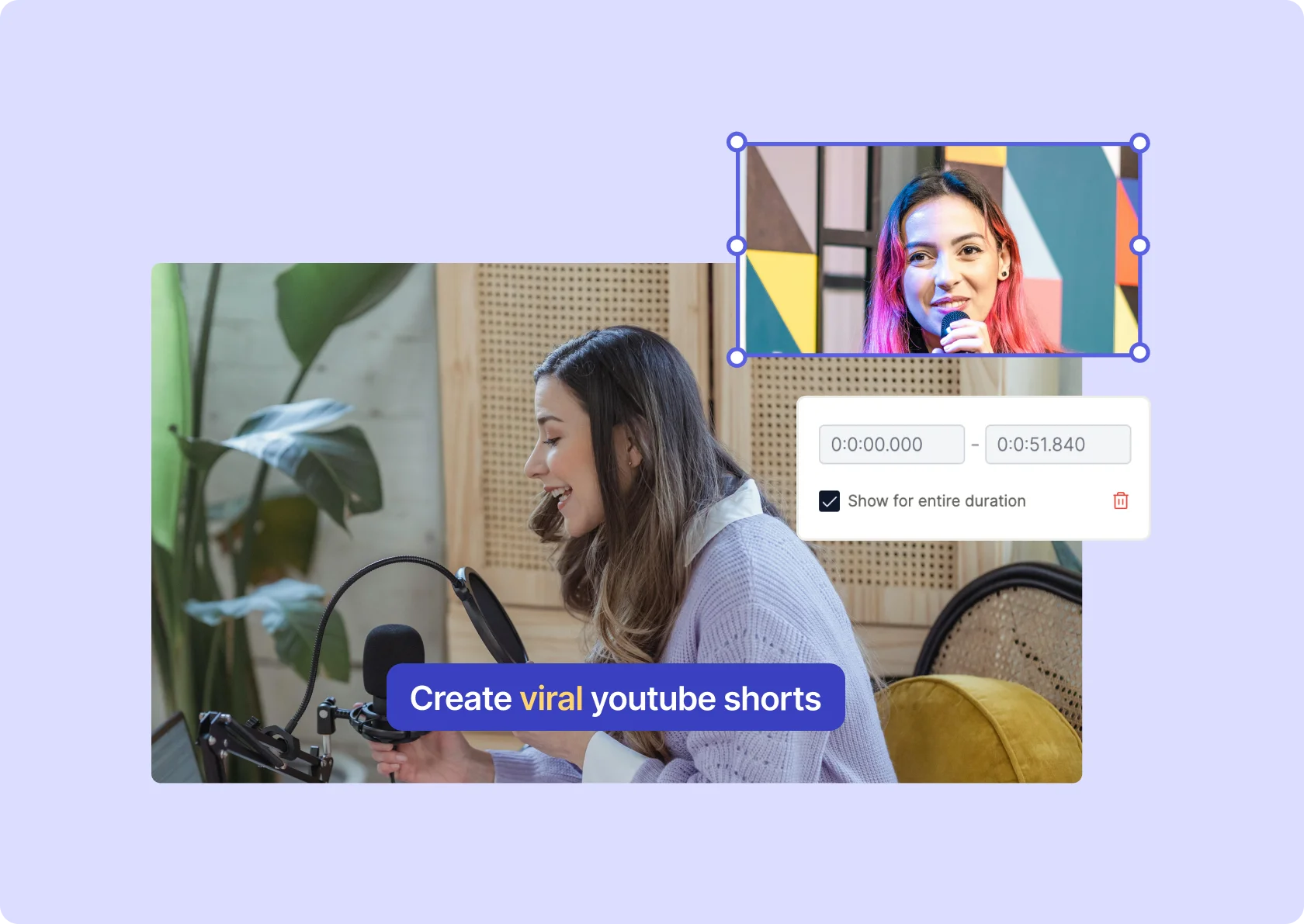
Tailor your images to perfectly fit your video's style and needs. With quso.ai, you can adjust the size, opacity, and rotation of each image, ensuring they complement rather than overwhelm your video content. This flexibility allows for a polished and cohesive final product.

Add Images to Videos Anywhere
Precisely control when and where your images appear in your video, and determine their duration on screen. Each uploaded image is assigned its own layer on the timeline, allowing for easy placement within the video frame. Whether you want the image in the center, corners, top, or bottom, quso.ai, lets you rotate, crop, and resize your photos to fit your exact needs.
No Quality Loss
Ensure your videos retain their original quality when you add images with quso.ai. Our tool preserves the high-definition 1080p clarity and detail of your content, ensuring your visuals always look sharp and professional.
Add Any Image Format
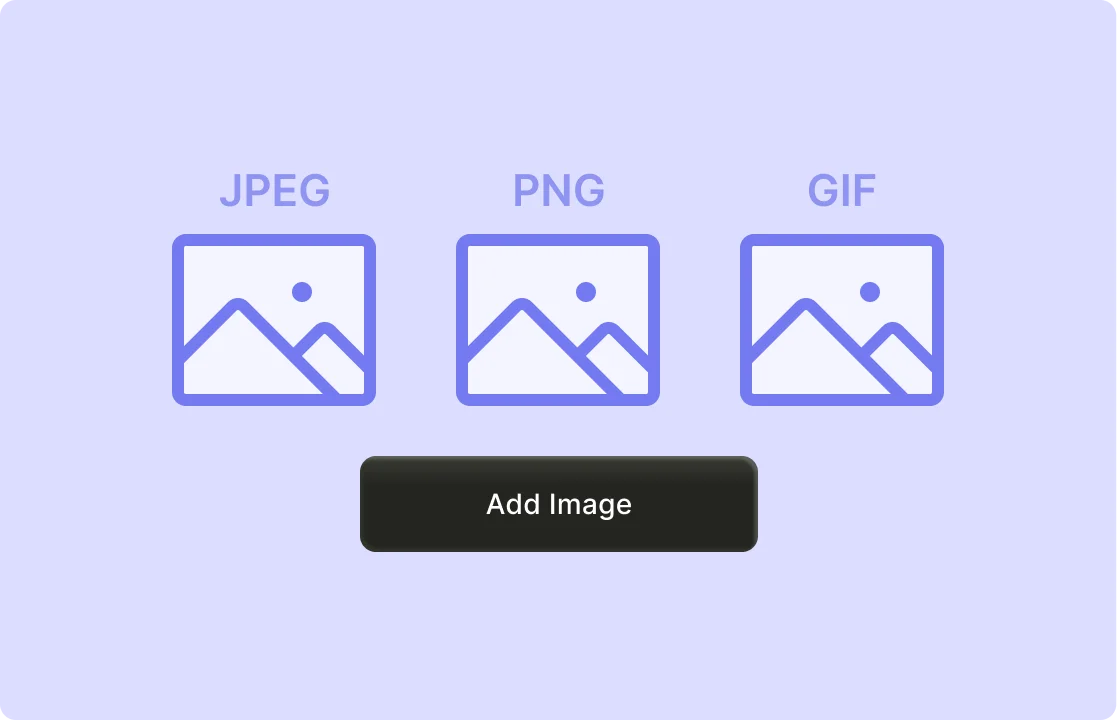
With quso.ai, you can upload images in any format, including JPEG, PNG, GIF, and more. This flexibility allows you to use your preferred image types without worrying about compatibility issues, making your editing process smooth and hassle-free.
Add a Wide Range of Elements
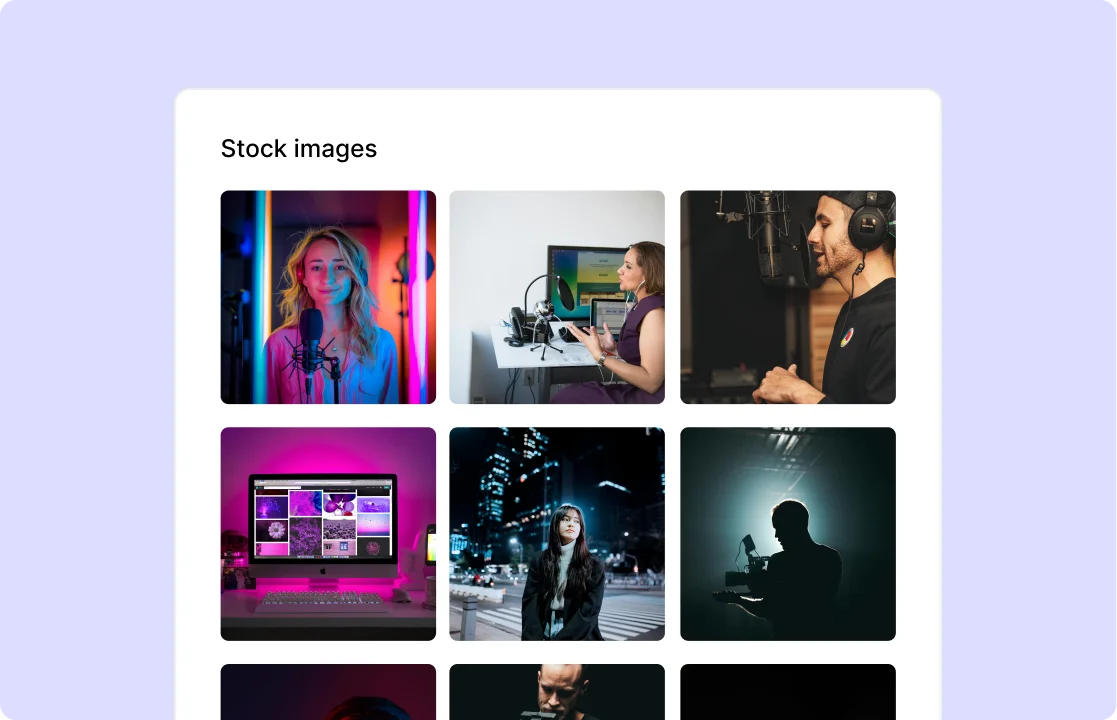
Enhance your videos with high-quality, free stock images from Pexels directly within quso.ai. Access a vast library of professionally curated photos to find the perfect visuals for your project. Save time and elevate your content without the need for external image sources. Whether you need background images, overlays, or thematic photos, Pexels provides a wide selection to suit your needs.
How to Add Images to Your Videos using AI
- Import Your Video
Drag & drop any MP4, MOV, or MKV file—or paste a YouTube link—to load your video into the quso.ai editor instantly.
- Upload Your Image
Click “Add Image”, then select a PNG/JPG/GIF files.
- Position & Style Your Overlay
Drag the image onto the canvas and resize as needed, and set in/out timestamps.
- Export or Share
Render your video with the embedded images. Or publish directly to social platforms or save for later—all without leaving quso.ai.
Frequently Asked Questions
How do you overlay a picture on a video for free?+
Can I add a logo to my video with quso.ai?+
Is it possible to add images to MP4 videos?+
How do I add an image to a video without a watermark?+
Can I edit and overlay images on videos online?+
Easily Add Images to Videos
Add Images to Videos For FREE
quso.ai Research
The Short Form Video Performance Report
We measured 508,000 posts from 1,900 creators across 80 countries to separate what actually changes reach from what only sounds like it does.