What Is Alt Text?
Alt text ( alternative text ) is a concise textual description of an image, graphic, or other visual content embedded in a webpage or social media post. Its primary function is to provide a text-based
More about Alt Text:
Alt text plays several crucial roles in enhancing the overall user experience and optimizing content for search engines. By offering a short description of visual content, alt text helps screen readers accurately convey what is being presented to visually impaired users. This makes the web more inclusive and accessible.
Example: Imagine an e-commerce site selling shoes. An image of red sneakers might have the alt text: "Red sneakers with white laces and rubber soles." This description helps visually impaired users understand the product being displayed.
Let’s see how alt text enhances screen readers access to visual content with an example.
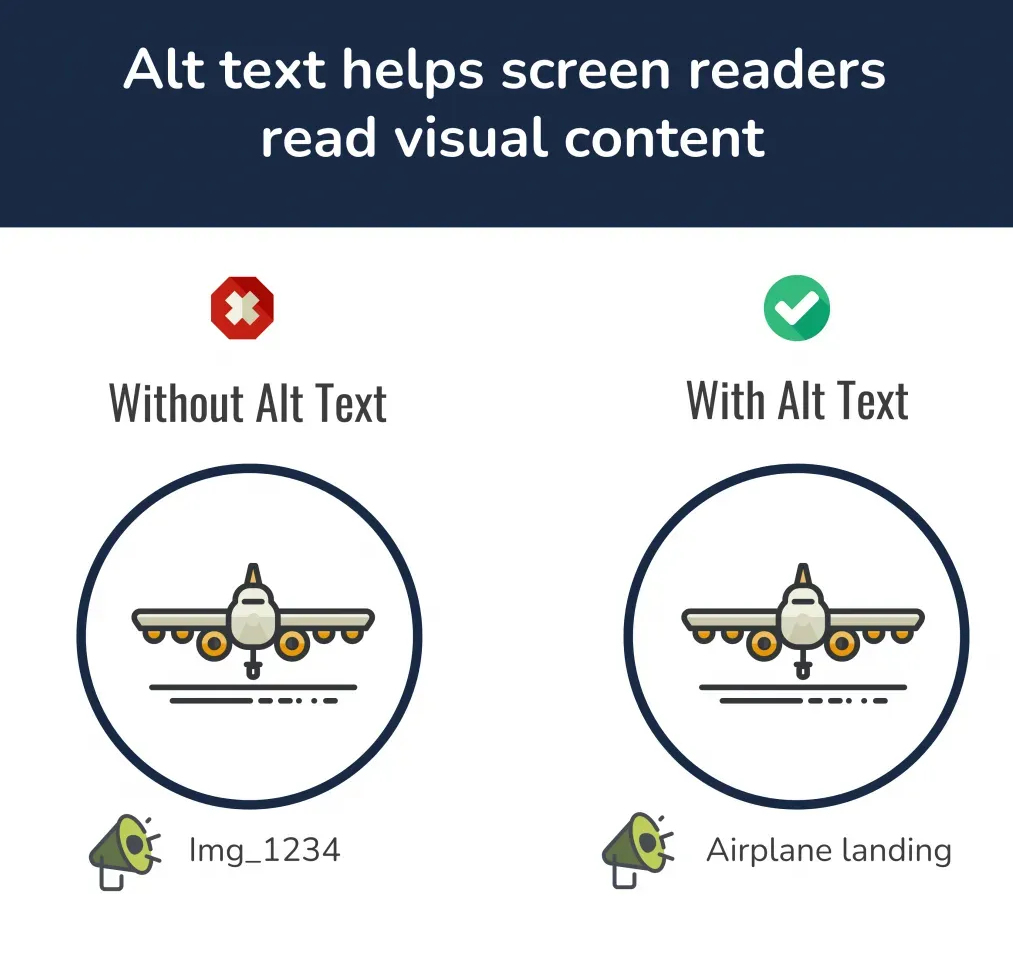
On social media platforms, alt text serves a similar purpose to that on websites. It provides a brief description of an image or graphic, offering context and information about the visual content. When uploading a post, platforms like Instagram and X (previously Twitter) allow users to add alt text manually.
In addition to improving accessibility, alt text can also boost search engine optimization (SEO)and potentially improve the conversion rate. By providing context and additional information about the images on a page, alt text helps search engines better understand the content, potentially improving the page's ranking in search results. And hey, if you’re curious about ways to level up your content creation, check out our blog on AI content generators. It’s packed with tools to make your life easier!
That said, using alt text effectively is key. Instead of cramming it with keywords, aim for descriptive, relevant text that accurately represents the image content. This thoughtful approach benefits both users and search engines.
Example: For a blog post on healthy eating featuring an image of a salad, appropriate alt text might be: "Fresh green salad with cherry tomatoes, cucumbers, and feta cheese."
On social media, adding alt text is straightforward across various platforms. Here’s how you can do it:
- Instagram: When uploading an image, navigate to "Advanced Settings" and select "Write Alt Text."
- X: After uploading an image, click on "Add description" to enter your alt text.
- Facebook: Once you have uploaded a photo, click on "Edit Photo" and then "Alt Text" to add your description.
To ensure your content is accessible and informative, follow these best practices for writing effective and descriptive alt text:
- Be Descriptive: Clearly describe the content and context of the image. Avoid vague terms.
- Keep It Concise: Aim for 1-2 sentences that succinctly convey the essential details.
- Avoid Keyword Stuffing: Focus on natural, relevant descriptions rather than cramming in keywords.
- Highlight Key Information: Emphasize important elements or actions occurring in the image.